How it worksYour photos.
Your photos.
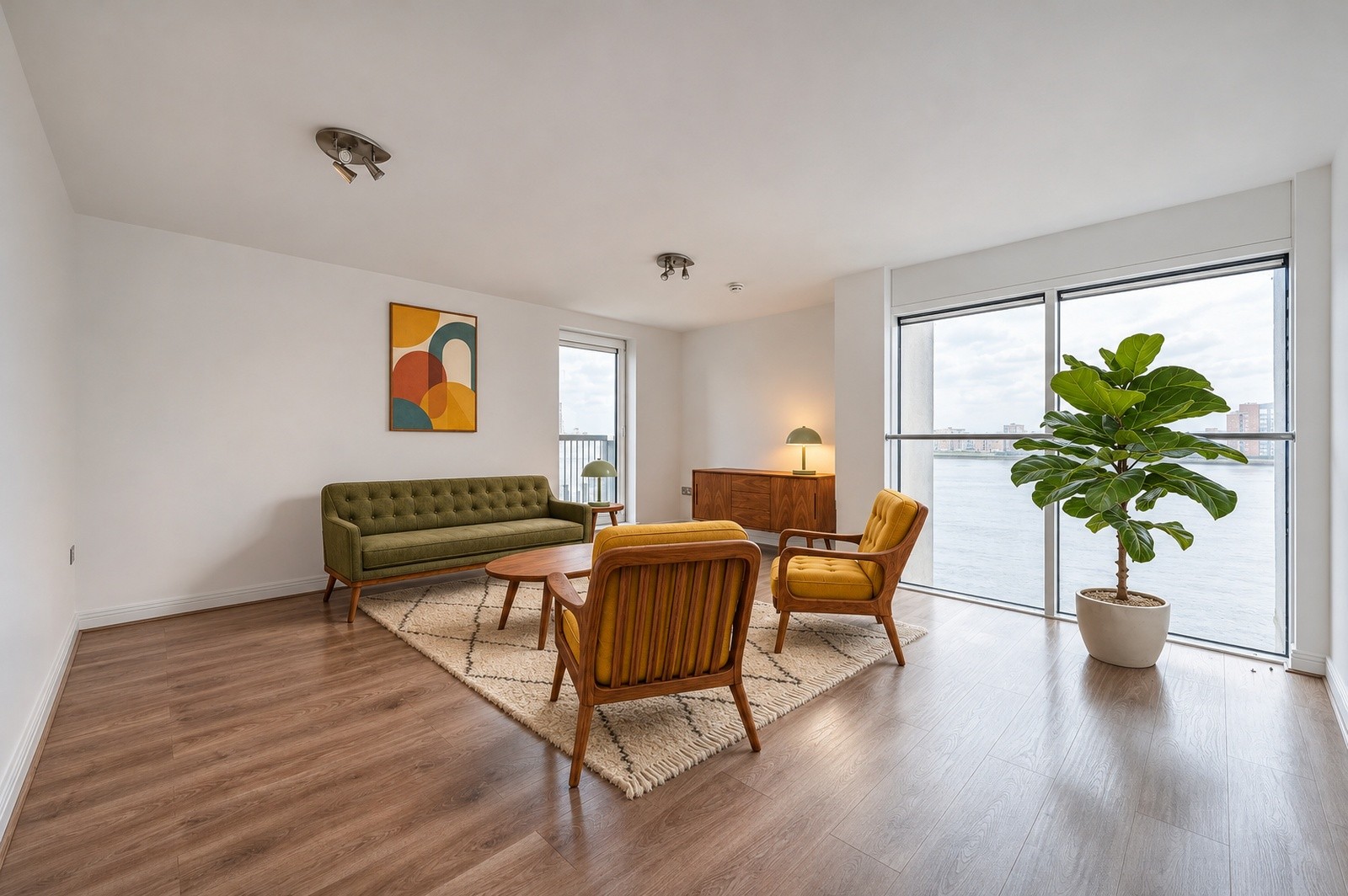
One furnished room.
From upload to a matching set of listing photos, in three simple steps.
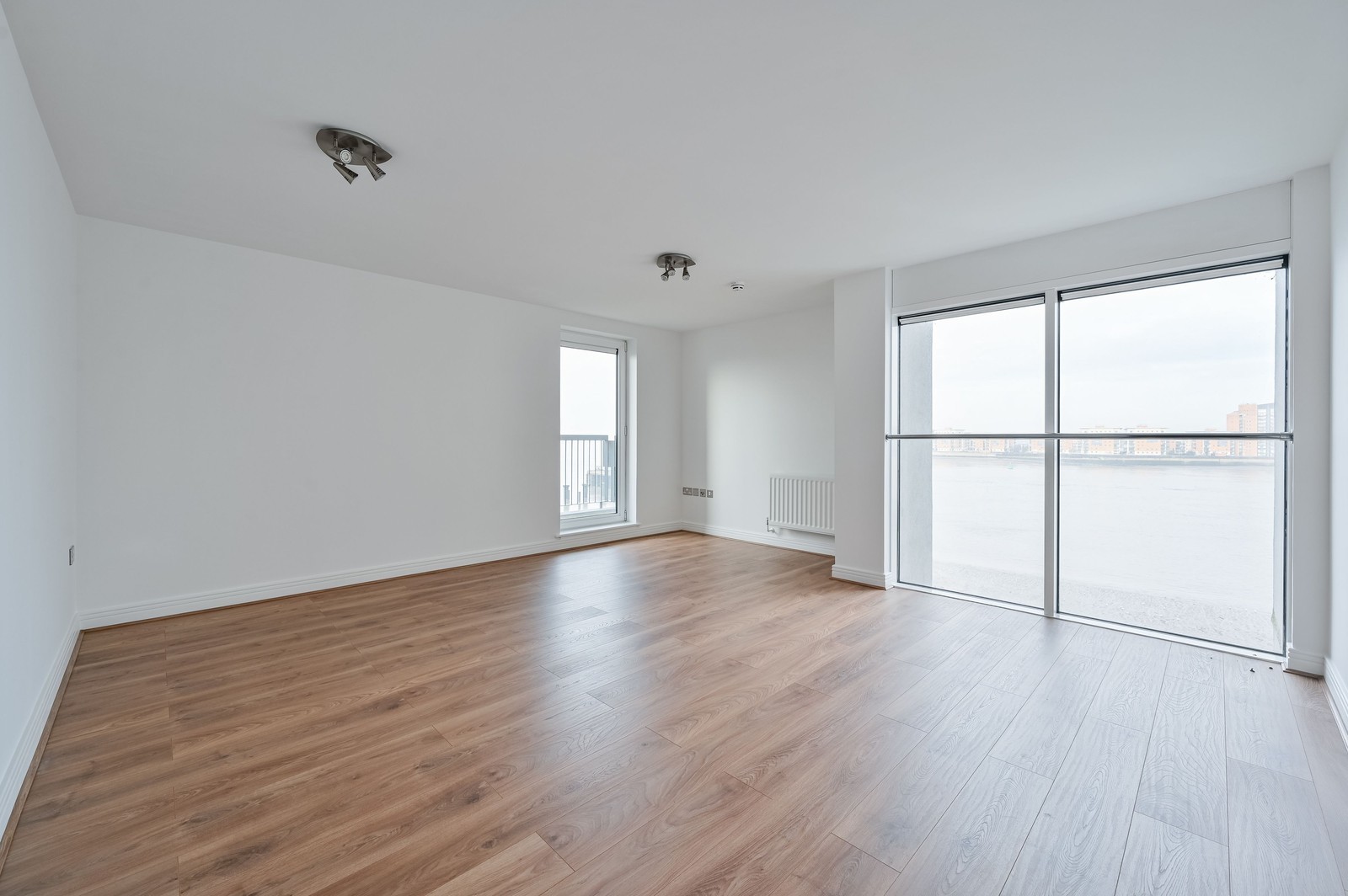
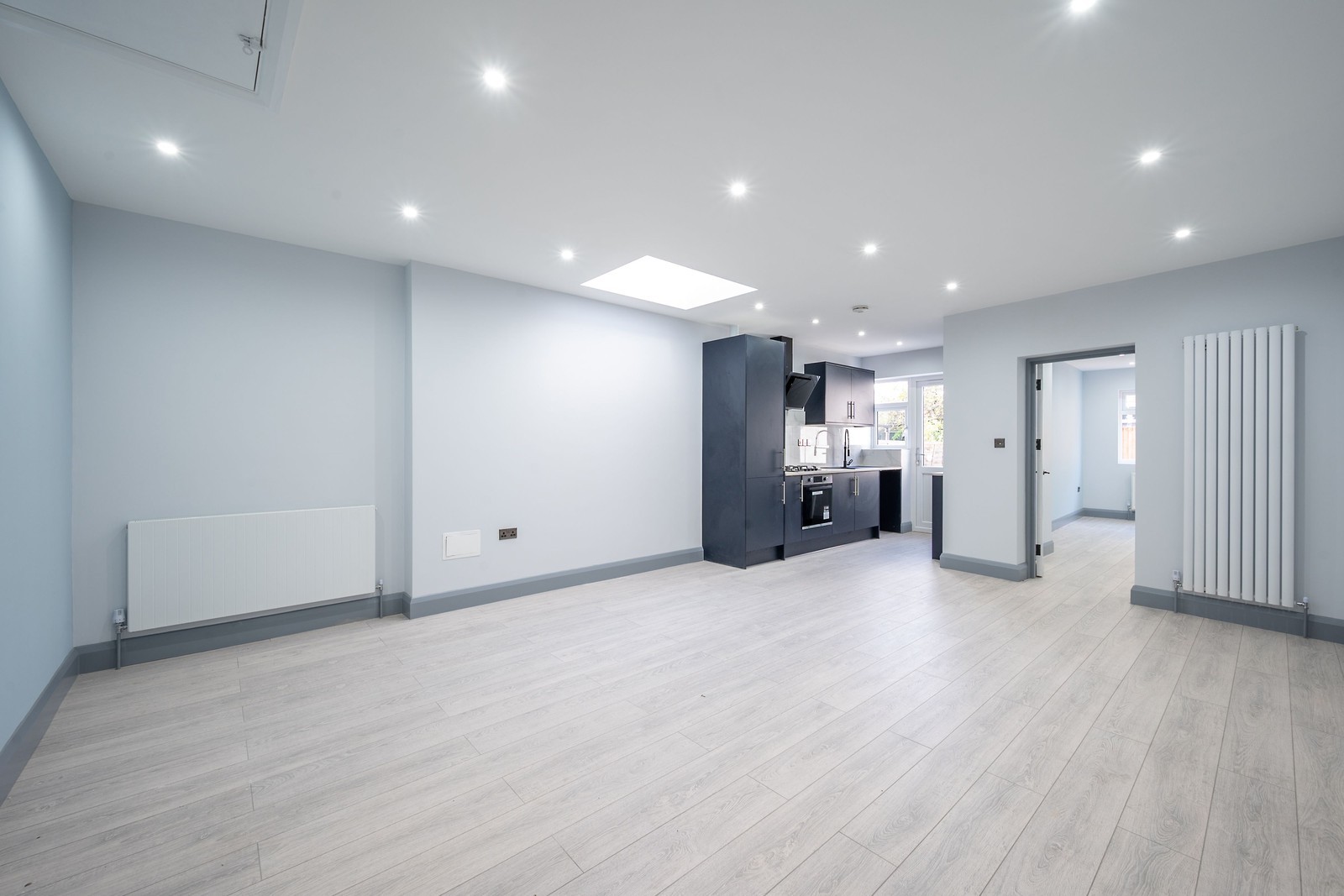
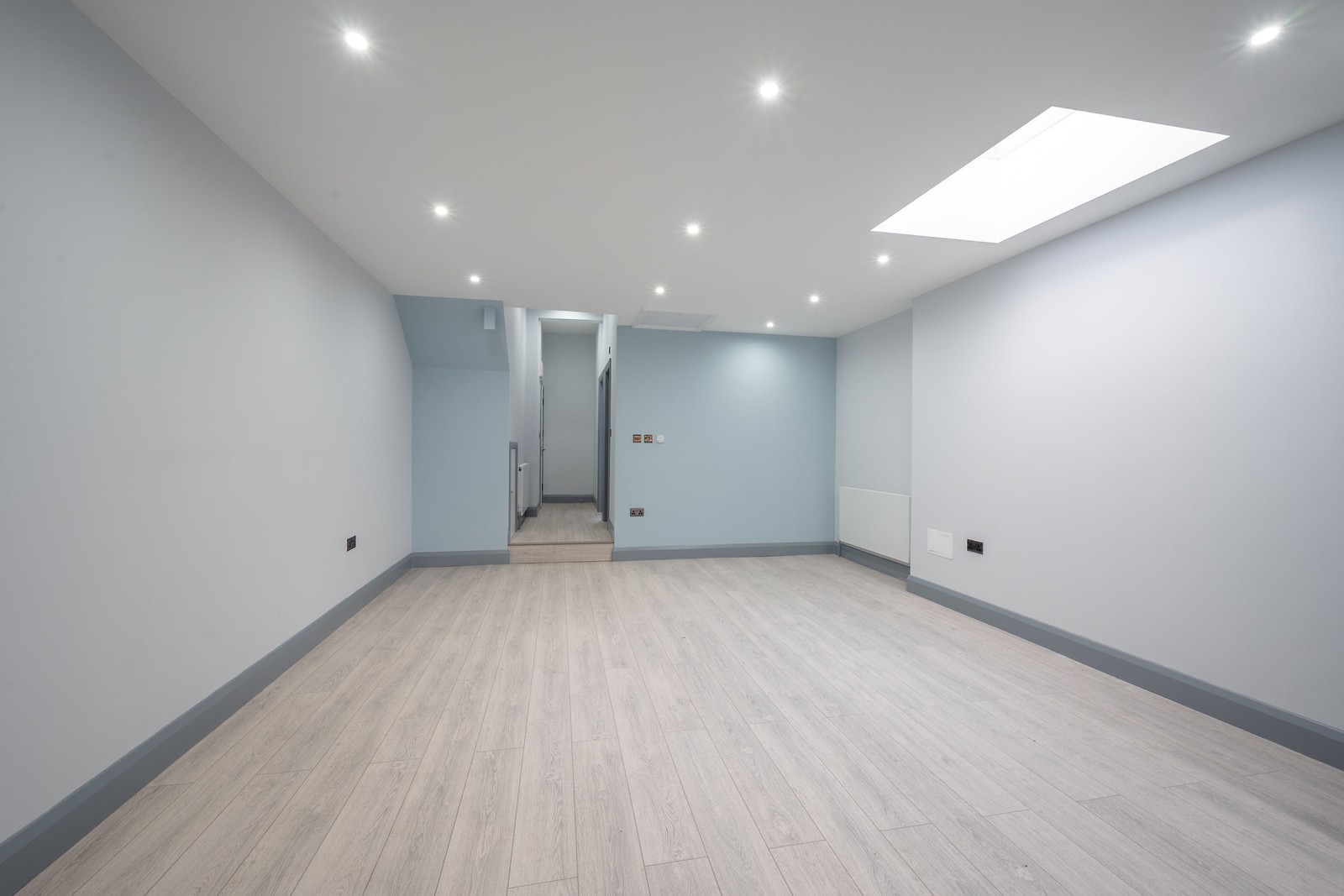
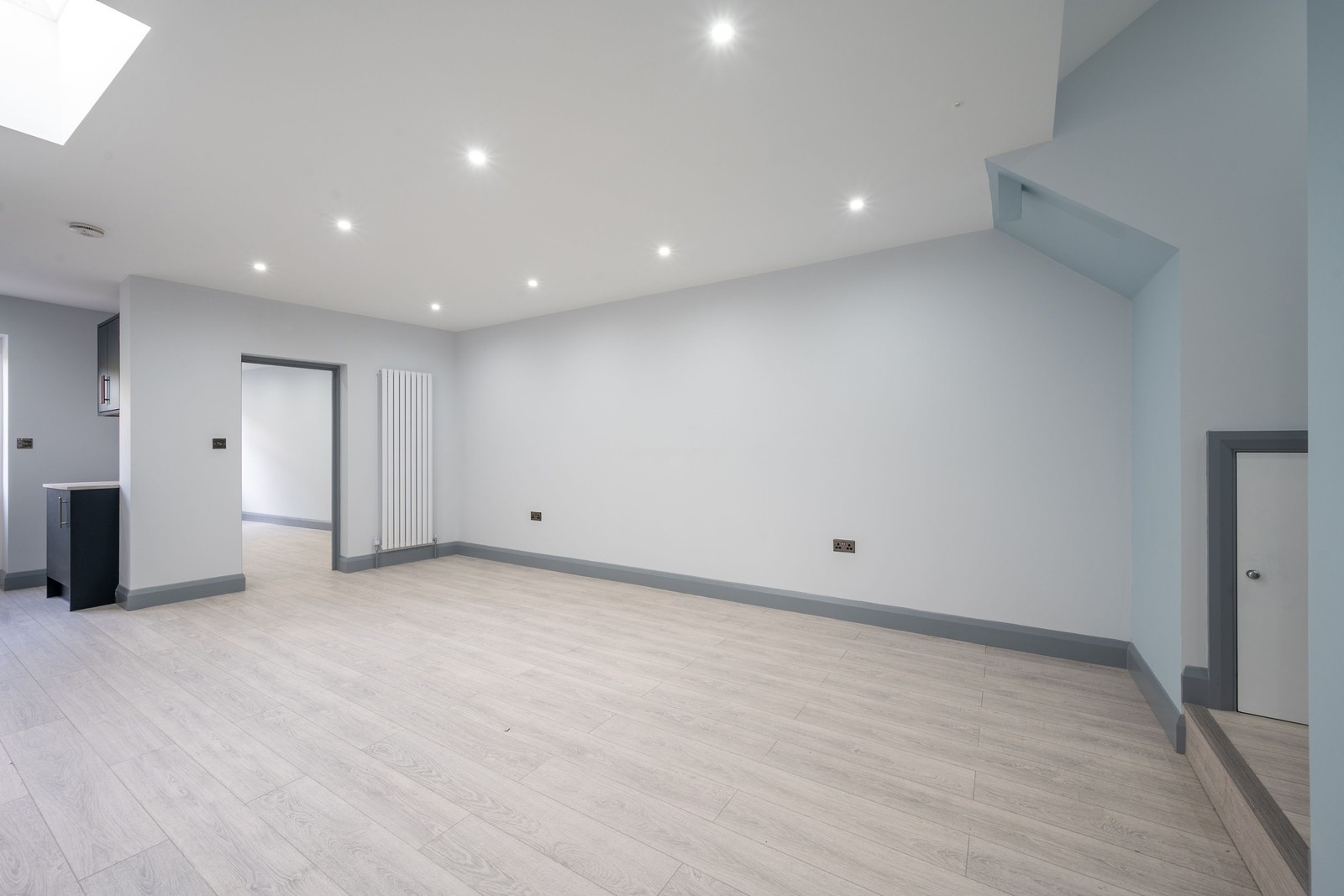
Three photos of one empty room 01Start with your room photos.
Add up to six views of the same room. Use the photos you already have for your listing. Livium AI brings the angles together into one shared space.
- JPEG, PNG or WebP, up to 25 MB each
- Living rooms and bedrooms
- No special camera or scan needed
- No people, identity documents or private papers in shot
- 02
Make the layout yours.
Choose furniture from the catalogue, or start with Furnish for me. Arrange the room in the studio and review the placement before making your photos.
- Choose the pieces and their finishes
- Move and rotate furniture in the studio
- One layout shared by every camera
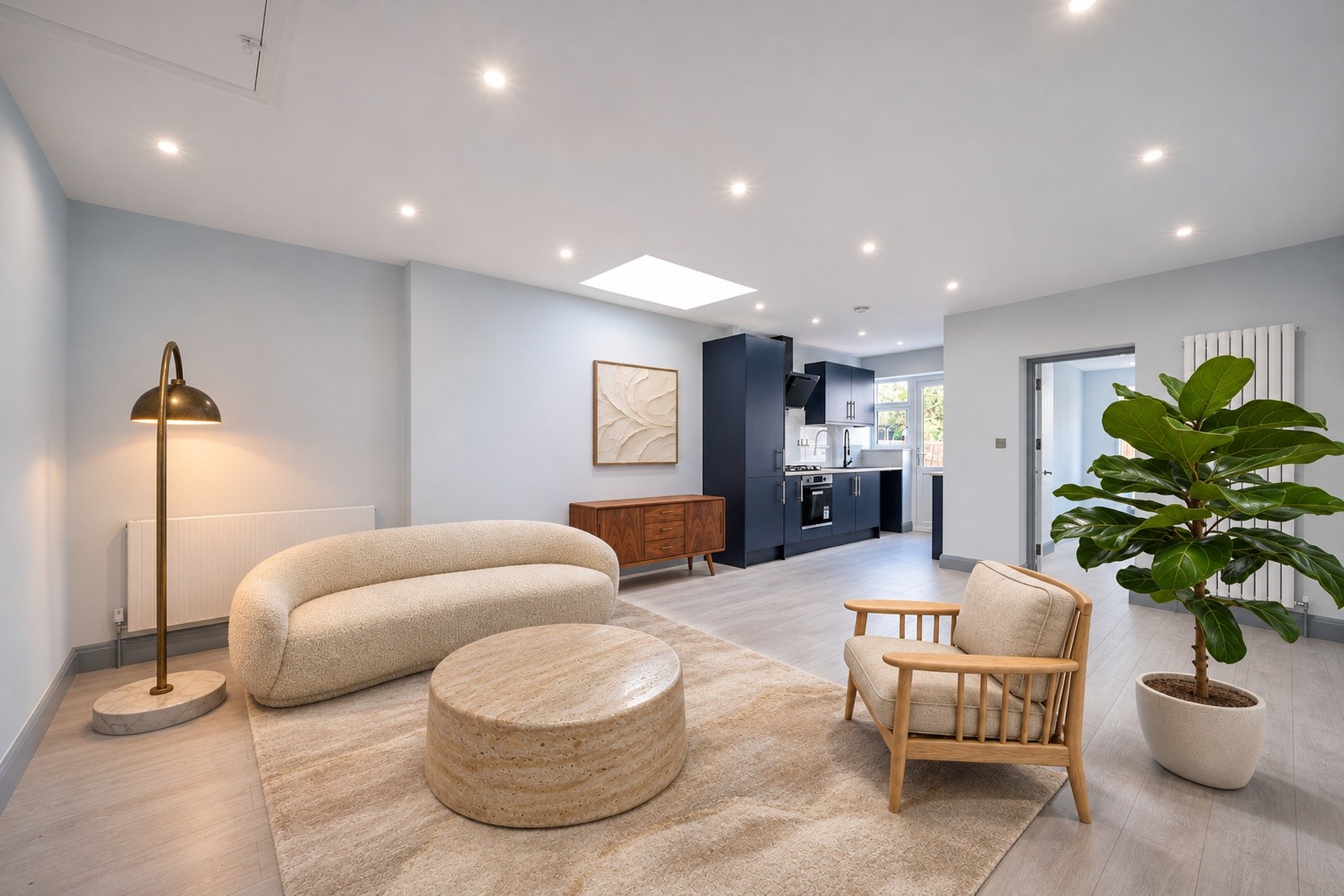
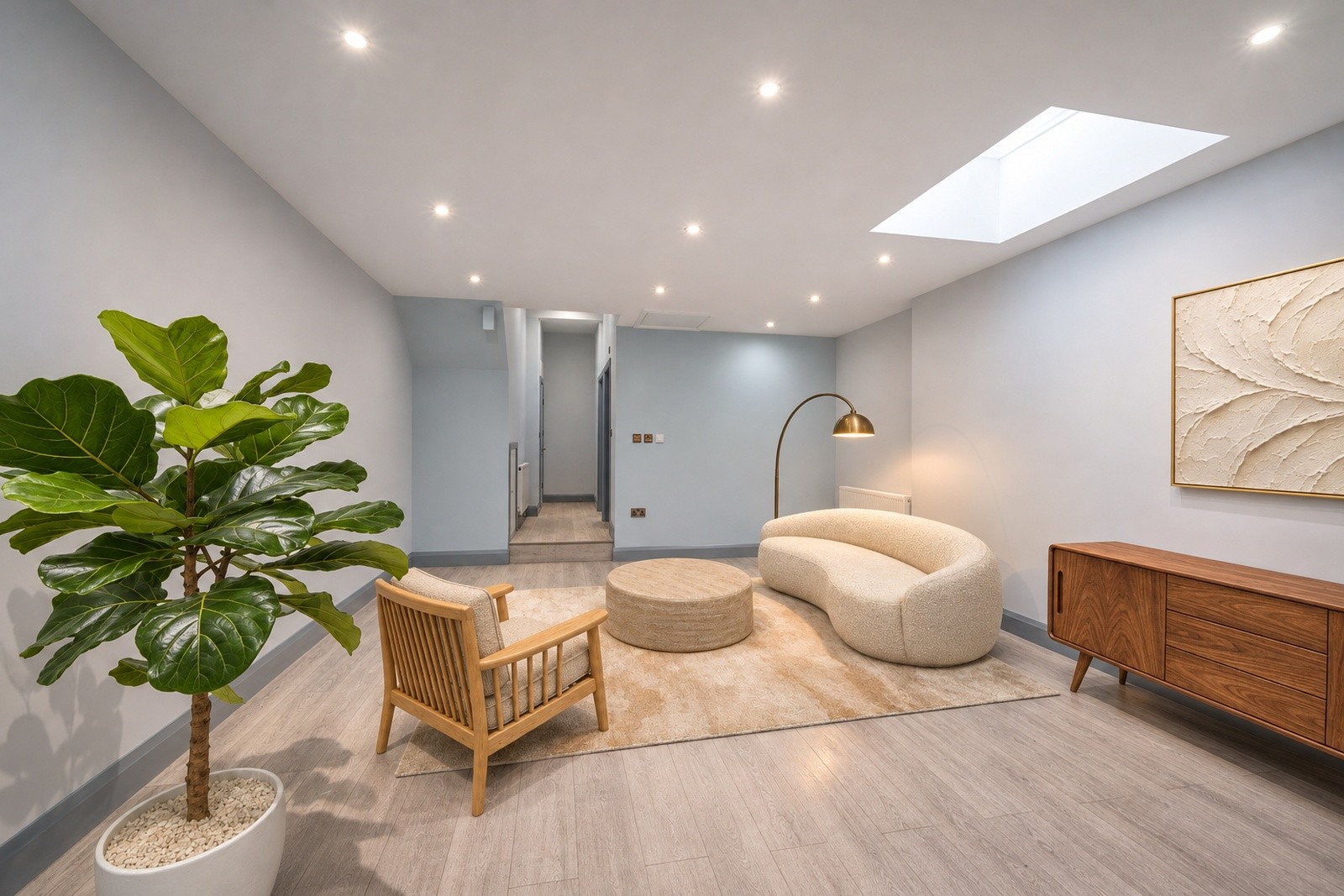
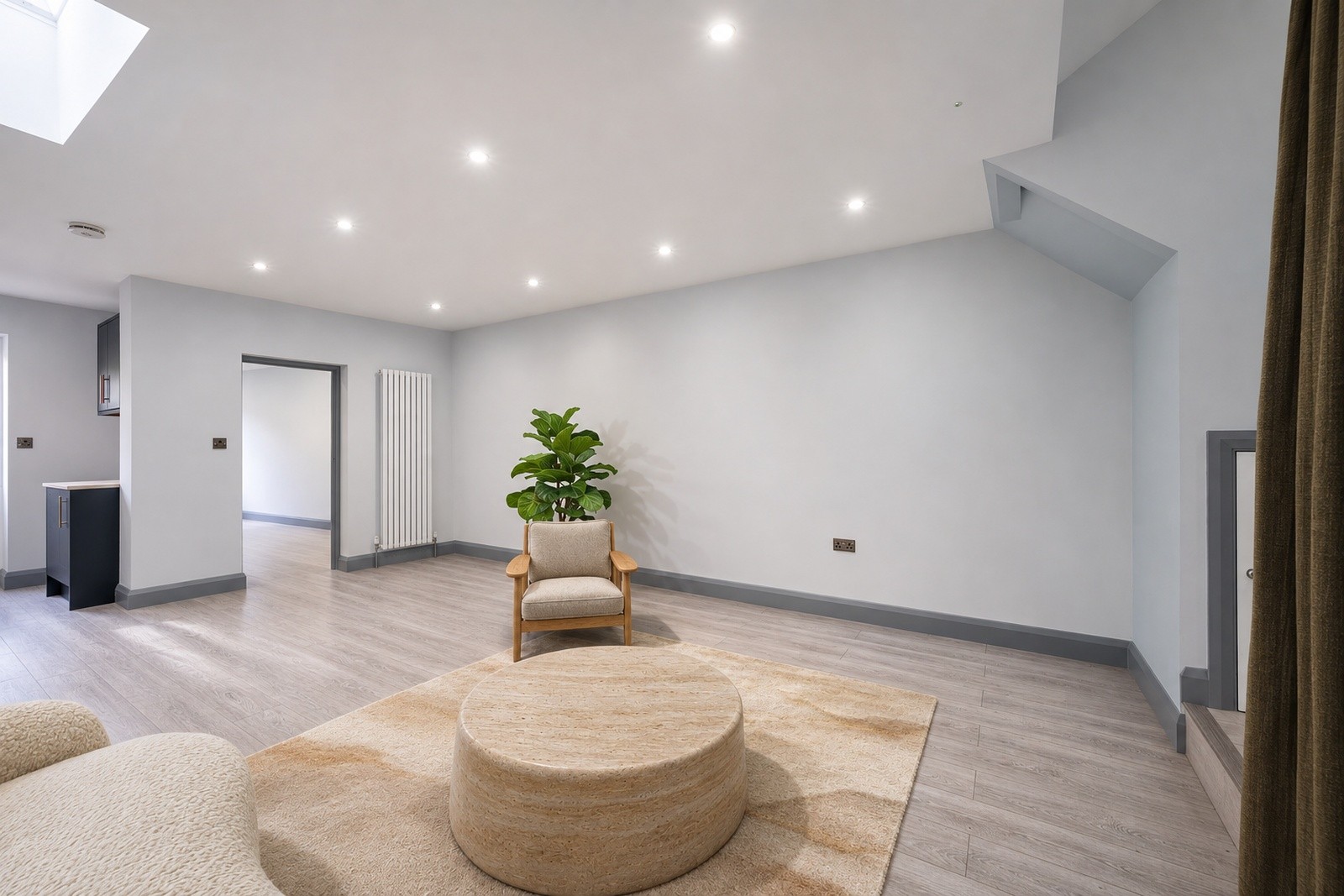
The same room, staged from every camera 03Download a matching set.
Create staged photos from the shared design, then review every angle beside its original. Download individual photos or the whole listing for your property portal.
- Full-size downloads
- A “Virtually staged” label, on the photo or off
- A disclosure sentence to paste, in English and Arabic
- Original photos always kept