Multi-angle virtual staging.
Every angle, one room.
Upload up to six photos of the same room, taken from different corners. Livium AI furnishes the room once and stages every photo from that one design, so the sofa you see from the door is the sofa you see from the window. It is included on every plan, and a room usually takes minutes.
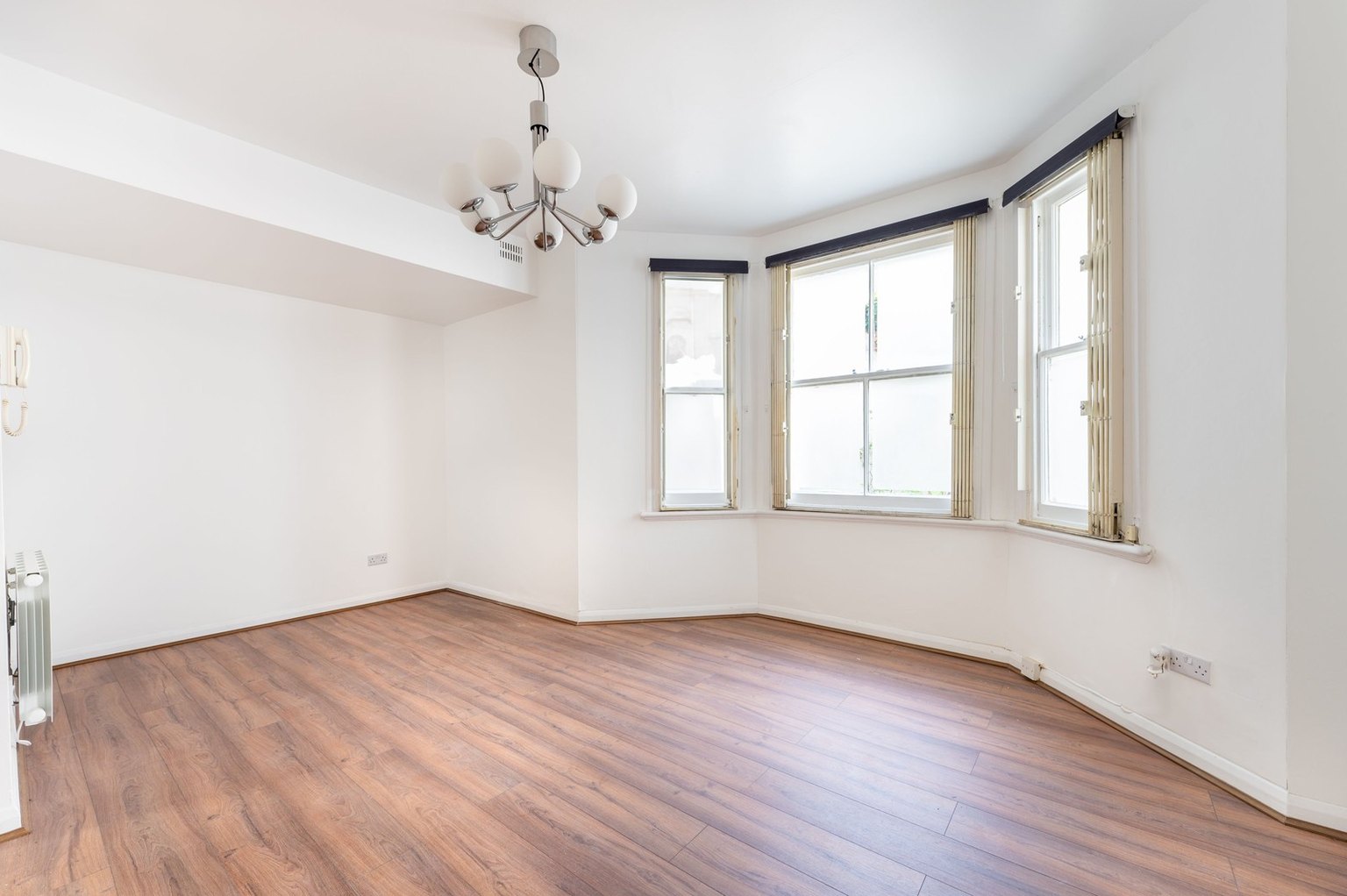
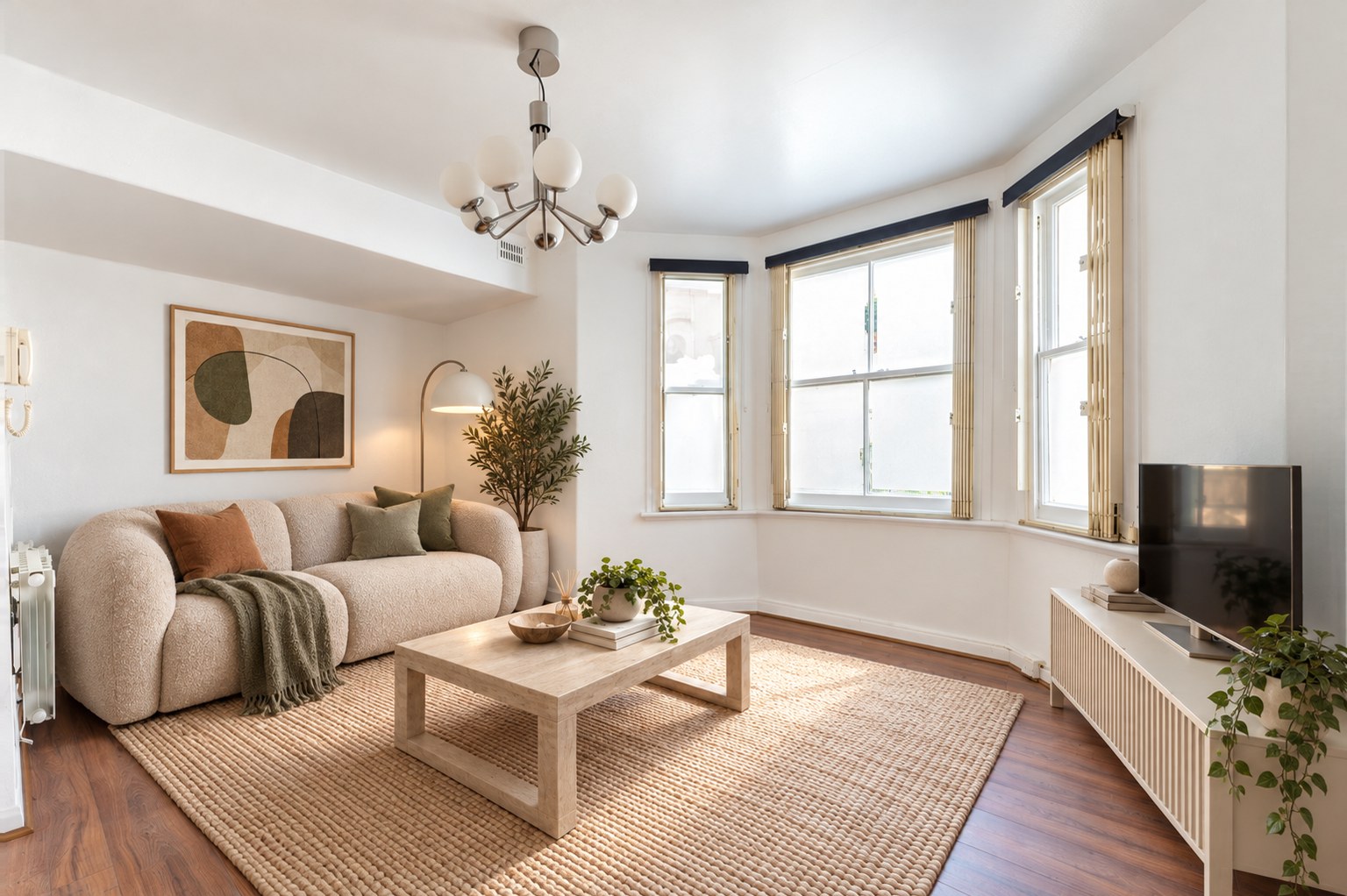
What multi-angle staging gives you.
Every angle staged
Each photo is staged from its own camera position. The photo from the doorway shows the front of the sofa, and the photo from the window shows its back, at the right scale.
One design to approve
Choose the furniture once for the whole room, from a catalogue of 317 pieces, or press Furnish for me. Every photo shows that one design.
The room as photographed
Walls, windows, doors, floors and fixed fittings are kept as you photographed them. Furniture and decor are what is added.
Four steps to a matching set.
- Photograph the room from two to six corners, with the photos overlapping
- Upload them together, as one room
- Choose the pieces, or press Furnish for me
- Review every angle beside its original and download the set
One model, so every angle agrees
Livium AI builds one 3D model of the furnished room, each piece a 3D model at its real size, and renders that model from each photo's camera position. Because there is one model, there is one sofa, one rug and one coffee table, and each photo sees them from where it was taken.
An AI image model then paints the final photos, so each one reads as a photograph while the layout stays the one in the model. The app shows every staged photo beside its original in a drag-to-compare view, so you can check each angle before you download.
The design adds a rug, pictures and plants to the pieces you choose. Kitchens and bathrooms are left as photographed, because their fittings are part of what is for sale. If the room is furnished, Livium AI can clear the owner's furniture from each photo first, so a lived-in room can be staged afresh from every angle. A room usually takes minutes.
Where every angle has to agree.
Living rooms are often photographed from several corners, and open-plan rooms show the same sofa from the kitchen, the dining end and the windows. Those are the rooms where furniture that changes between photos is easiest to catch, and where one design across every angle shows the most.
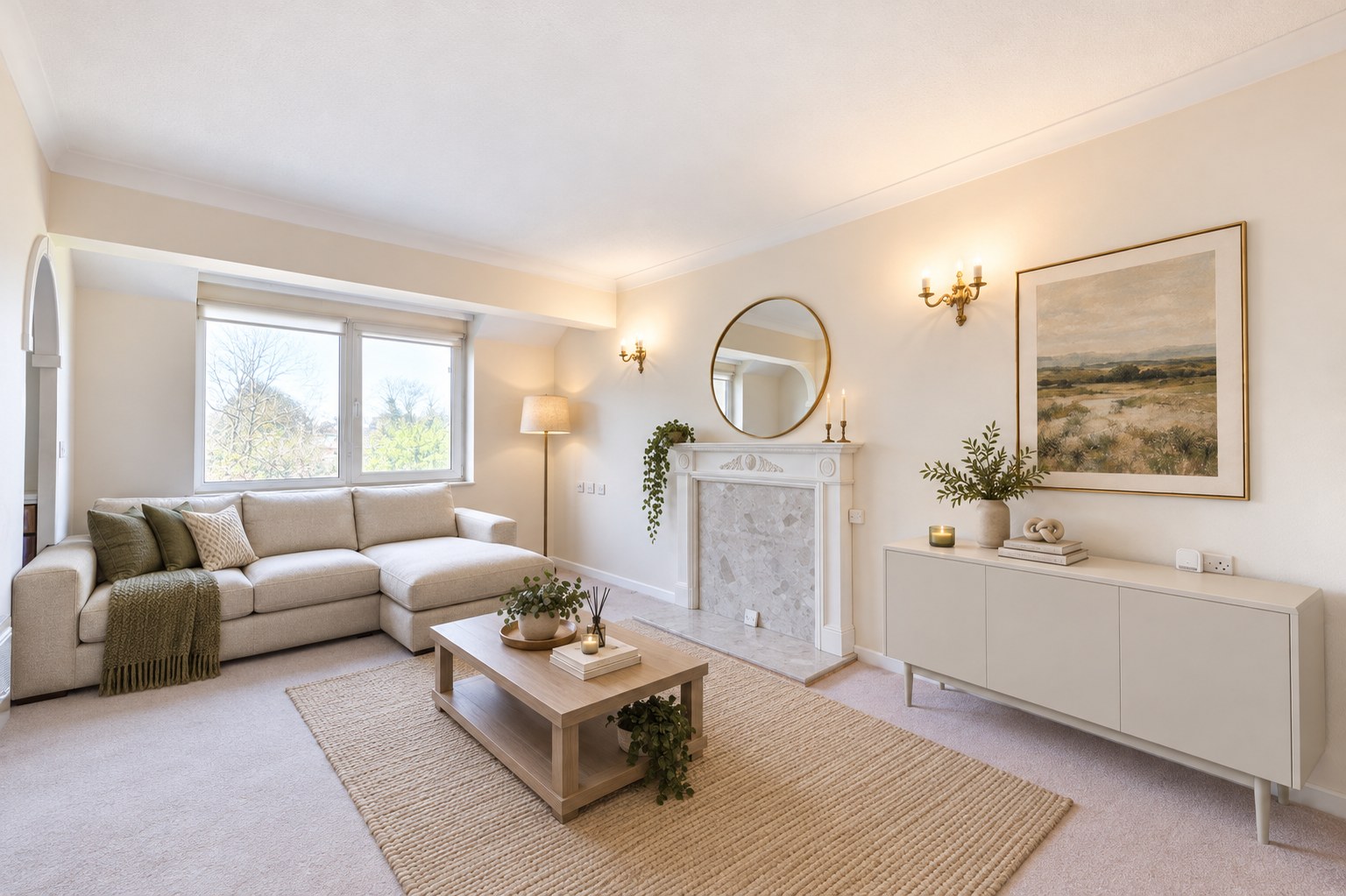
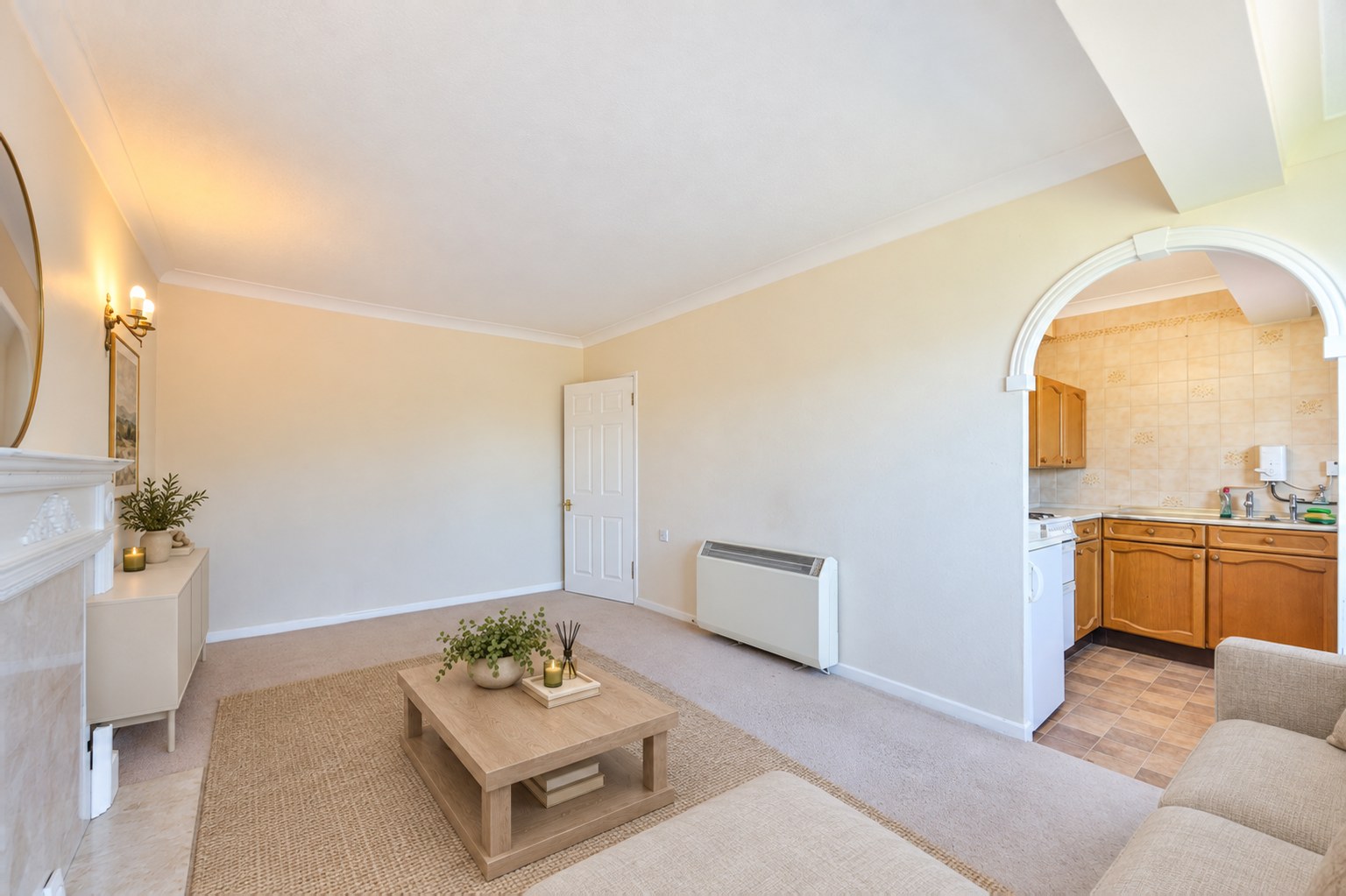
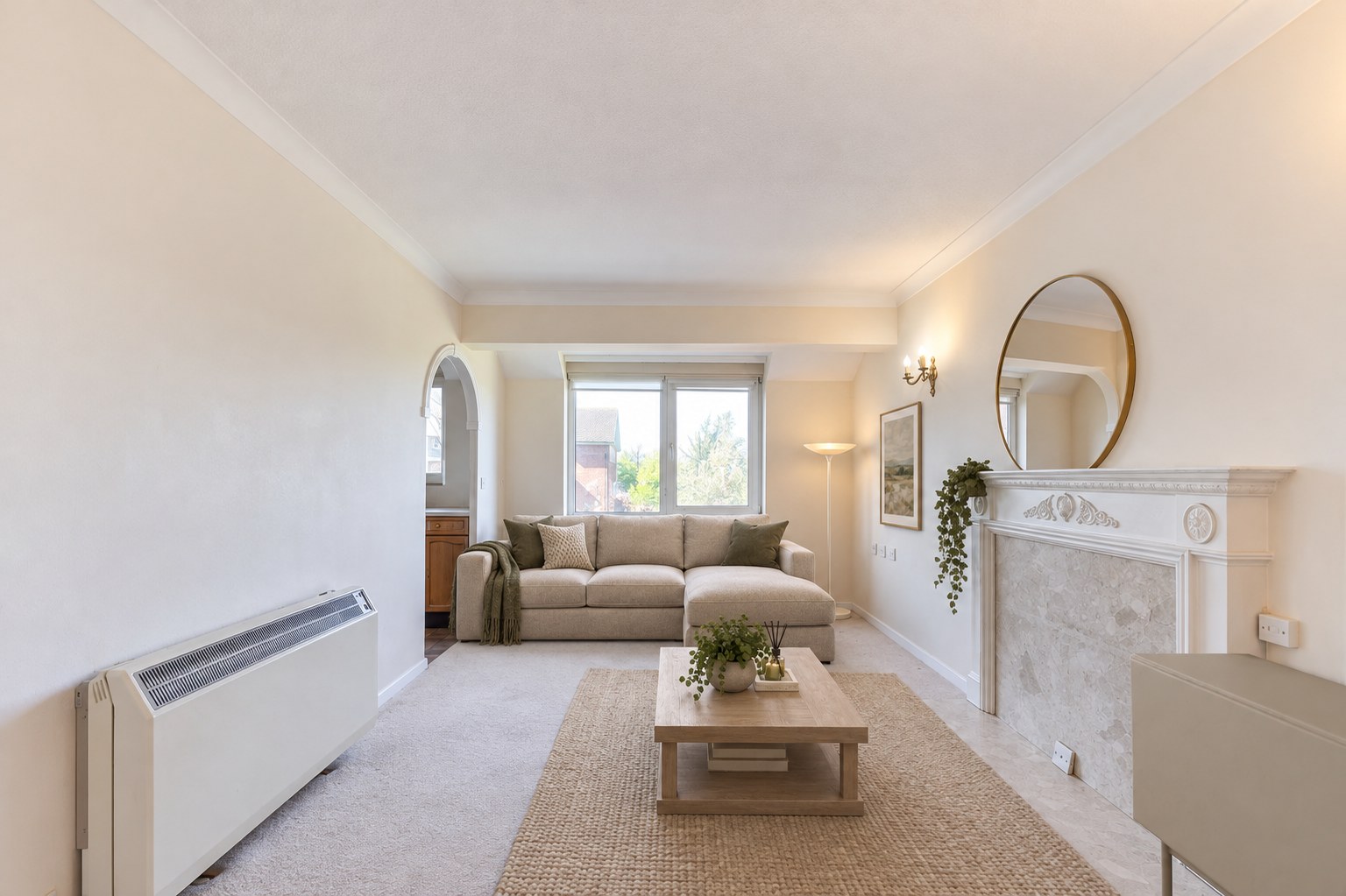
The rooms that need it most
Living rooms
A living room is usually photographed from two or three corners, and it holds the largest pieces: the sofa, the armchairs, the rug. A buyer uses those photos together to judge whether a full seating group fits, so the group has to be the same group in each.
Open-plan rooms
In an open-plan room each photo shows more than one area: the seating from the kitchen, the kitchen from the seating. The same sofa appears in nearly every photo, often from behind, and the path between the areas has to stay where it was. Our guide to staging an open-plan room from every angle covers zoning and which shots to take.
Bedrooms
A bedroom is often photographed from the door and from the window. The bed has to stand against the same wall in both, at the same size, with the same bedside table beside it.
Taking the photos
Ordinary listing photos are fine. Take each from a different corner, keep the windows and the door in more than one photo, and shoot them in one visit, in the same light. Our guide to photographing an empty room for staging covers where to stand.
For the background, our article on how multi-angle virtual staging works compares the methods tools use and gives a ten-minute test you can run on any of them. For what a matching set means to a buyer, see consistent virtual staging, and for the reasons to choose us, why Livium AI.
Multi-angle staging questions.
What is multi-angle virtual staging?
Staging several photos of the same room so that together they show one furnished room: the same pieces, in the same places, at the same sizes, each seen from the angle that photo was taken from. If the sofa stands under the window in one photo, it stands there in all of them. Read how multi-angle staging works.
How many photos of one room can I stage together?
Up to six. All of them are staged from the same furnished 3D model, so all of them show the same furniture in the same places. Three photos, from two opposite corners and the middle of a wall, show nearly every wall of an ordinary rectangular room.
Do I need a special camera, a floor plan or a scan?
No. Upload the ordinary photos you already have for the listing. Take them from different corners, so that each one shares a window, a door or a corner with another.
Can I stage a furnished room from several angles?
Yes. Livium AI can clear the existing furniture from each photo first, for 3 credits a photo, and then stage the room afresh from every angle.
What does a room of several photos cost?
5 credits a photo at standard quality: three photos are 15 credits and six are 30, which is $3.00 on Pro. Multi-angle staging is included on every plan: it is how every room is staged. Clearing the furniture first adds 3 credits a photo. See pricing.
Stage every angle of your next room.
A room of three photos is 15 credits ($1.50 on Pro), and six photos are 30 ($3.00). Pro's 200 credits a month stage up to 40 photos: 13 rooms of three angles, or 6 rooms of six. Start with 25 free credits and no card, enough for a whole room of up to 5 photos. Compare plans.
$3.00a room of six photos on Pro
- Up to six photos of a room from one 3D model
- One design to approve for every angle
- On every plan and in the free credits
- 13 rooms of three angles a month on Pro