Virtual staging online,
from your browser.
Nothing to install. Upload a room’s photos, choose the furniture and download a staged set in which every photo shows the same room. A room usually takes minutes, and three photos are $1.50 on Pro.
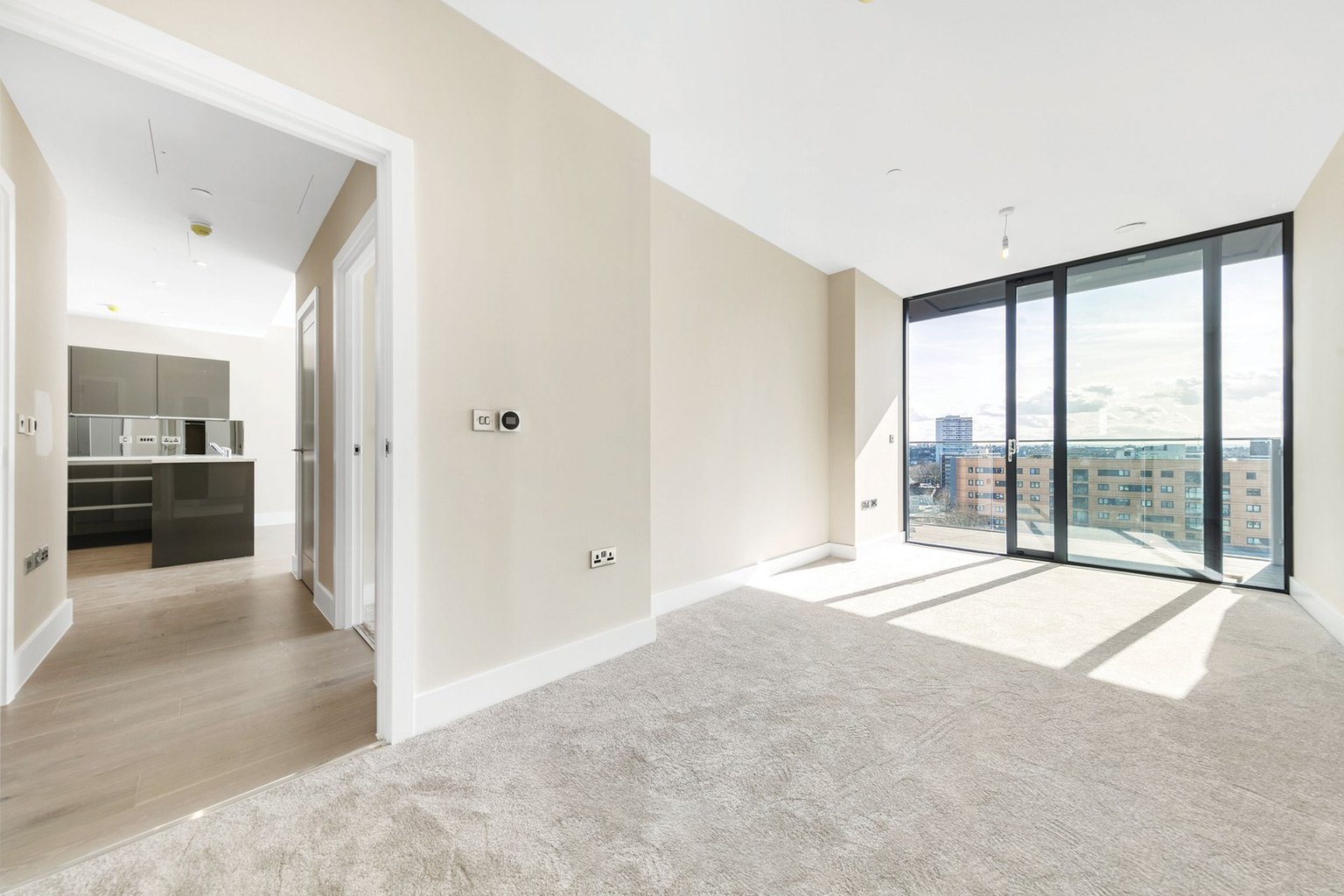
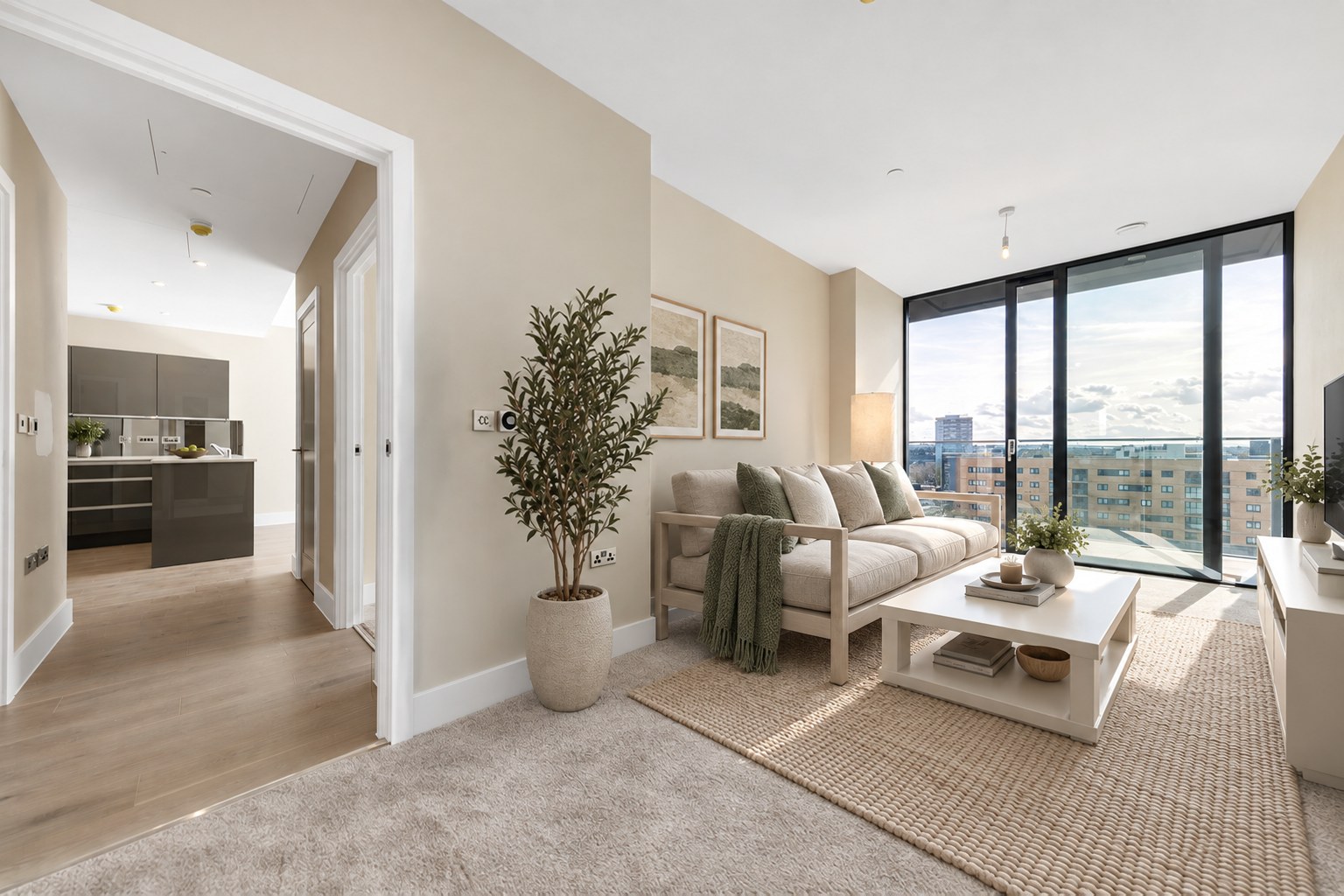
All you need is the photos you have.
Your listing photos
Up to six photos of one room, from different angles. Ordinary listing photos are fine: there is no special camera, floor plan or scan to prepare.
A living room or bedroom
Those are the rooms it stages. Kitchens and bathrooms are left as photographed, because their fittings are part of what is for sale.
A web browser
Nothing to download or install. Sign up, confirm your email and you have 25 free credits, with no card.
Four steps, one sitting.
- Create a room and upload its photos
- Choose the pieces, or press Furnish for me
- Let the room build: it usually takes minutes
- Check each photo against its original and download
A staged set without leaving your browser
1. Upload the room’s photos
Start a room and add up to six photos of it, taken from different corners. The photos you already have for the listing are fine, and every one of them is staged from the same furnished room.
2. Choose the furniture
Pick the pieces from a catalogue of 317, in 31 kinds and 10 styles: sofas, armchairs, beds, tables, storage and lamps, each a 3D model at its real size. Or press Furnish for me and let the app choose a set for the room. The design adds a rug, pictures and plants.
3. Let the room build
The app builds one 3D model of the furnished room and renders it from each photo’s camera position, and an AI image model paints the final photos. A room usually takes minutes.
4. Check and download
Drag across each staged photo to compare it with the original, then download the set, each photo with a “Virtually staged” label or without one. The original stays beside every staged photo, the export puts the originals in their own folder, and the app gives you a sentence to paste beside the photos, in English or Arabic. Before a photo goes on a listing, look it over against its original, label it where the portal or listing service asks, and keep the original to hand. What the disclosure rules ask for.
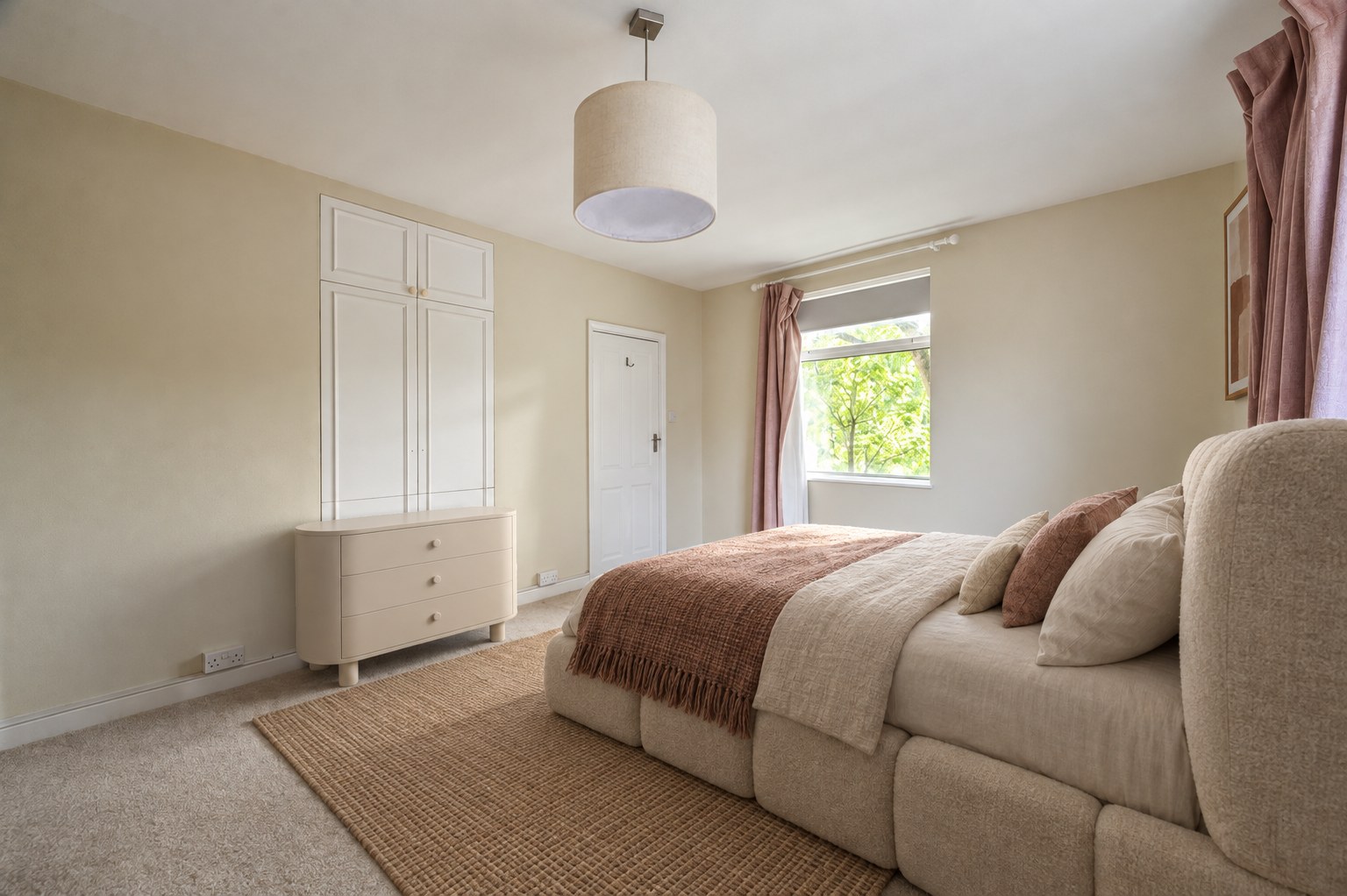
Every photo, the same room.
Three photos of one bedroom, staged once. The bed, the rug and the chest of drawers are the same pieces in the same places from every camera, because each photo is a view of the same furnished room.
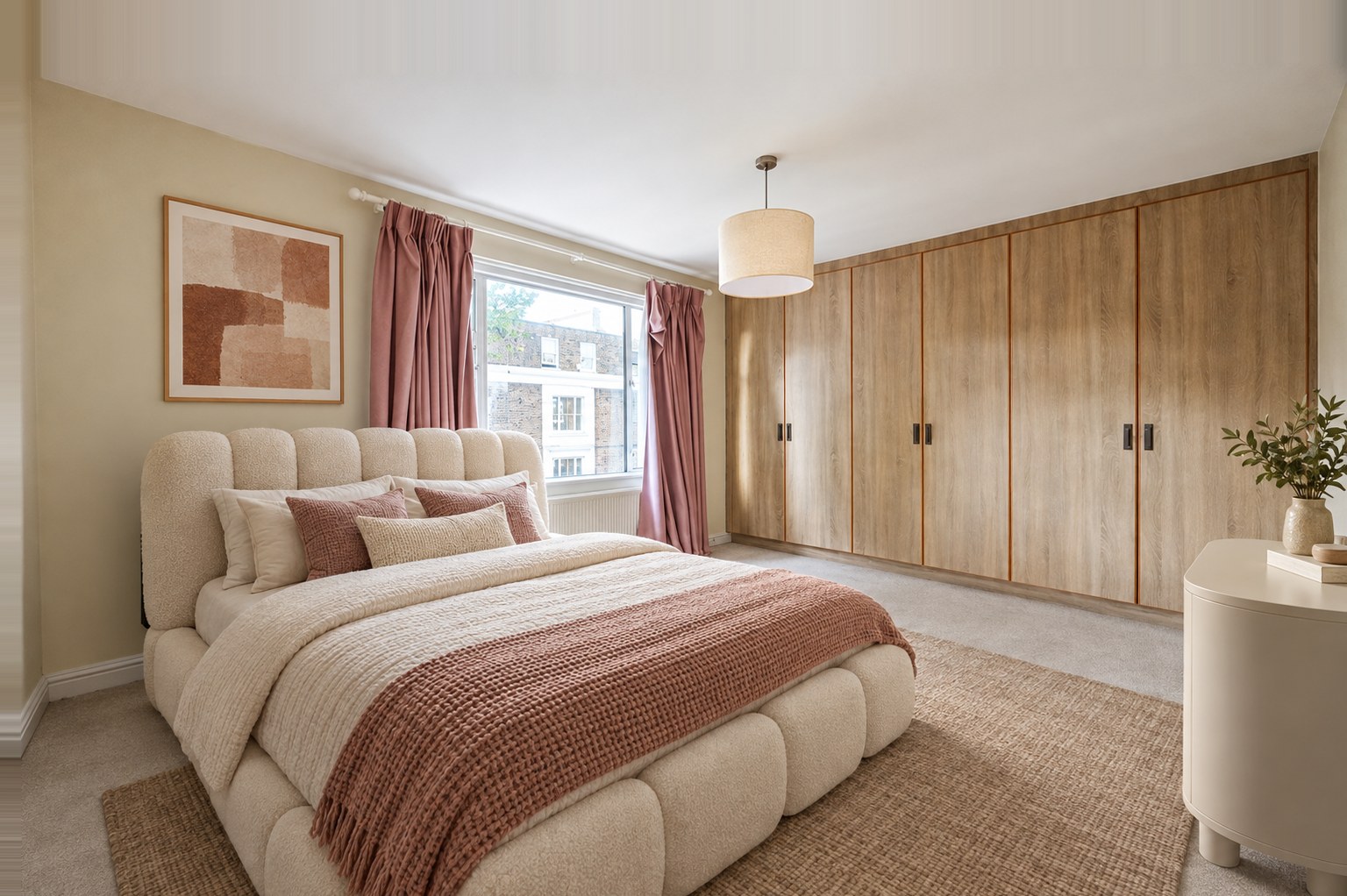
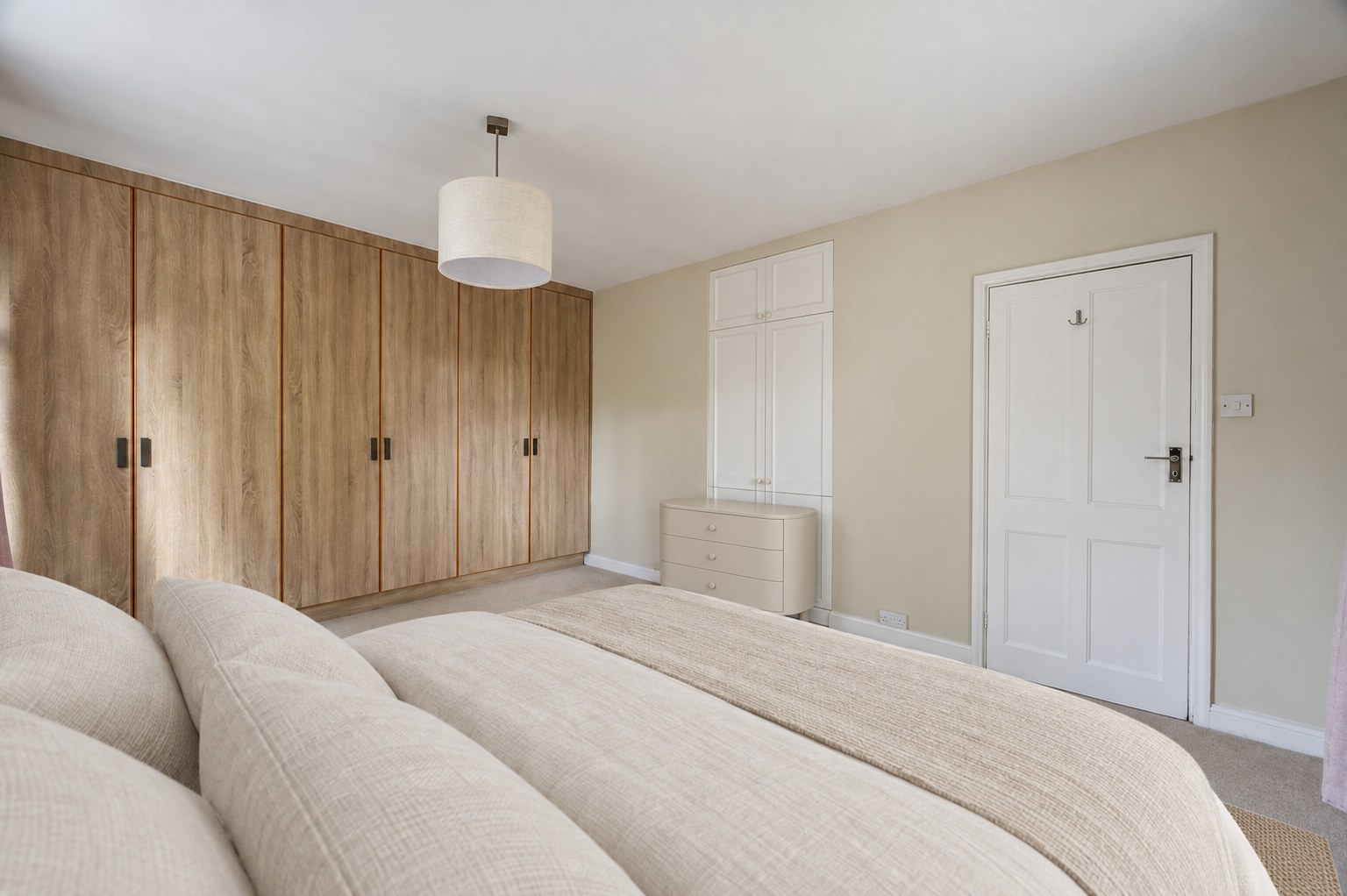
A room of three photos for $1.50.
| Room | Credits | On Pro, billed monthly |
|---|---|---|
| Three photos of an empty room | 15 | $1.50 |
| Three photos, furniture cleared first | 24 | $2.40 |
| Six photos of an empty room | 30 | $3.00 |
| Six photos, furniture cleared first | 48 | $4.80 |
At standard quality, at the time of writing. Measuring the room is free, and Furnish for me comes with Pro and Max. Making a photo again is 3 credits, or one retry: Pro brings 10 retries a month and Max 25. Every plan and pack.
Comparing apps? See how Livium AI compares with other tools, or read our guide to choosing virtual staging software.
App questions.
Do I need to download a virtual staging app?
No. Livium AI runs in your web browser, so there is nothing to install. You upload the photos you already have for the listing.
How much does it cost?
A staged photo is 5 credits at standard quality, and clearing existing furniture from a photo first adds 3. Making a photo again is 3 credits, or one retry: Pro brings 10 retries a month and Max 25. Pro is $19.99 a month for 200 credits. Without a plan, a starter pack of 50 credits is $4.99, on your first purchase.
Can I stage a room that still has furniture in it?
Yes. The service can remove the existing furniture from a photo first, so a lived-in room can be shown empty or staged afresh. Clearing costs 3 credits a photo.
Can I try it free?
Yes. Each new person with a confirmed email address gets 25 free credits, with no card: enough to stage a room of up to 5 photos, or three photos cleared and staged. Your first purchase takes the watermark off everything you have made.
Start with 25 free credits.
Confirm your email and you have 25 free credits, with no card: enough for a whole room of up to 5 photos. When you are ready, Pro gives you 200 credits every month for $19.99, up to 40 staged photos. Compare plans.
$1.50a room of three photos on Pro
- Nothing to install: it runs in your browser
- Every photo of a room staged from one 3D model
- A whole room usually in minutes
- Label, originals and disclosure wording built in