Virtual staging software
that stages the whole room.
Choose software that keeps a room the same in every photo, leaves the building alone and tells you what a room costs. Livium AI is built for all three: every photo staged from one 3D model of the room, from $1.50 for three photos on Pro. Here are the eight checks, and Livium AI’s answer to each.
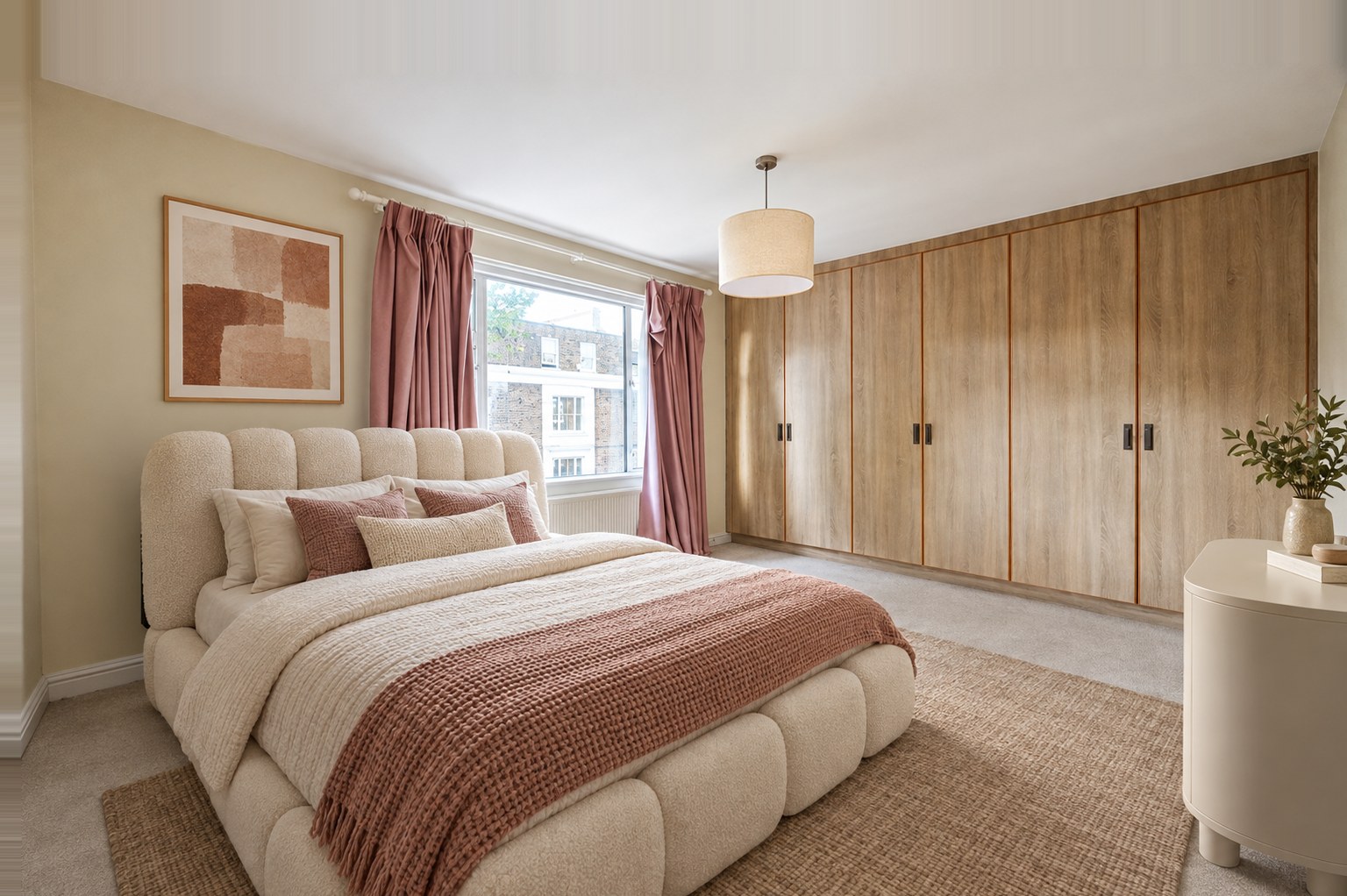
Three kinds of software, one that stages the room.
AI, one photo at a time
You upload a photo and an AI image model paints furniture into it, often in seconds, and usually for less than three dollars a photo on a subscription. Each photo is painted on its own, so two photos of the same room can come back with different furniture.
A design service
A person stages each image for you, from your instructions. You pay per image and wait hours or days, and you ask for changes by message. Photos of one room match as well as the designer keeps them matching.
One 3D scene per room
The room is modelled once in 3D, furnished once and rendered from each photo’s camera position, so the same furniture appears in the same place in every photo. Livium AI works this way, on every plan and in the free credits.
Eight checks before you pay, and Livium AI’s answer to each
Style galleries all look good: every vendor shows its best work. These eight questions tell tools apart on what decides whether a staged set can go on a listing. Put them to every tool you try, ours included, and keep the answers in one place.
1. Does it keep one room the same in every photo?
Most listings show the living room from two or three angles. Stage three photos of one room in the trial and flick between them: the sofa, the rug and the coffee table should be the same pieces, in the same places, at the same size. If a tool sells this as an add-on or a higher plan, price it in. In Livium AI it is how every room is staged, on every plan and in the free credits. Our ten-minute test for any tool sets out exactly what to look at.
2. Does it leave the building alone?
Walls, windows, doors, floors, the view and fixed fittings are what is for sale. Compare each staged photo with its original, edge by edge. Listing services with written rules, such as CRMLS in California, allow furniture and decor to be added but not permanent features to be changed, and the mistakes that make a listing look fake are mostly changes to the room itself. Livium AI is designed to keep walls, windows, doors, floors and fixed fittings as photographed.
3. Is the furniture the right size?
Furniture that is too small makes a room look bigger than it is, and a buyer notices at the viewing. Ask how the tool sizes each piece. A 3D catalogue with real dimensions answers the question before it is asked: Livium AI’s has 317 pieces, each a 3D model at its real size.
4. Can it clear a furnished room?
Tenanted flats and owner-occupied homes come with furniture. A tool that can take it out first lets you show the room empty or stage it afresh. Check whether clearing is included or charged, and whether it can be repeated. In Livium AI it is 3 credits a photo.
5. Does it help you disclose?
Rules differ by place, but a label and the original photo beside the staged one cover most of what is asked. Look for a label you can switch on or off, originals kept and exported with the staged set, and wording you can paste. Livium AI gives you all three, with the wording in English and Arabic. Disclosure rules, place by place.
6. What does a whole room cost?
Prices are quoted per photo, per upload, per image credit or per month, which makes them hard to compare. Work out one room of three photos on each tool, then add clearing, remakes and any add-on for matching photos. Check what happens to unused credits. In Livium AI a room of three photos is 15 credits, $1.50 on Pro, with matching and measuring included. What virtual staging costs in 2026 does the sums for common pricing models.
7. How long does it take, and who does the work?
AI tools answer in seconds or minutes, and you stay in control of each attempt. Design services take hours or days, and you work through messages. Livium AI keeps you in control: you choose the pieces or press Furnish for me, and a whole room usually takes minutes.
8. What does the free trial really give you?
Count how many photos it covers, whether a card is needed and whether the results carry a watermark. Then run the trial on your own photos, not the samples on the vendor’s page. Livium AI’s 25 free credits, with no card, stage a whole room of up to 5 photos. What free virtual staging tools give you.
Want the list to keep? How to choose virtual staging software: a checklist has every point with the questions to put to a vendor, and our comparisons set Livium AI beside four well-known tools.
Choose Livium AI for rooms shown from every angle.
You upload up to six photos of a living room or bedroom, choose the pieces or press Furnish for me, and the room is built once in 3D and rendered from every photo’s camera position. Every photo shows the same furniture in the same place, and you can drag across each one to compare it with the original.
Each staged photo can be downloaded with a “Virtually staged” label or without one, the originals are kept beside the staged set, and the app gives a sentence to paste in English and Arabic. See how it works, or read why Livium AI.
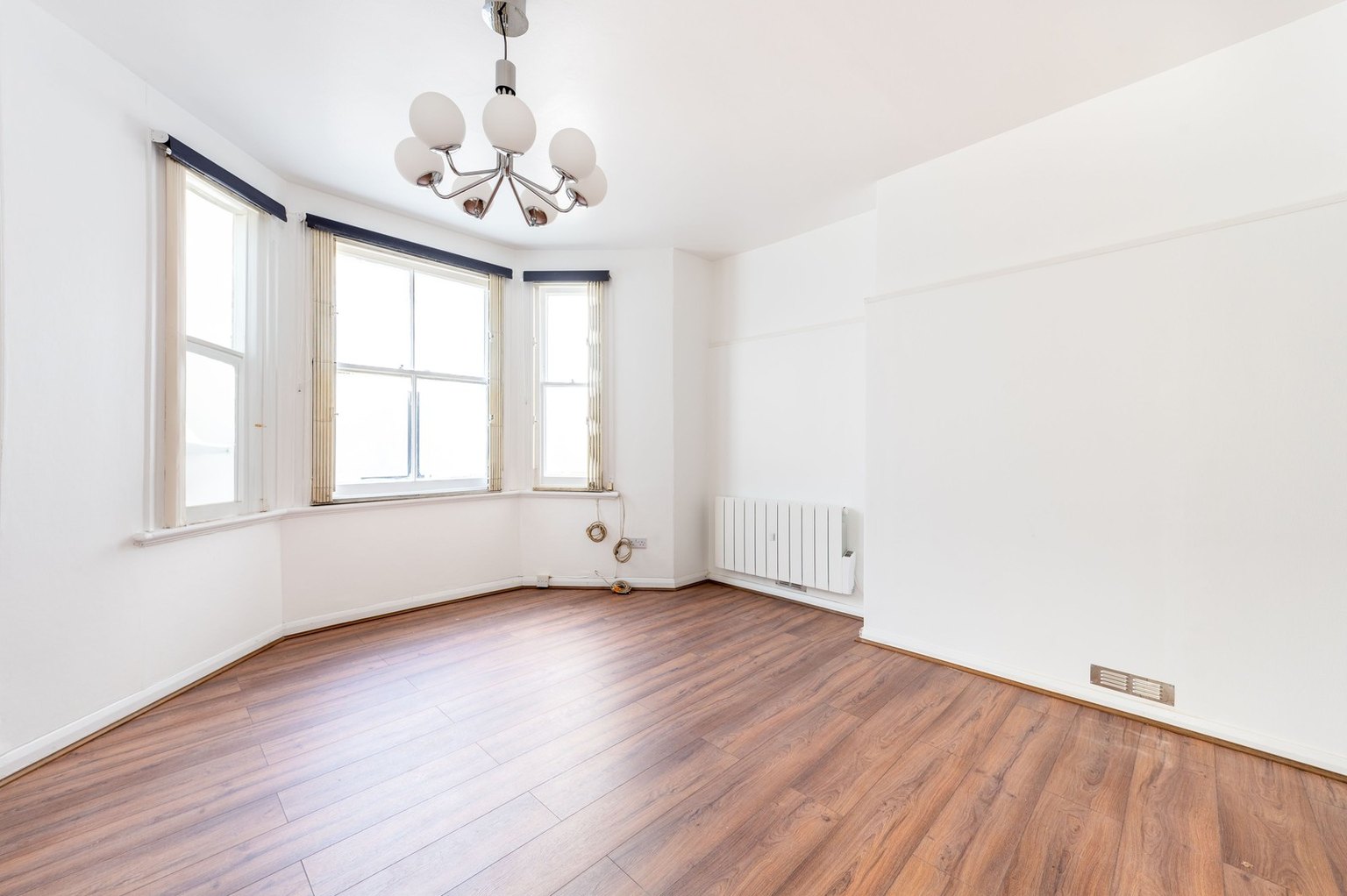
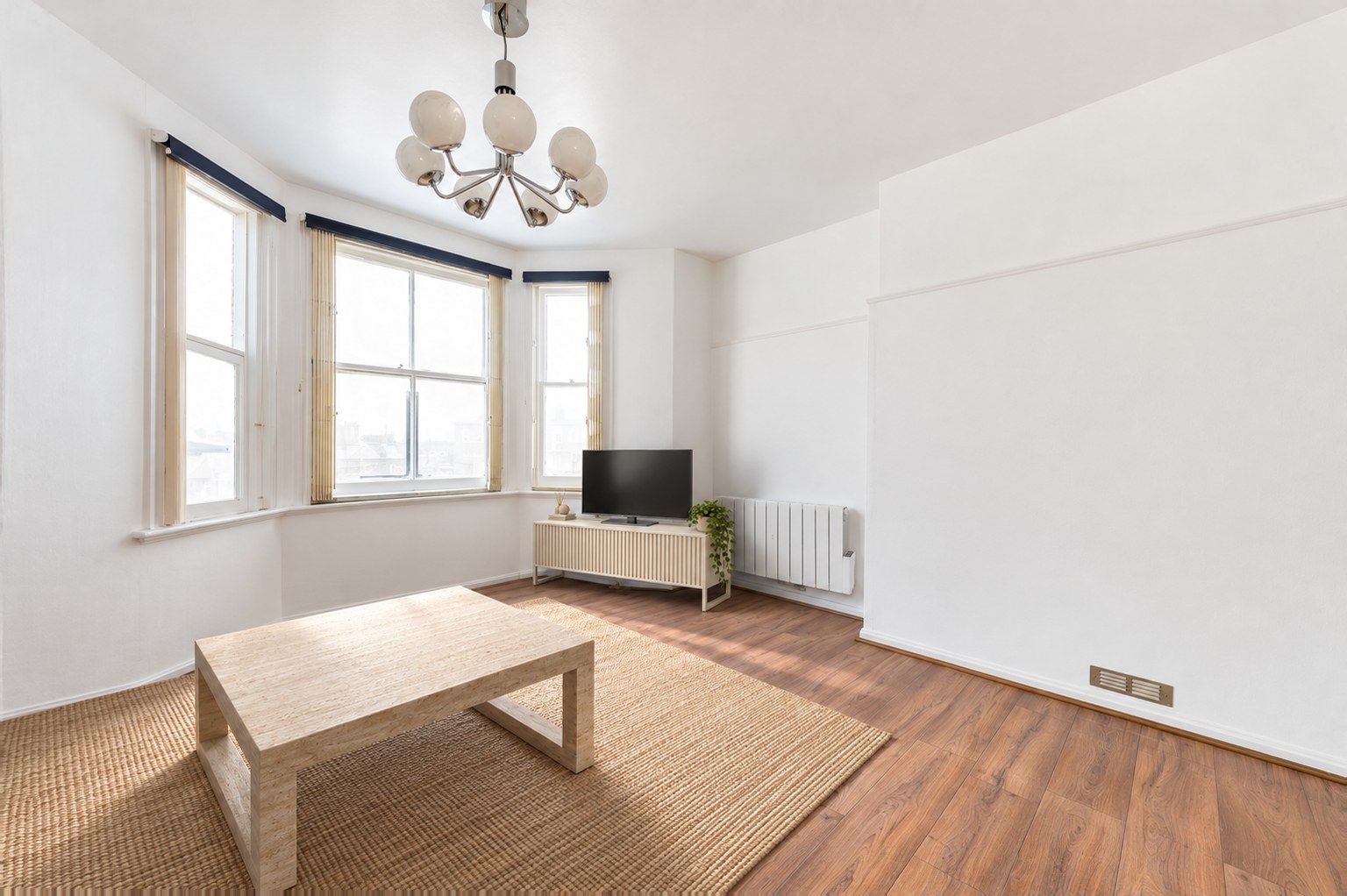
Choosing software.
What is the best virtual staging software?
For listings, software that stages the room rather than the single photo, because buyers flick between every photo of a room. Livium AI stages up to six photos of one room from one 3D model, so every photo shows the same furniture in the same place, and a room of three photos is $1.50 on Pro. Run the eight checks on your own room with the 25 free credits.
Is there free virtual staging software?
Most tools offer a free image or a few free credits to try, sometimes watermarked. Livium AI gives each new person with a confirmed email 25 free credits with no card, enough to stage a whole room of up to 5 photos. Your first purchase takes the watermark off everything you have made.
Do I need to install anything?
No. Livium AI runs in your web browser. You upload ordinary listing photos, with no special camera, floor plan or scan.
Can virtual staging software stage several photos of the same room?
Some can, by different methods, and some stage one photo at a time. Livium AI is built for it: it takes up to six photos of one room and stages them as one room, from one 3D model of the furnished room, on every plan.
How much does virtual staging software cost?
On the vendors' own pages in November 2026, subscription AI tools came to about $0.24 to $2.67 a photo, some of them billed yearly, and design services charged per image. On Livium AI a staged photo is 5 credits: Pro is $19.99 a month for 200 credits, about $0.50 a photo, and Max is $39.99 a month for 500 credits, about $0.40 a photo, at the time of writing.
Run the checks on a room of your own.
5 credits a staged photo at standard quality, and nothing for measuring the room. Furnish for me, which designs the room in one click, comes with Pro and Max. A room of three photos is 15 credits, or 24 if each photo is cleared of furniture first. Pro comes to about $0.50 a photo and Max to about $0.40. Start with 25 free credits and no card, enough for a whole room of up to 5 photos. Compare plans.
$1.50a room of three photos on Pro
- Every photo of a room staged from one 3D model
- Matching on every plan and in the free credits
- The building kept as photographed
- Label, originals and disclosure wording built in