Bayut TruCheck: why photos get rejected and how to pass
TruCheck needs a photo taken at the unit in Bayut's agent app. What Bayut's pages ask for, why photos fail, a routine at the door and how long the badge lasts.
On this page
TruCheck is Bayut's badge confirming that a listed property "is still on the market". After Bayut's Checked badge (a check of the documents), you photograph the property in Profolio, Bayut's app for agents: an apartment from right outside, with the front door open and the unit number clearly visible, and a villa from inside. Search previews of a Bayut page that no longer opens give five reasons photos fail: the wrong location, a door not fully open, a person in shot, a hidden unit number, or a photo unlike the listing's.
Key points
- TruCheck comes after the Checked badge (documents) and needs photos taken at the property in Profolio, whose camera opens only within 500 metres of it.
- An apartment is photographed from right outside "with the front door open and the apartment number clearly visible". A villa is photographed from inside, and Bayut's 2024 agent guide says that photo "needs to be similar to the photographs uploaded with the listing".
- No Bayut page we could open lists rejection reasons. Search previews of one that no longer opens give five: wrong location, door not fully open, a person in the photo, unit number not visible, a photo unlike the listing's photos.
- Bayut's pages disagree on how long the badge lasts: 45 days for sales and 30 for rentals on one, 30 days on another.
- We found no Bayut rule on virtually staged photos.
What is TruCheck on Bayut?
A badge telling searchers that an agent has recently photographed the property on site and Bayut's team has accepted the photos. Bayut's guide to Checked and TruCheck (opens in a new tab) (updated 19 October 2026) describes it as "confirming that the advertised property in Dubai and Abu Dhabi is still on the market". A searcher who clicks the badge can "find out how recently the property was authenticated". TruCheck is Bayut's trade mark.
How do you get a listing TruChecked?
In two steps: documents for the Checked badge, then photos at the property for TruCheck.
Step 1: Checked. Bayut's guide asks for its Validation form "along with the Title Deed, Owner's Passport Copy and Emirates ID", and says that in Dubai agents "can also upload Form A", the owner's authorisation for a broker to market the property. Bayut's agent guide to the TruCheck badge (opens in a new tab) (28 October 2024) adds the Trakheesi permit number, whose details must "match the property's details that you shared when creating the listing". Trakheesi is the Dubai Land Department's system for advertising permits (see our guide to Trakheesi permits). Check the purpose, bedrooms and location in the listing against the permit before you apply.
Step 2: TruCheck. Bayut's main guide says "agents have to physically visit a property" and, "using the Profolio app, take relevant pictures of the property and submit them for approval". Bayut's team then validates them.
How do you take a TruCheck photo?
At the unit, inside Profolio. Bayut's pages do not all say the same thing, so here is each one.
- Where you stand. "Ensure you are within 500 metres of the property when trying to TruCheck it. If you are further away, you won't be able to access the camera on the Profolio App," says Bayut's Profolio page (opens in a new tab) (updated 20 October 2026).
- Apartment. "take the photo from right outside the apartment" and "Make sure the front door is open, and the apartment number is visible" (Profolio page). The 2024 agent guide asked for "the door slightly open to show its interiors". Search previews of the Bayut page that no longer opens say fully open. Open it fully: the newer pages say only "open", and a wider door shows more of the inside.
- Offices and business centres. The 2024 guide treats them like apartments.
- Villa. "To TruCheck a villa, make sure you are standing inside the property" (Profolio page). The 2024 guide adds "preferably the living room" and "The photo needs to be similar to the photographs uploaded with the listing."
- How many. "Up to five" in the 2024 guide and an undated Bayut agent page on multiple photos (opens in a new tab). The newer Profolio page says "You can upload up to 10 images of the property on Profolio".
The 2024 guide says more photos give "a higher chance of your TruCheck request being approved", and that they "can be a walkthrough of the various rooms in the unit or angles that match the photos in your listing".
Why are TruCheck photos rejected?
For five reasons, according to search previews (read on 16 November 2026) of a Bayut agent page that now returns "not found". No Bayut page we could open lists them, and its help centre's TruCheck photo guidelines (opens in a new tab) refused our requests.
| Reason (search preview) | What Bayut's open pages say | How to avoid it |
|---|---|---|
| Wrong location | The camera opens only within 500 metres | Shoot at the unit's own door, not the lobby or car park. Let Profolio use your location. |
| Door not fully open | "front door open" (2026), "slightly open" (2024) | Open it all the way, with the lights on inside. |
| A person in the photo | Not mentioned on any page we opened | Nobody in frame, including you in a mirror or glass door. |
| Unit number not visible | "the apartment number is visible" | Number in frame and readable when you zoom in. |
| Unlike the listing's photos | A villa's photo "needs to be similar" to the listing's | Take the inside photos from where the listing photos were taken. |
How do you avoid a TruCheck rejection?
Work through these steps at the unit, in this order. Between them they cover all five reasons above.
- Before you set off. Confirm the listing shows the Checked badge. For a villa, note where the listing's living room photo was taken from.
- At the door. For an apartment, open the listing in Profolio outside the unit's own door, not in the lobby or car park.
- Find the number. If it is on the wall beside the door, step back until the number and the doorway are both in frame.
- Open up. Door fully open and the lights on, so the inside shows through the doorway.
- Clear the frame. Nobody in shot. Check mirrors and glass doors for your own reflection.
- Shoot, then zoom in. If you cannot read the number on your own screen, take it again.
- Inside photos. Take them from the spots the listing photos were taken from. In a villa, start in the living room.
- Submit before you leave. If the upload fails, you are still there to try again.
How long does TruCheck last?
Bayut's pages disagree. The Profolio page (updated 20 October 2026) says "TruCheck badge is valid for 45 days for sales listings (ready and off-plan) and 30 days for rent listings." An interview with a Dubai agency on Bayut's blog (opens in a new tab), apparently from June 2021 and updated 21 October 2026, says the badge "will be valid for 30 days". Bayut's main guide says only "a limited time period".
An undated Bayut page on the Checked badge (opens in a new tab) says listings whose TruCheck is "about to expire in 7 days or less" are marked Expiring Soon. Plan on 30 days until Bayut settles it, and renew while the property is still on the market.
Do staged photos affect TruCheck?
We do not know, and we found no Bayut rule that says. None of the Bayut pages we read mentions virtual staging.
What the pages do say points one way. The TruCheck photos show the unit as it is on the day, and a villa's photo "needs to be similar to the photographs uploaded with the listing". An empty living room in the TruCheck photo does not look like the same room virtually furnished in the listing. An apartment's door photo shows less of the inside, but the extra photos at "angles that match the photos in your listing" invite the same comparison.
Since Bayut asks for TruCheck photos that match the listing's own, keep the as-photographed version of each room in the listing next to its staged version, label the staged one, and take the TruCheck photos as the unit really is. Livium AI, which we make, keeps the original of every staged photo and can put a "Virtually staged" label on the download. Our articles on virtual staging on Bayut and Property Finder and virtual staging in Dubai go further. If you shoot the listing photos yourself, see our guide to photographing a room for staging.
How does this compare with Property Finder's "Verified"?
Property Finder's Verified badge is a check of documents and of the listing's photos. Its partner hub page on verification (opens in a new tab) says a Verified listing "has undergone a thorough review of documentation and is checked and approved by a dedicated Quality Control Team", and does not mention a visit. Its undated Verified checklist (opens in a new tab) rejects listings for verification over "Poor quality/non-compliant images", asks that "All images exclude people" and says "Computer-generated (CGIs) or developer images won't be approved". Our guide to Property Finder and Bayut photo requirements has the rest of both portals' image rules.
| Bayut TruCheck | Property Finder Verified | |
|---|---|---|
| What is checked | Documents, then photos taken at the property | Documents, and the quality of the listing's photos |
| Visit to the property | Yes, by the agent or a team member | Not mentioned |
| How long it lasts | 45 days for sale and 30 for rent, or 30 days (pages differ) | 45 days residential rent, 90 residential sale |
| Cost | Not stated on the pages we opened | "a free service included with your Property Finder membership" |
Common questions
Can someone else take the TruCheck photo?
Yes, a member of your team. Bayut's 2024 agent guide describes TruCheck Admin, a feature to "assign a team member to TruCheck your property on your behalf", from the documents to the photos. It does not say how to set it up. Whoever goes still takes the photos in Profolio at the property.
Does a TruChecked listing rank higher on Bayut?
Bayut says so. Its guide says Checked and TruCheck listings "get ranked higher on Bayut", and the 2024 agent guide says TruCheck listings are "automatically boosted to the highest rank in each listing category" (Signature, Hot and Standard). The same guide says they "received five times more leads and 20 times more impressions" since launch, without saying how Bayut measured that.
Can an off-plan unit get TruCheck?
Yes, when the unit is being resold, and on documents alone. Bayut's 2023 guide for off-plan listings (opens in a new tab) asks for Form A, the owner's passport or Emirates ID, and either an Oqood (the Dubai Land Department's interim registration of an off-plan unit) or the sale and purchase agreement with the developer's no-objection certificate. It mentions no photo, and gives 45 days for both badges on off-plan units.
How long does Bayut take to review TruCheck photos?
We found no review time on a Bayut page we could open. Search previews of Bayut pages we could not open mention one business day, which we could not confirm. For the Checked documents, the undated Checked badge page says "The review process might take up to 2 working days."
Staging the rooms in the listing
If the unit is empty and you want its living room and bedrooms furnished in the listing photos, upload up to six ordinary photos of each room to Livium AI. You get the same furniture in the same place in every photo of that room, usually within minutes, with every original kept beside its staged version. Confirm your email address and you get 25 free credits, enough for a room of up to five photos, so you can stage your first room with the free credits and see the result on your own photos.
Stage the room once.
Every photo matches.
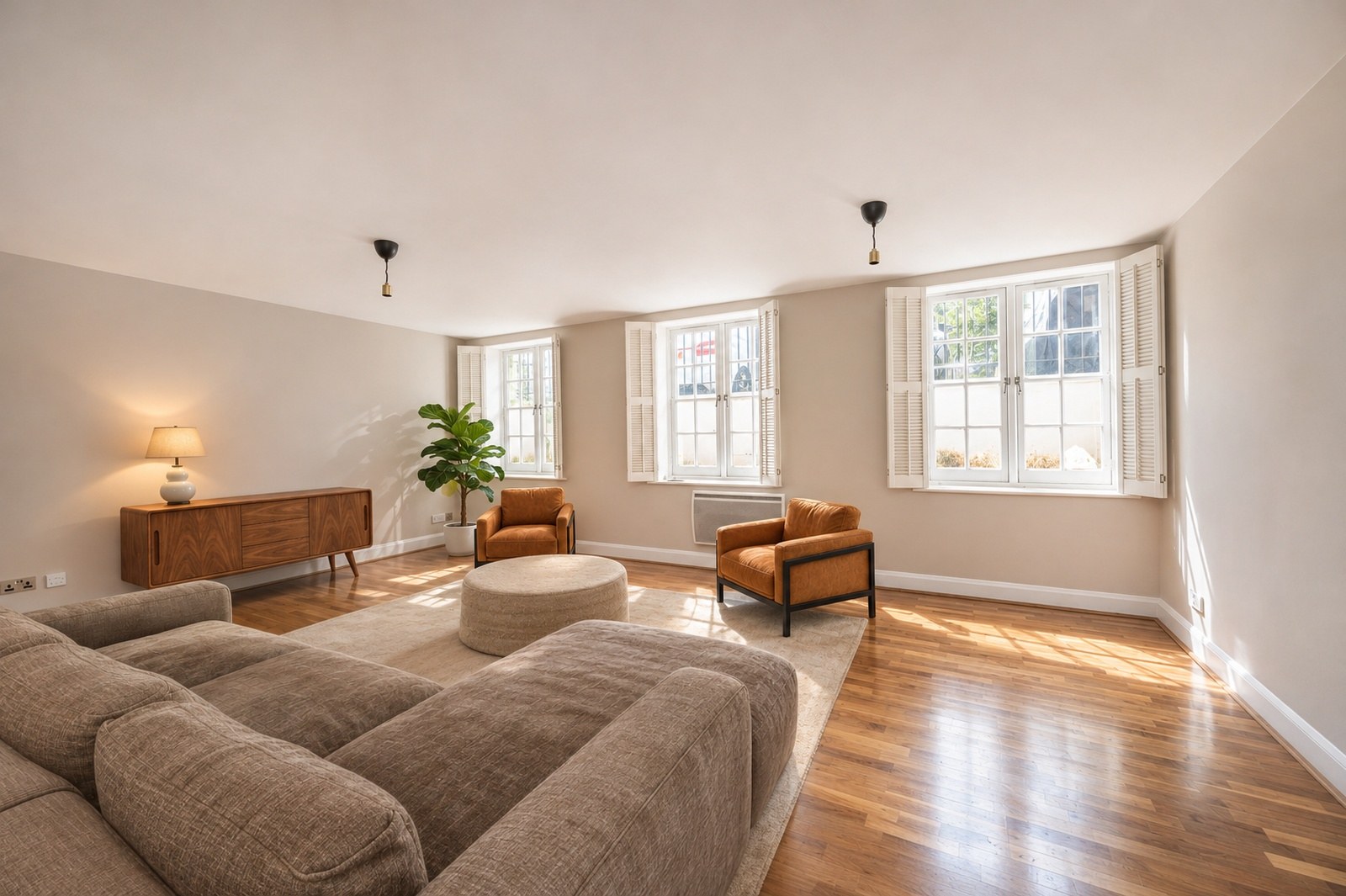
Upload a few photos of the empty room. Livium AI furnishes it once, in one 3D model with every piece at its real size, so every photo of the listing shows the same furniture in the same place.
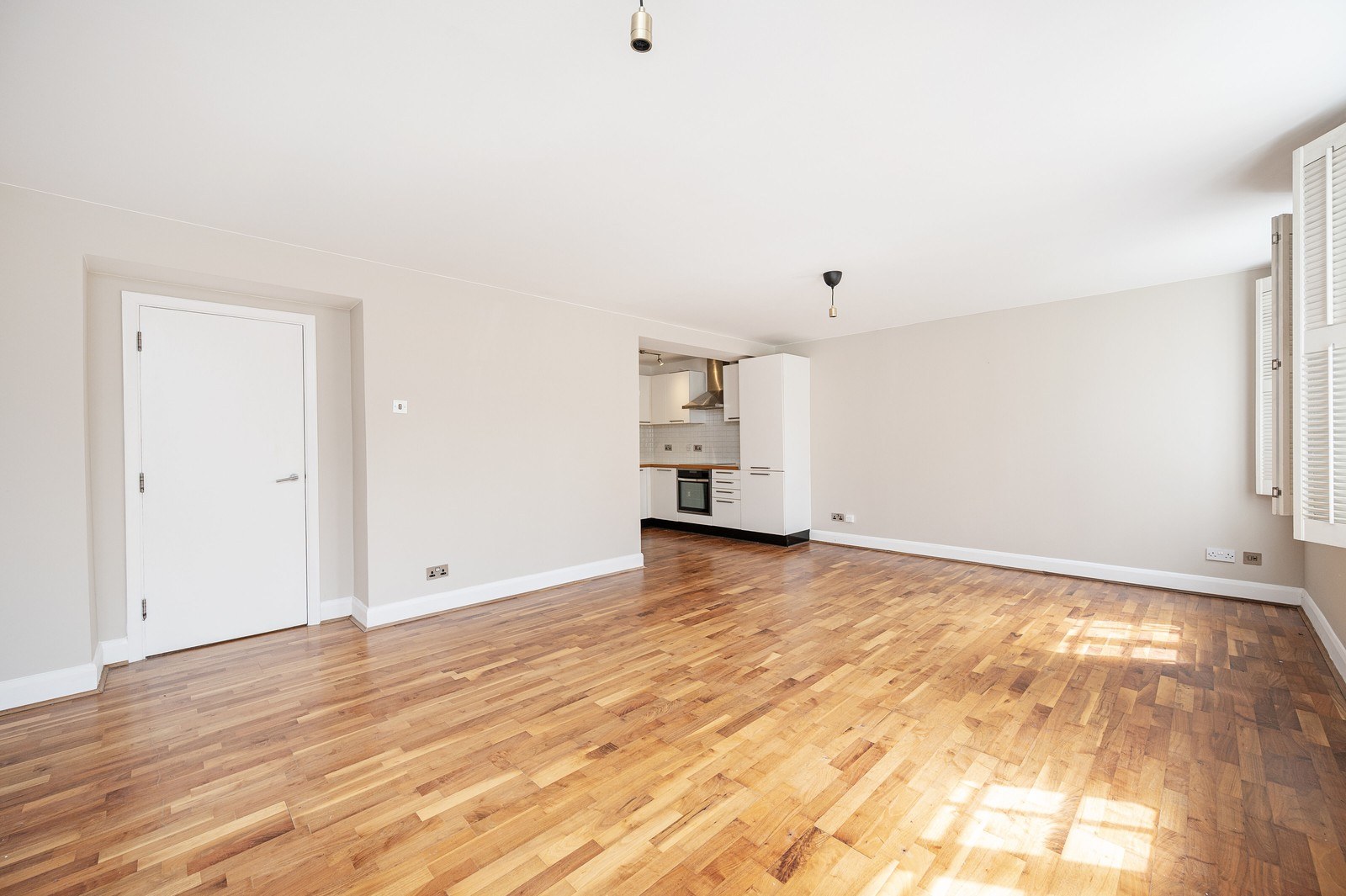
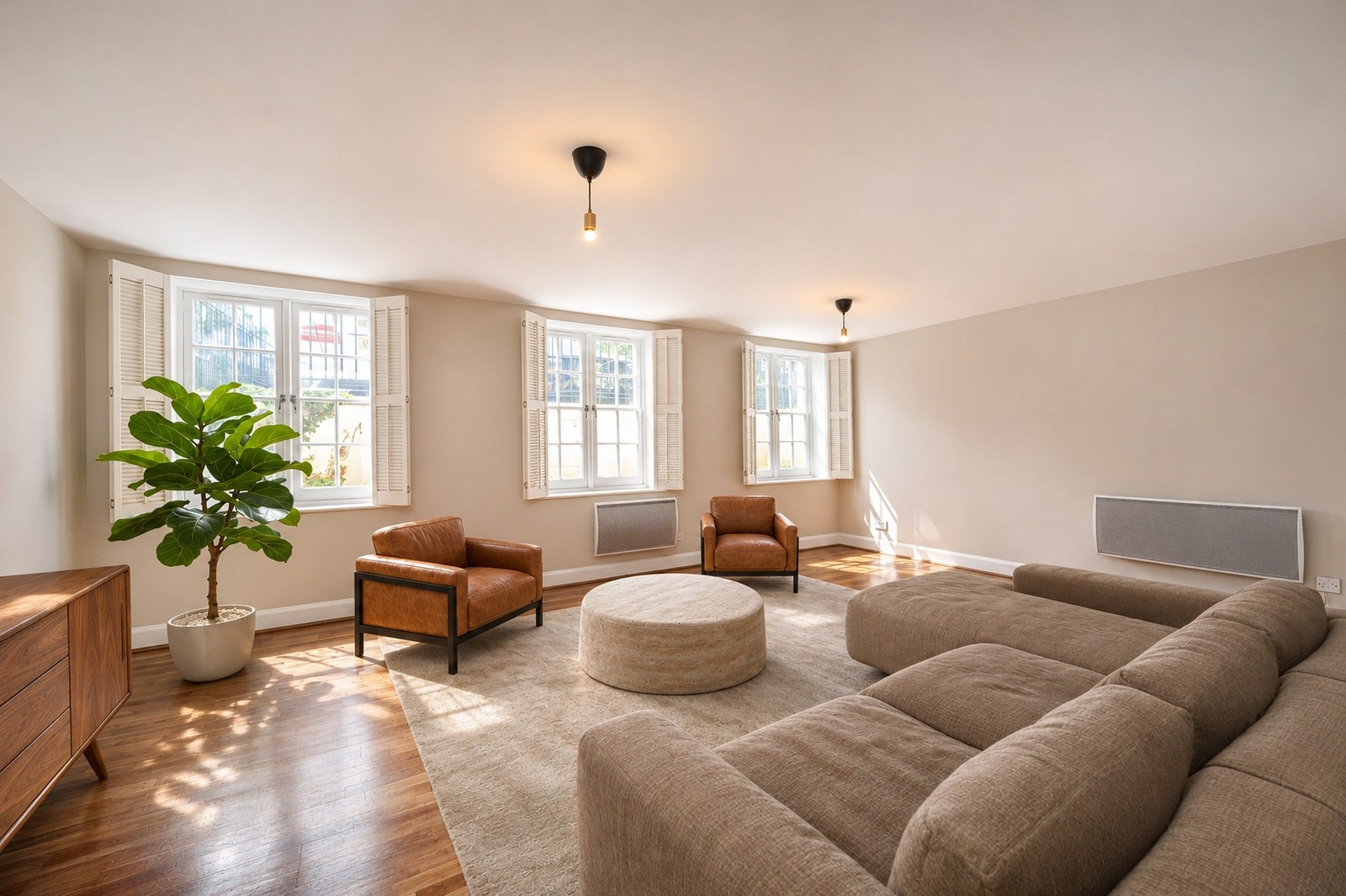
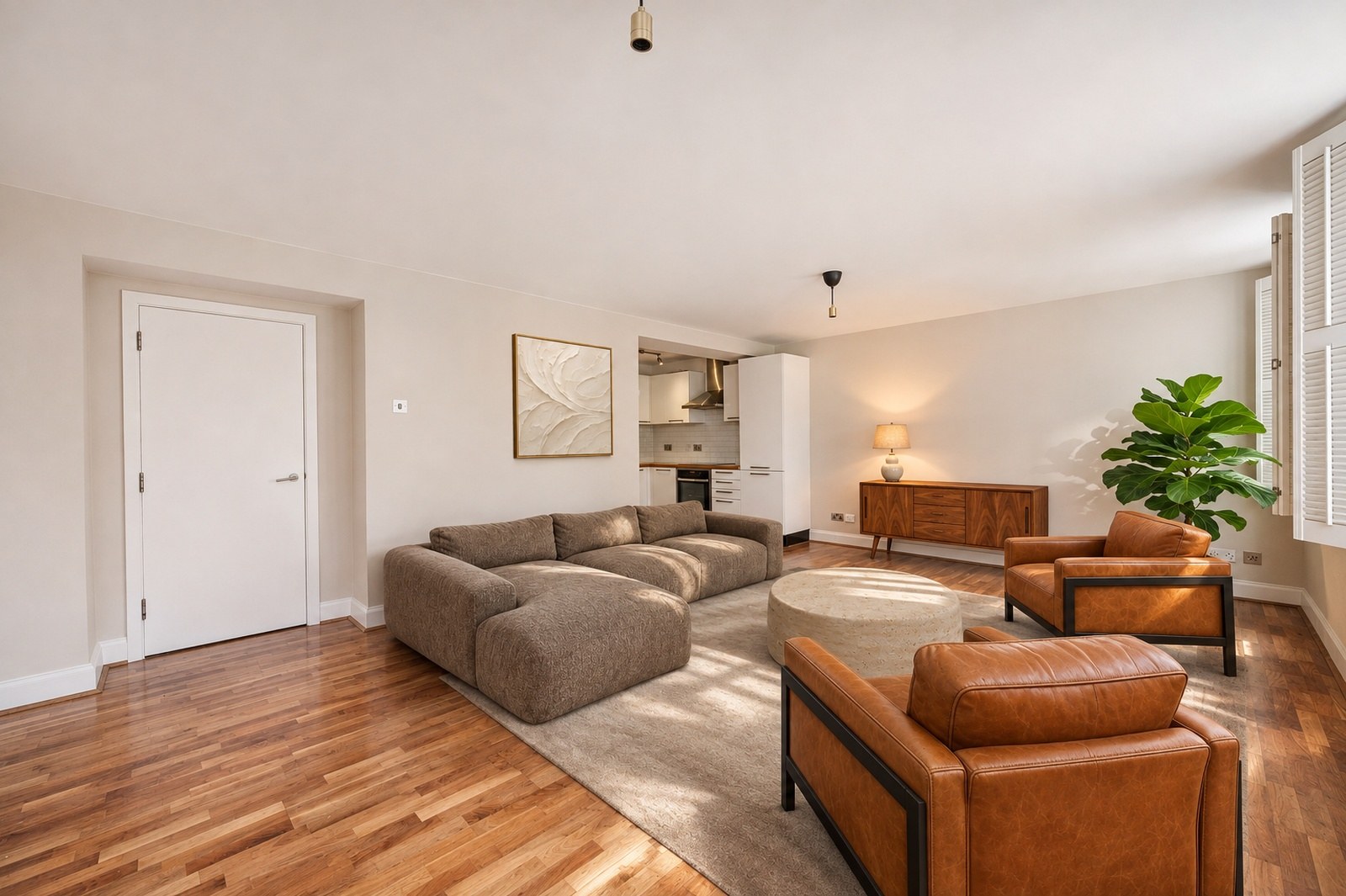 As photographedStaged by Livium AI
Sources
All links last checked on 16 November 2026. Bayut's help centre refused our requests, so its page is cited by title only.
- Checked and TruCheck on Bayut: Property Authentication Guide (opens in a new tab), MyBayut, updated 19 October 2026.
- Bayut Profolio: Exclusively designed for real estate agents (opens in a new tab), MyBayut, updated 20 October 2026.
- Here's Your Guide To The TruCheck Badge (opens in a new tab), Bayut Agent Portal, 28 October 2024.
- You Can Now Upload Up to 5 Photos to Activate TruCheck Faster (opens in a new tab), Bayut Agent Portal, undated.
- Here's How You Can Get The Checked Badge On BayutPro (opens in a new tab), Bayut Agent Portal, undated.
- Your Guide To The Checked and TruCheck Badge For Off-Plan Property Listings (opens in a new tab), Bayut Agent Portal, 26 June 2023.
- Expert Advice with AZCO Real Estate Brokers LLC (opens in a new tab), MyBayut, June 2021 segment, updated 21 October 2026.
- What are the guidelines to be followed when uploading pictures for TruCheck? (opens in a new tab), Bayut help centre, undated, title only.
- Get More Leads by Verifying Your Listing (opens in a new tab), Property Finder Partner Hub, undated.
- Verified listing: fact sheet and checklist (opens in a new tab), Property Finder, PDF, undated.
General information, not legal advice: rules change, so check the ones that apply to your listing.
Keep reading
How to sell or let a vacant apartment in Dubai
Selling or letting an empty flat in Dubai: the permit and owner's form, preparing and photographing the unit, staging options, and a checklist for the week.
Real estate photography cost in Dubai (2026 prices)
Real estate photography in Dubai costs about AED 350 to 800 for a one-bedroom on five studios' own price lists. Add-on prices, and what to ask before booking.
Home staging cost in Dubai: physical vs virtual
What home staging costs in Dubai: physical staging, furniture rental, studio virtual staging and software, priced in dirhams on one vacant one-bedroom.