Is virtual staging allowed on Bayut and Property Finder?
We found no Bayut or Property Finder rule on virtually staged photos, but Property Finder won't verify CGIs. What each says, and how to upload a staged set.
On this page
As far as we could find on 16 November 2026, neither Bayut nor Property Finder publishes a rule that allows, bans or asks for a label on virtually staged photos, and both have published guides suggesting virtual staging. The nearest thing to a rule is a line in Property Finder's checklist for Verified listings: "Computer-generated (CGIs) or developer images won't be approved." It does not say whether a real photo with furniture added counts. Label staged photos, keep each original beside its staged version, and get the portal's answer in writing.
Key points
- On 16 November 2026 we found no published rule on Property Finder or Bayut that allows, bans or requires a label on virtually staged photos. Dubizzle's help centre refused our requests.
- Property Finder's undated Verified checklist says "Computer-generated (CGIs) or developer images won't be approved". It does not mention virtual staging.
- Property Finder's blog (27 August 2025) and Bayut's guide for agents (26 May 2023) both suggest virtual staging, and neither mentions labels.
- Dubai's Real Estate Regulatory Agency makes the advertising company "responsible for the validity and credibility of the advertisement content". That circular does not mention staging.
What does Property Finder say about virtual staging?
Its blog suggests virtual staging to sellers, and its checklist for Verified listings refuses computer-generated images. Neither mentions the other.
The blog post, Do's and Don'ts of a Successful Home Staging in Dubai (opens in a new tab) (27 August 2025), tells sellers: "You can still grab attention by using virtual staging technology." It says nothing about labels.
The rule-like text is in Property Finder's Verified listing fact sheet and checklist (opens in a new tab), an undated PDF. Verified is Property Finder's badge for a listing whose documents its team has checked, and its partner hub page on verification (opens in a new tab) says verified listings "come up high in rankings". Under images, the checklist asks that "All images are genuine images of the property", and directly beneath: "Computer-generated (CGIs) or developer images won't be approved."
Property Finder does not say whether that line reaches a staged photo. In the trade, a CGI is an image built entirely in software, usually of a unit not yet finished. On that reading, a real photo with furniture added is a genuine image of the property. On the other reading, the furniture is computer-generated, so the image is partly a CGI. We cannot settle that for Property Finder, so ask it (below).
What does Bayut say about virtual staging?
Bayut suggests it to agents and, as far as we could find, has no rule on it. Its rules that touch staged photos are the ones for TruCheck.
Bayut's guide for agents on staging a home (opens in a new tab) (26 May 2023) calls virtual staging "much cheaper than physically staging a space" and warns that with AI "there are chances of the perspectives getting skewed". Its guide to listing photos (opens in a new tab), updated 21 October 2026, does not mention virtual staging. Neither mentions labels, and Bayut's help centre refused our requests.
TruCheck is Bayut's badge confirming that a listed property "is still on the market" (Bayut's TruCheck guide (opens in a new tab), updated 19 October 2026). The agent takes a photo at the property in Profolio, Bayut's app for agents: an apartment from "right outside the flat, with the front door open", a villa from inside. For a villa, Bayut's agent guide to the badge (opens in a new tab) (28 October 2024) says the photo "needs to be similar to the photographs uploaded with the listing". An empty room photographed on the day will not look like a virtually furnished one, and we found nothing on how Bayut's moderators treat that. Keeping the originals in the listing gives that photo something to match.
Is virtual staging allowed on Dubizzle?
We could not find out from Dubizzle. Its help centre refused our requests on 16 November 2026.
Ryselist (opens in a new tab), a Dubai listing production service, wrote on 23 September 2026 that Dubizzle "bans brokerage watermarks and photo collages" and rejects blurry or stock photos. It says nothing about staging on Dubizzle.
What the three portals publish, side by side
Checked on 16 November 2026.
| Property Finder | Bayut | Dubizzle | |
|---|---|---|---|
| Suggests virtual staging | Yes: blog for sellers, 2025 | Yes: guide for agents, 2023 | Nothing found |
| Rule on staged photos | None found | None found | Could not check |
| Closest rule | No CGIs or developer images for Verified | Villa TruCheck photo "similar to" the listing's photos | No blurry or stock photos (Ryselist) |
| Label required | None found | None found | Could not check |
What would get a staged photo rejected?
We found no rejection reason aimed at staging. What can catch a staged photo is an edit that changes the property, and the ordinary photo rules.
Once an edit changes what is for sale, such as the floor, a window, a fitted wardrobe or the view, the image shows a different property, and your company answers for the advert's content (next section).
The ordinary rules apply to a staged photo too. For the Verified badge, Property Finder's checklist turns down dark or pixelated photos, repeats, people, collages, footers with "your name, mobile number", "Excessively large watermarks or double watermarks", and a bathroom as the main image. Our article on Property Finder and Bayut photo requirements has the full list for each portal.
One rule meets staging head on. Property Finder wants "All images are unique", with "no duplications". A staged photo and its original share a camera position, and we do not know whether Property Finder's check would treat them as the same picture.
Do Dubai's advertising rules cover staged photos?
Not by name. They require a permit and your company's name on the advert, and make your company answer for what it shows.
The Dubai Land Department's (DLD) Real Estate Regulatory Agency (RERA) set the terms for adverts "including real estate platforms or social media" in Circular 2-2022 (opens in a new tab) (20 July 2022). An advert needs "an official permit from RERA", issued through Trakheesi, the DLD's online permit system (opens in a new tab), with the number displayed, and "The ad, whether written or visual, must include the name of the real estate company." Then: "The advertising company is responsible for the validity and credibility of the advertisement content, and the advertisement must not include any information that has not been approved in the permit issued by RERA."
The DLD also checks adverts by machine. Its AI advertising platform "has monitored over 279,000 real estate advertisements" on platforms such as Property Finder, Dubizzle and Bayut, and "29% of the monitored listings were automatically modified using artificial intelligence" (DLD, 24 April 2025 (opens in a new tab), also reported by Gulf News (opens in a new tab)). Neither says what was changed or whether photos are checked.
You may have read that the DLD requires a watermark on staged photos. An undated PropertyNews.ae report (opens in a new tab) describes a "True-View" framework that "requires all virtually staged images to include a verified watermark". It names no circular, and we found nothing on the DLD's website that confirms it. Our tracker of virtual staging disclosure rules lists the rules that do exist, and our guide to virtual staging in Dubai covers a second report.
How do you upload a staged set to Bayut or Property Finder?
Check every staged photo, then upload each one labelled and next to its original.
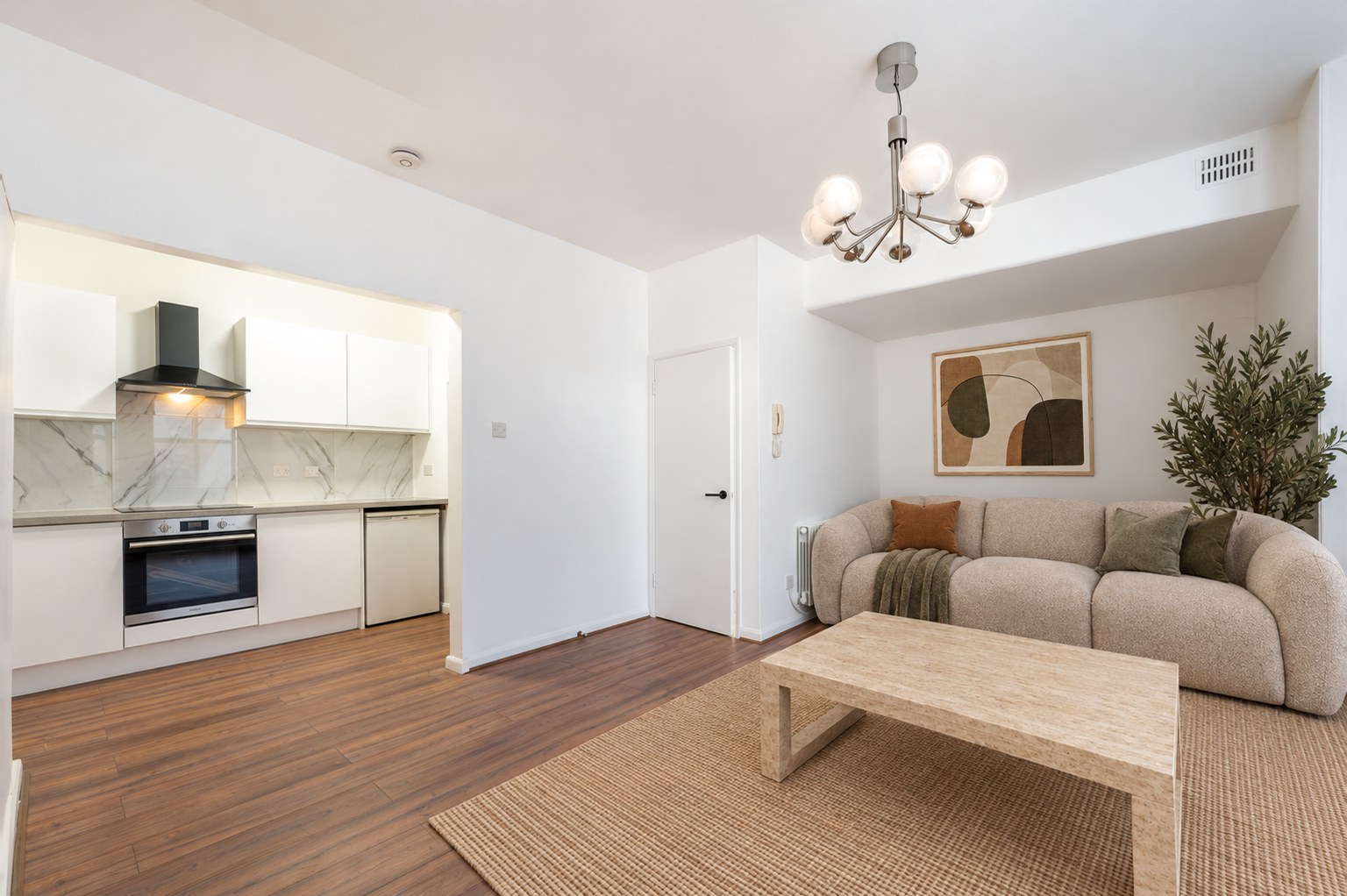
- Check each staged photo against its original. Compare walls, windows, doors, floor, fitted wardrobes, air-conditioning grilles, light fittings and the view. Our list of common virtual staging mistakes shows what to look for.
- Stage living rooms and bedrooms only. Kitchen and bathroom fittings are part of what is for sale, so leave those rooms as photographed.
- On Property Finder, make an as-photographed photo the main image for now. The Verified checklist has a line of its own for the main image, and the CGI question is open.
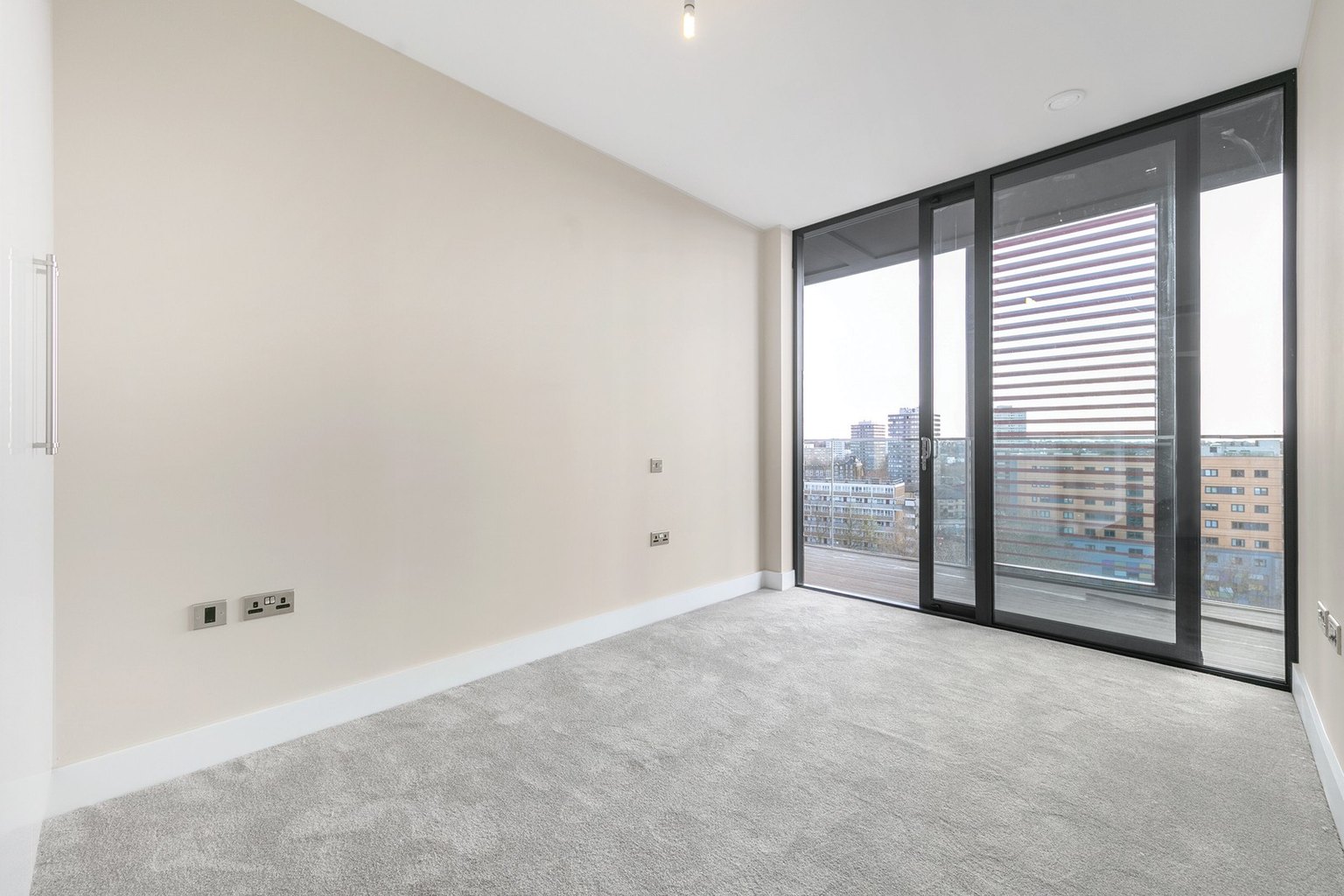
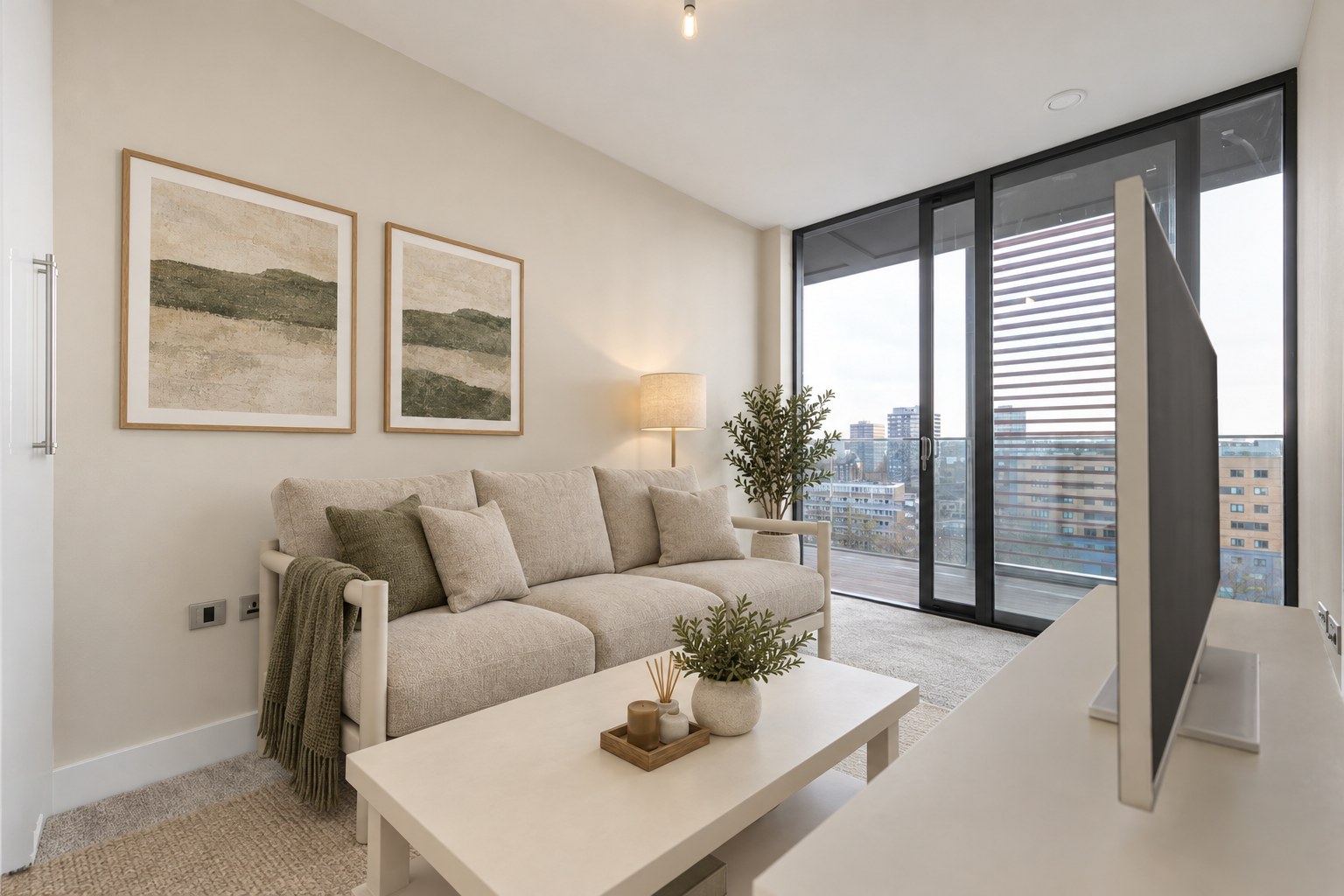
- Put each original straight before or after its staged version. Both count towards Property Finder's maximum of 30. A two-bedroom with three rooms staged from two angles each uses 12 images before the kitchen, bathrooms and view.
- Label each staged photo. Put "Virtually staged" small, in a corner, and a sentence in the description such as: "This image has been virtually staged: the furniture and decor were added digitally and are not included with the property." Our disclaimer wording for staged photos has more versions. In Livium AI, which we make, each staged photo downloads with or without that label, and its original is always kept beside it.
- Keep a file while the listing is live: the originals at full size, the staged versions, the date and the tool used, the seller's approval and the portal's written answer.
How do you get the portal's answer in writing?
Email your account manager at the portal before the listing goes live. Two sentences are enough:
For listing [reference], we plan to upload virtually staged photos: furniture added digitally to real photos of the unit, nothing about the property changed, each labelled "Virtually staged" and placed next to its original. Please confirm in writing that these are accepted, including for Property Finder's Verified badge or Bayut's TruCheck.
For the Verified badge, Property Finder's checklist gives verified@propertyfinder.ae for questions. If the answer is no, upload only the originals to that portal.
Common questions
Can a "Virtually staged" label on the photo get it rejected?
We found no rule on it either way. Property Finder's Verified checklist refuses footers with "your name, mobile number" and oversized or double watermarks, and Ryselist reports that Dubizzle bans company names and phone numbers on photos. A small label in a corner, away from your logo, is none of those, but a moderator decides. Put the same words in the description too.
Will a staged main photo lower my Property Finder quality score?
We do not know, and Property Finder has published nothing that says. It gives each listing a Quality Score: "The better the content of your property, the better it will rank." The image items in its quality score checklist (opens in a new tab) cover the number of photos, orientation, light, resolution, repeats and watermarks, and none mentions staging. The sample score in that checklist shows "Verified" as one of its lines, which is why the CGI wording matters.
Can I remove the owner's furniture from the photos?
We found no portal rule on that either, so treat it like staging and say so in the description, for example "Existing furniture has been digitally removed from this image." If the unit is let furnished, photograph the furniture the tenant will get.
Trying it on your own room
Livium AI stages living rooms and bedrooms from up to six ordinary photos of a room, with the same furniture in the same place in each. Each staged photo downloads with a "Virtually staged" label or without one, and the original is always kept beside it. You can start with 25 free credits, enough for a room of up to five photos, to see the result on your own photos.
Stage the room once.
Every photo matches.
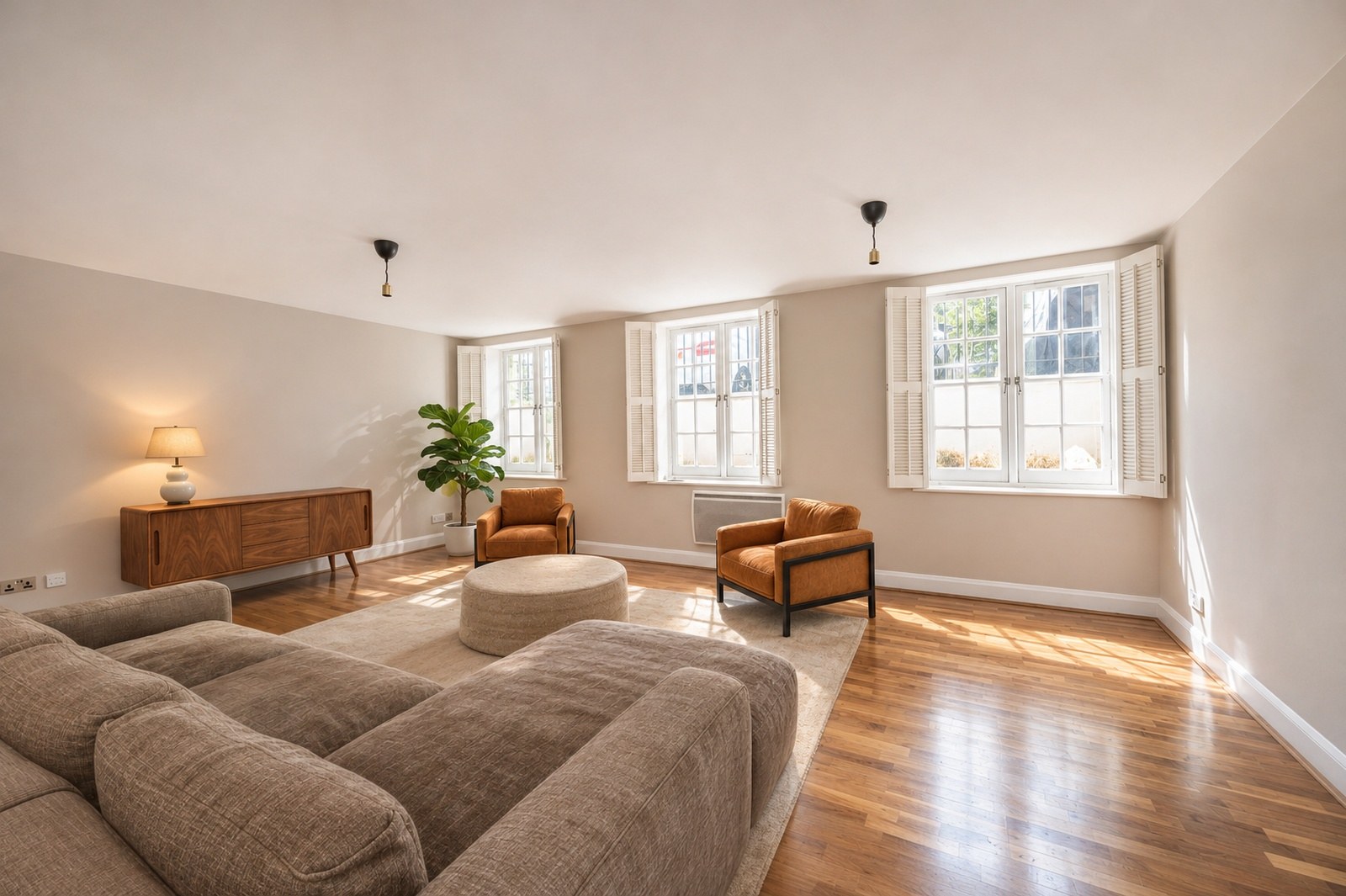
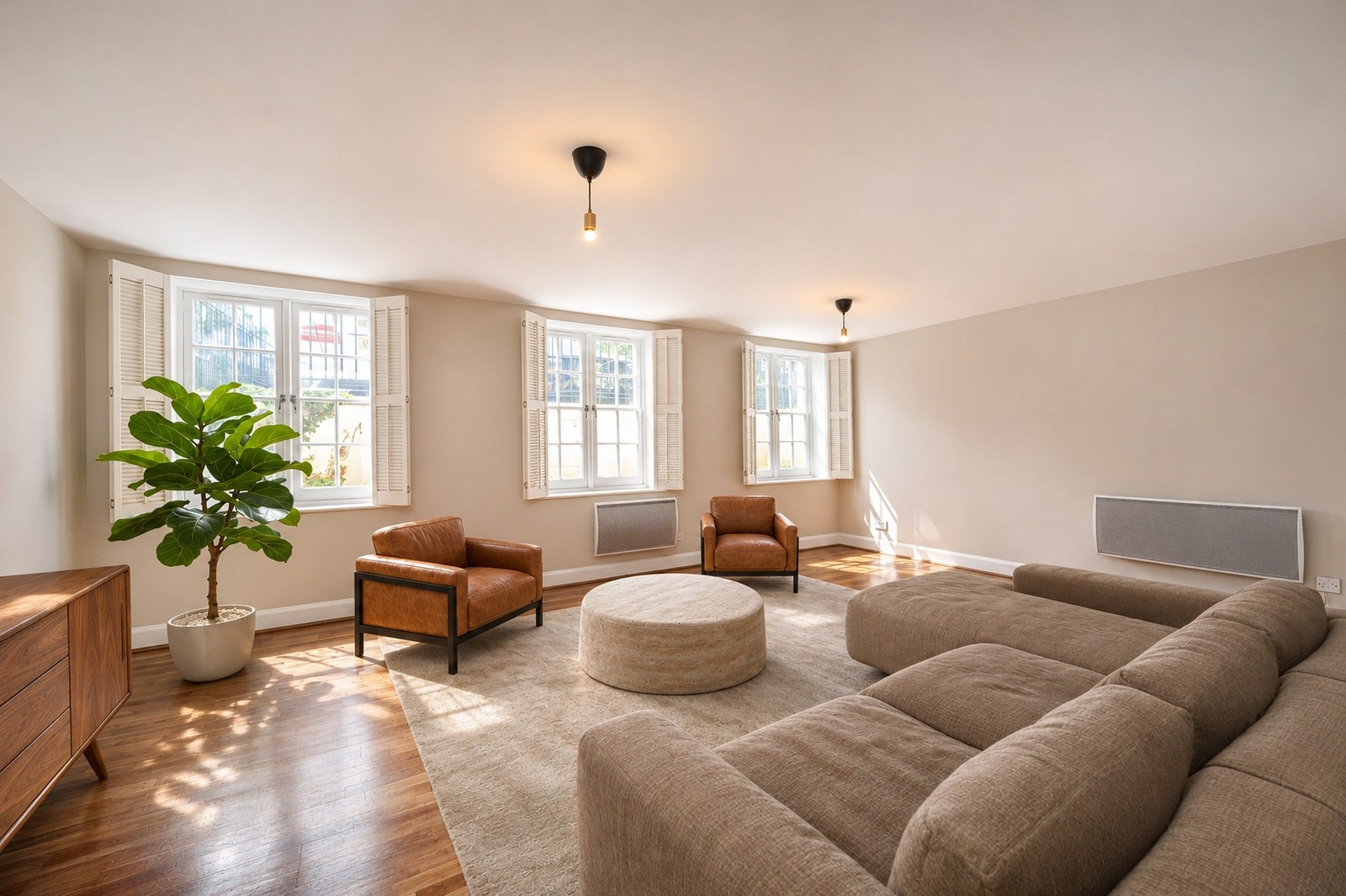
Upload a few photos of the empty room. Livium AI furnishes it once, in one 3D model with every piece at its real size, so every photo of the listing shows the same furniture in the same place.
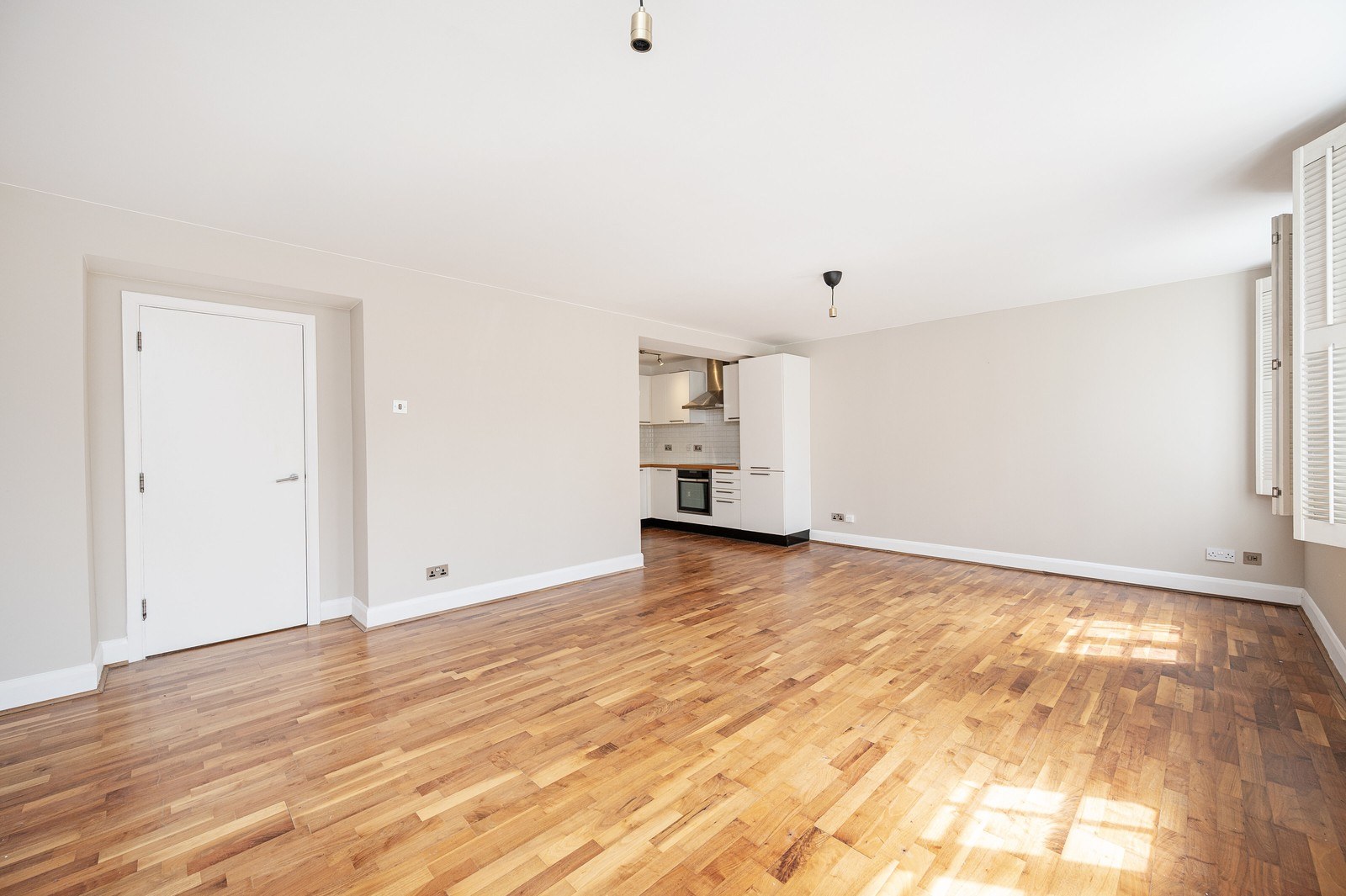
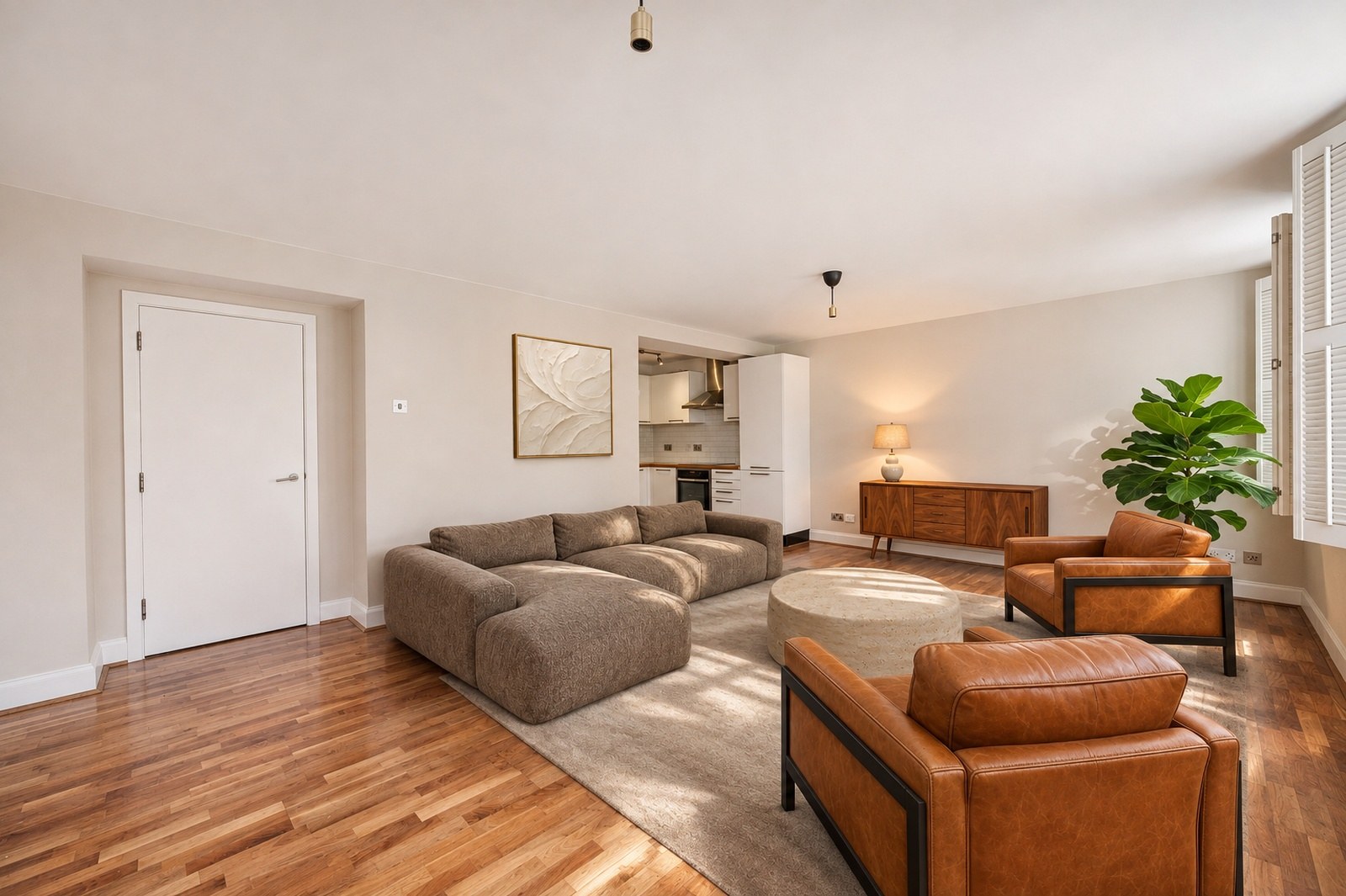 As photographedStaged by Livium AI
Sources
All links last checked on 16 November 2026.
- Do's and Don'ts of a Successful Home Staging in Dubai (opens in a new tab), Property Finder blog, 27 August 2025.
- Verified listing: fact sheet and checklist (opens in a new tab), Property Finder, PDF, undated.
- How to get top quality score: checklist (opens in a new tab), Property Finder Hub, PDF, undated.
- Get More Leads by Verifying Your Listing (opens in a new tab), Property Finder Partner Hub, undated.
- The Realtor's Guide To Staging A Home In The UAE (opens in a new tab), Bayut Agent Portal, 26 May 2023.
- Best Practices for Taking Real Estate Listing Photos (opens in a new tab), MyBayut, updated 21 October 2026.
- Checked and TruCheck on Bayut: Property Authentication Guide (opens in a new tab), MyBayut, updated 19 October 2026.
- Here's Your Guide To The TruCheck Badge (opens in a new tab), Bayut Agent Portal, 28 October 2024.
- Complete Guide to the Trakheesi System in Dubai (opens in a new tab), MyBayut, updated 16 November 2026.
- Dubai listing rules: Bayut, Property Finder, Dubizzle and Trakheesi (opens in a new tab), Ryselist, 23 September 2026.
- Circular 2-2022: Real Estate ads Terms and conditions (opens in a new tab), Real Estate Regulatory Agency, Dubai Land Department, 20 July 2022.
- Dubai Land Department strengthens transparency with AI-enabled real estate advertising governance (opens in a new tab), Dubai Land Department, 24 April 2025.
- Dubai property ads: Land Department gets AI to correct listings (opens in a new tab), Gulf News, updated 24 April 2025.
- Dubai Mandates Verified Accuracy for Virtual Property Tours (opens in a new tab), PropertyNews.ae, undated.
General information, not legal advice: rules change, so check the ones that apply to your listing.
Keep reading
How to sell or let a vacant apartment in Dubai
Selling or letting an empty flat in Dubai: the permit and owner's form, preparing and photographing the unit, staging options, and a checklist for the week.
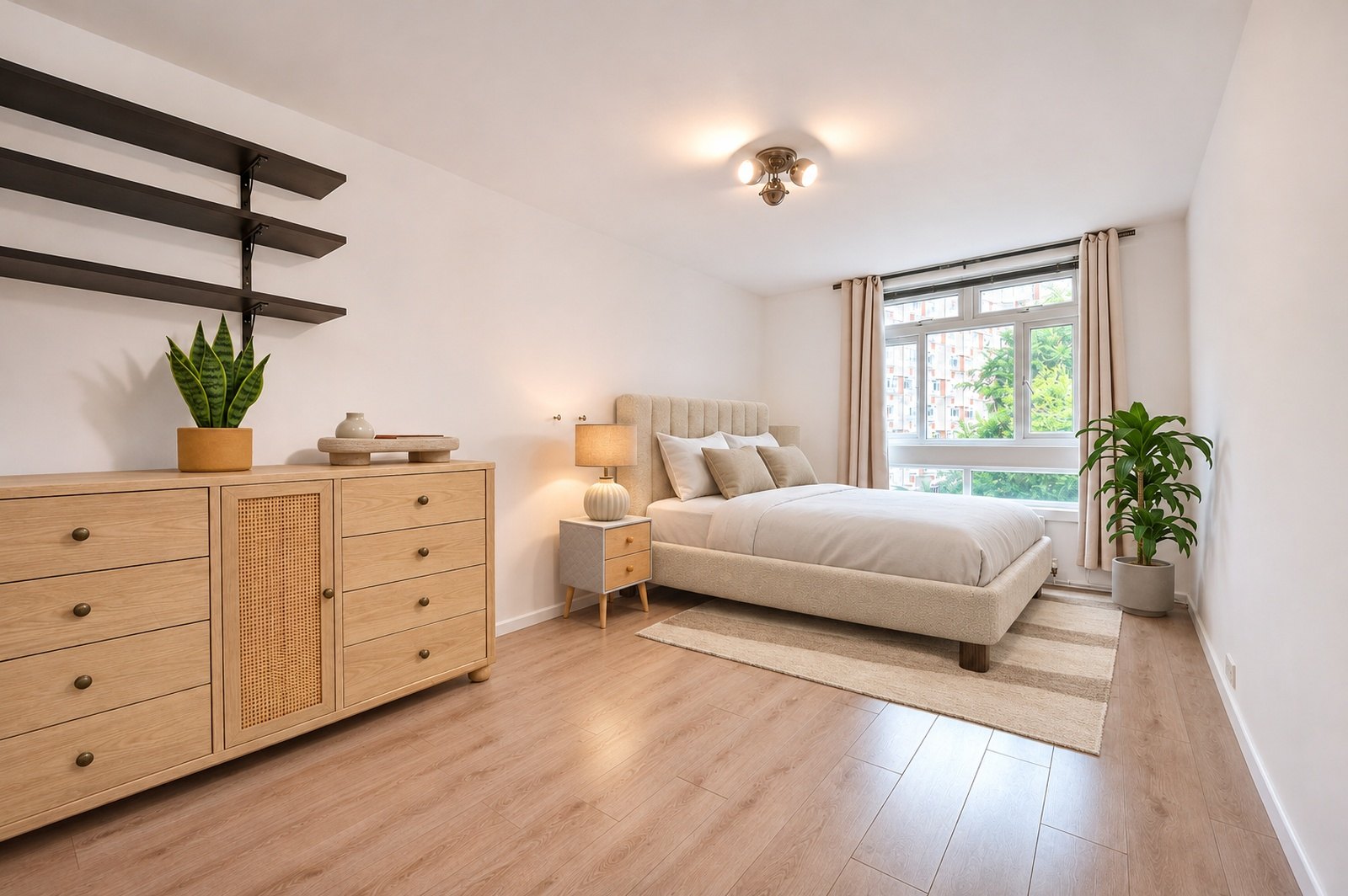
Real estate photography cost in Dubai (2026 prices)
Real estate photography in Dubai costs about AED 350 to 800 for a one-bedroom on five studios' own price lists. Add-on prices, and what to ask before booking.
Home staging cost in Dubai: physical vs virtual
What home staging costs in Dubai: physical staging, furniture rental, studio virtual staging and software, priced in dirhams on one vacant one-bedroom.