Can ChatGPT do virtual staging? What works, what doesn't
ChatGPT and Gemini can stage one listing photo well. Where they slip on a room's other photos, furniture size and the building, and what to check first.
On this page
Yes, for one photo. Upload a photo of an empty room to ChatGPT or Gemini, ask for furniture, and in a minute or two you get a convincing staged picture. The limits show when you need more than one photo of the same room, when the furniture has to be a believable size, and when nothing about the building may change, because the model redraws the whole picture each time and has no measurement of the room. The first section has a prompt you can paste.
Key points
- In November 2026, ChatGPT and Gemini can both stage an uploaded photo of an empty room from a written request, and one photo can come back convincing in a minute or two.
- Both redraw the whole picture, so windows, sockets, floors and the view can change without being asked. Check every result against the original.
- Neither measures the room. Furniture size is the model's estimate, and each photo of the same room is drawn afresh, so nothing holds the furniture in place from one angle to the next.
- A chatbot-staged photo still needs a label. The invisible watermarks the tools add are not one, because buyers cannot see them.
How do you stage a room with ChatGPT or Gemini?
Upload the photo, paste a prompt that asks for furniture only and lists everything that must stay, then check the result against the original. Virtual staging means adding furniture and decor to a listing photo digitally, and both apps will do it to a photo you upload. OpenAI's image prompting guide (opens in a new tab) even uses a room as an example: "In this room photo, replace ONLY the white chairs with chairs made of wood."
- Pick the photo. The room empty, in daylight, camera level, at full size. If the owner's furniture is still in it, the model has to invent the floor behind it too.
- Upload it and paste the prompt below, changed for your room.
- Correct one thing per message, and repeat what to keep. OpenAI's guide says to "request one change, and repeat the details to preserve".
- Download and compare the result with the original at the same size, using the checklist further down.
Virtually stage this empty living room for a property listing. Add furniture and decor only: a three-seater sofa facing the window, a low coffee table, one armchair, a rug, a floor lamp and one large plant, in a calm modern style with light oak and warm grey fabric. Size every piece for a real flat and leave the doorways and the window clear.
Change nothing else. Keep the walls, ceiling, windows and window frames, doors, floor, skirting, light fittings, switches, sockets, air-conditioning grilles and the view through the windows exactly as they are. Keep the same camera position, framing and light. Do not crop, widen, straighten or brighten the photo.
Photorealistic, with soft natural shadows where each piece meets the floor.
The second paragraph matters most. OpenAI's guide tells users to "list the details to preserve", and Google's image generation documentation (opens in a new tab) has a template for changing one part of a picture that includes the line "Keep everything else in the image exactly the same, preserving the original style, lighting, and composition." For a bedroom, swap in a double bed, two bedside tables with lamps and a rug.
What do ChatGPT and Gemini do well?
One good photo, quickly, in any style you can describe. The model paints the whole picture, so the furniture sits in the room's own light, with shadows under the legs, and looks photographed rather than pasted in. OpenAI's image generation guide (opens in a new tab) for developers says complex prompts "may take up to 2 minutes to process", and within your plan's limits each attempt costs nothing extra.
That suits a lead photo for a social post, or showing a landlord what their empty one-bedroom in Jumeirah Village Circle could look like before you take the listing.
Where does chatbot staging go wrong?
In four places: the building, the size of the furniture, the match between photos of one room, and the file itself.
The building changes
A window gains a pane, a socket moves, an air-conditioning grille disappears, or the view improves. The model does not lay furniture over your pixels. It draws a new image that resembles the old one.
OpenAI's prompting guide warns that "Repeated edits can still change details you intended to preserve", and says that "If a region must remain pixel-identical, composite the approved edit into the original image" rather than rely on the prompt. A careful prompt lowers the risk without removing it.
The furniture is the wrong size
Nothing in the process measures the room, so the model judges size and position from the picture. OpenAI's image generation guide says its models "may have difficulty placing elements precisely in structured or layout-sensitive compositions", and a furnished room is one. Furniture drawn too small is the error that misleads, because the room then looks bigger than it is. A double bed that looks narrower than the door is wide is wrong.
Photos of the same room do not match
Each new image is drawn afresh, so the living room staged from the door and again from the window can come back with two different sofas. The same OpenAI guide says its models "may occasionally struggle to maintain visual consistency for recurring characters or brand elements across multiple generations", and a sofa seen in three photos is exactly that.
The file comes back a different size or shape
Google's documentation says its model by default "matches the output image size to that of your input image", and that its Gemini 3 image models "generate 1K images by default". Its table puts 1K at 1,264 by 848 pixels for a 3:2 photo and 1,200 by 896 for a 4:3 one, a fraction of a modern phone photo. Developers can ask for 2K or 4K. OpenAI's guide recommends 1,024 by 1,024, 1,536 by 1,024 or 1,024 by 1,536, and its newest models also accept custom sizes up to 3,840 pixels on a side. A 4:3 photo returned at 1,536 by 1,024 has been cropped, stretched or extended, because the shapes differ.
These are developer figures. We could not find a page from either company that says what size the apps return, so compare the download's pixel size with the original's and check the edges for a cut-off door frame.
Can you make two photos of the same room match?
Partly. The same style across photos is easy. The same pieces in the same places is where a chatbot runs out, because nothing in it knows where the first sofa stands.
- Describing the furniture in words. The same detailed description for every photo ("a grey three-seater with thin black legs, against the wall opposite the window") gives you a family of similar sofas, not one sofa in one spot.
- Giving the first result as a reference. Upload the first staged photo with the next empty one and ask for the same furniture in the same places. Colours and fabrics carry over, because the model can see them. Positions are harder: it has to judge from two flat pictures where the camera moved, and the photo from behind the sofa must show a back that no picture has shown.
The staging trade knows this. A sponsored post on Inman (opens in a new tab) (27 April 2026) promoting Edensign, another staging tool, says of "most AI staging tools" that "They treat each photo in isolation, with no memory of layout or furniture placement."
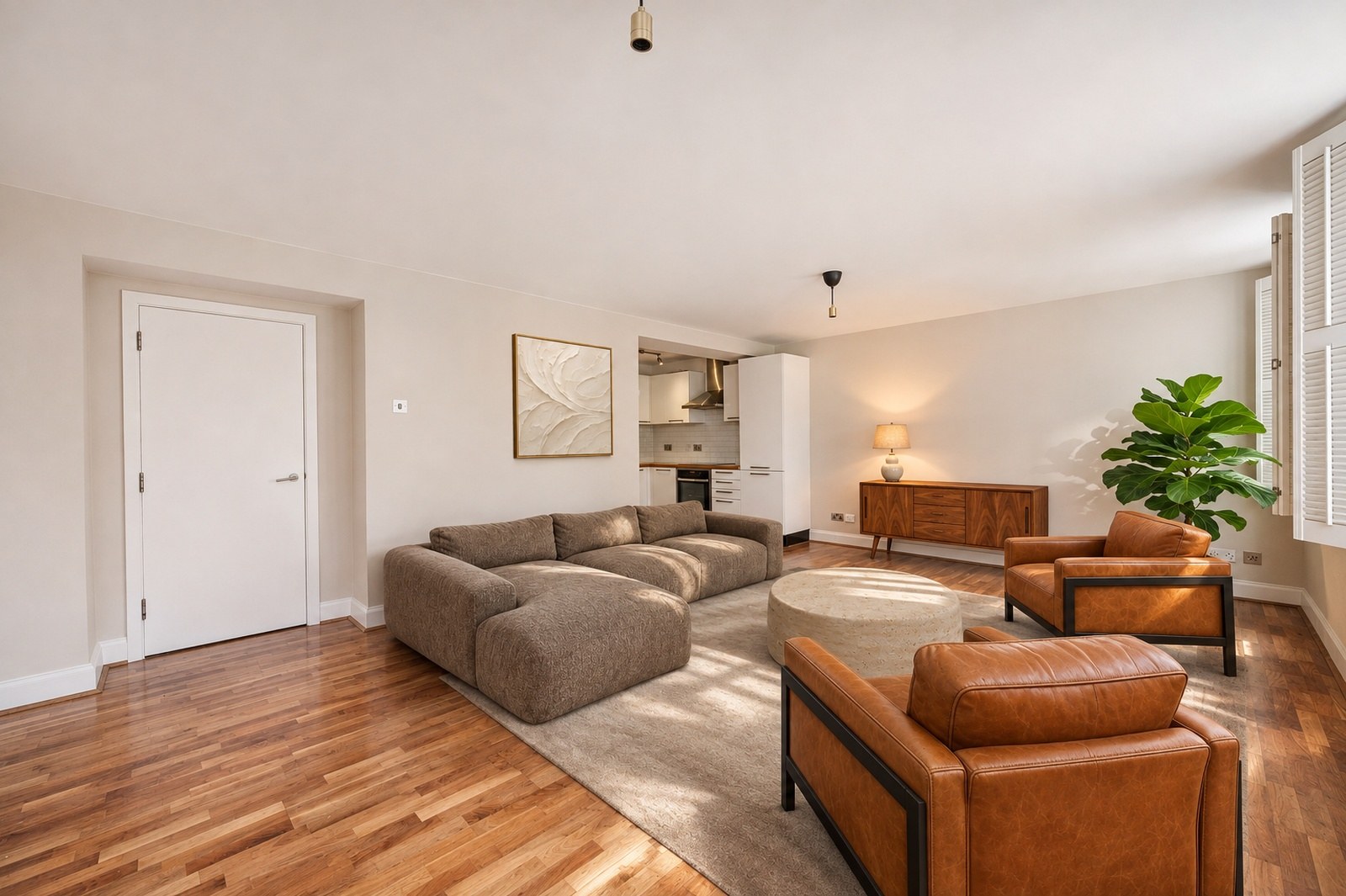
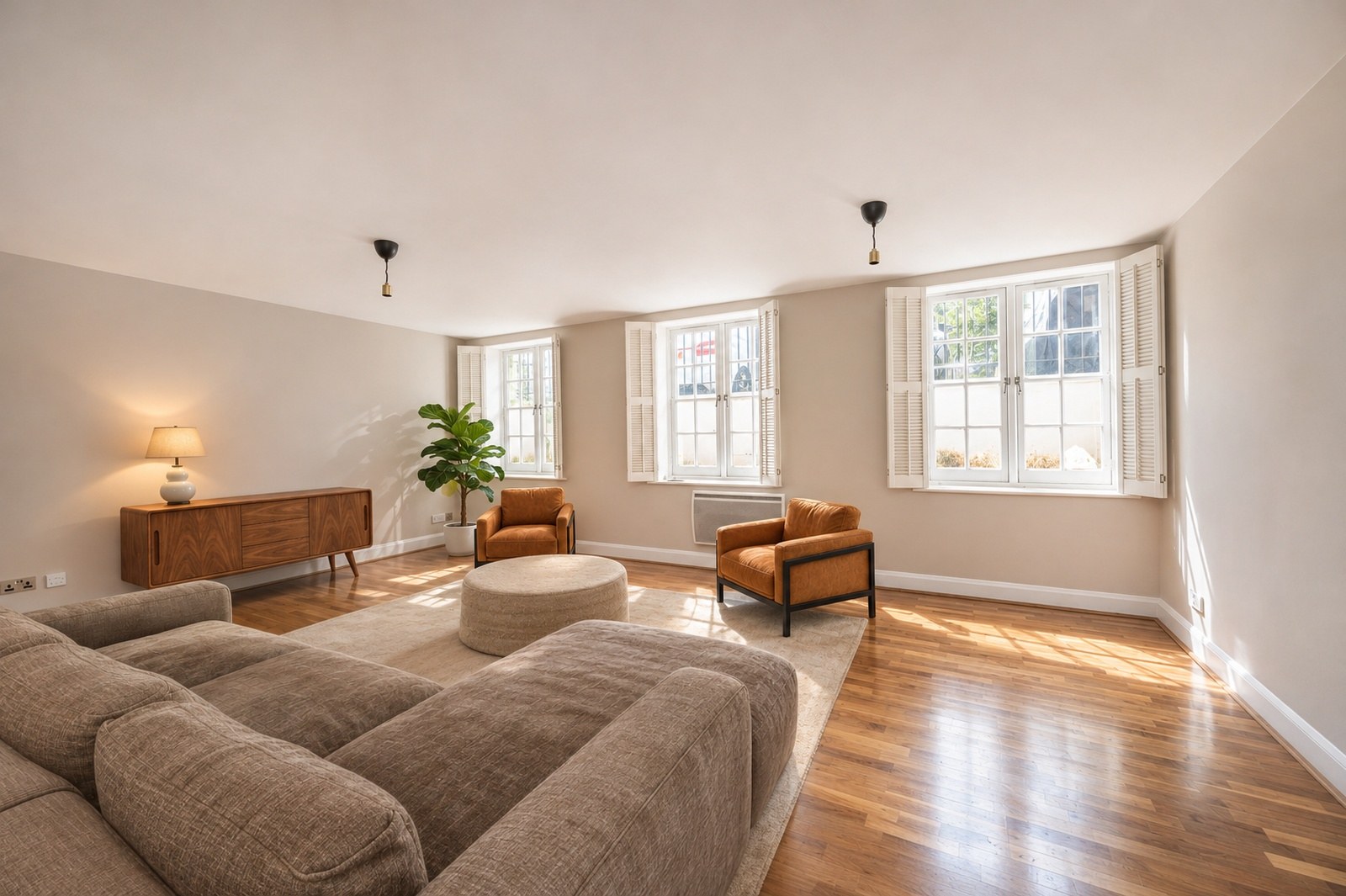
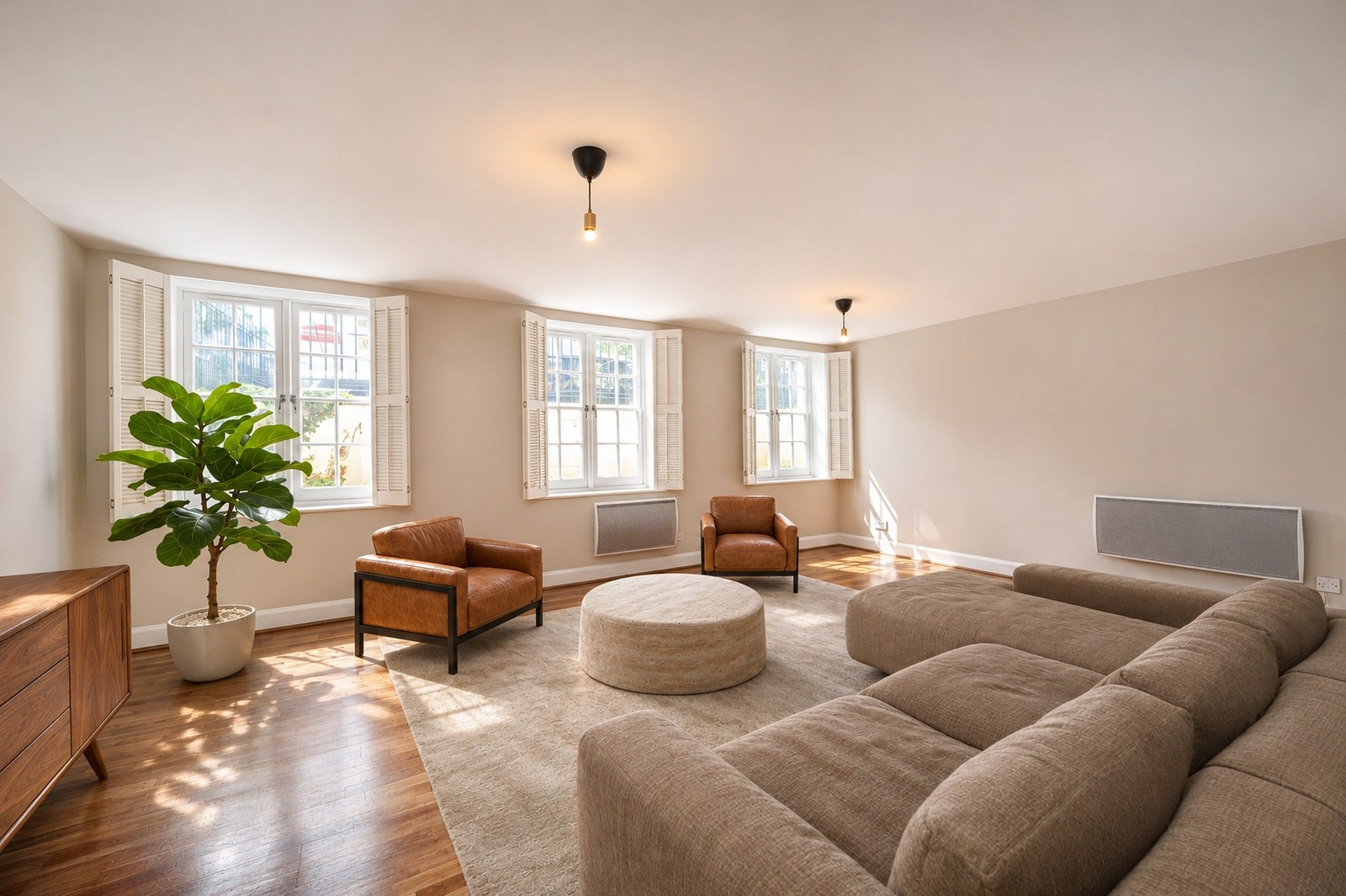
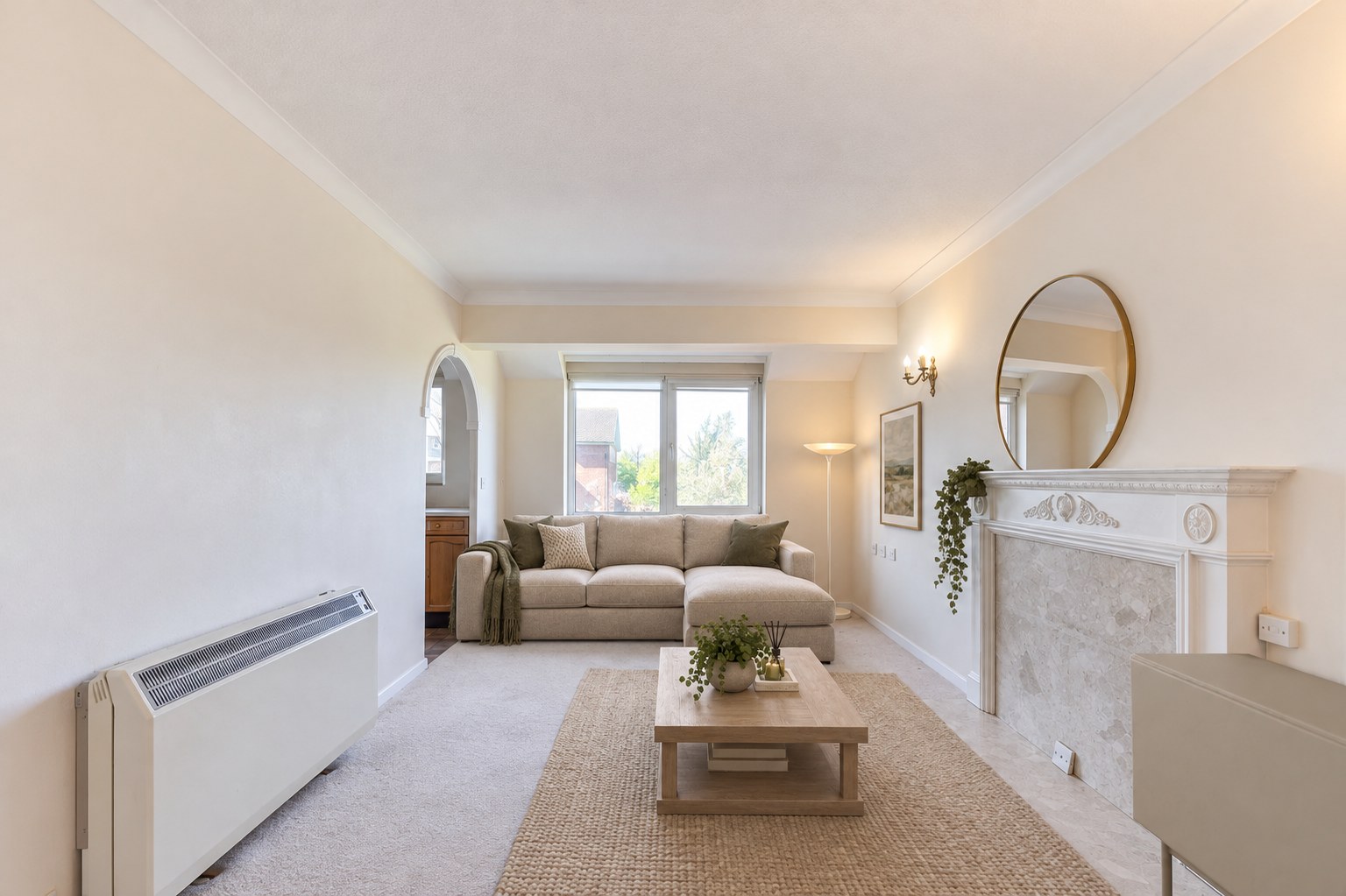
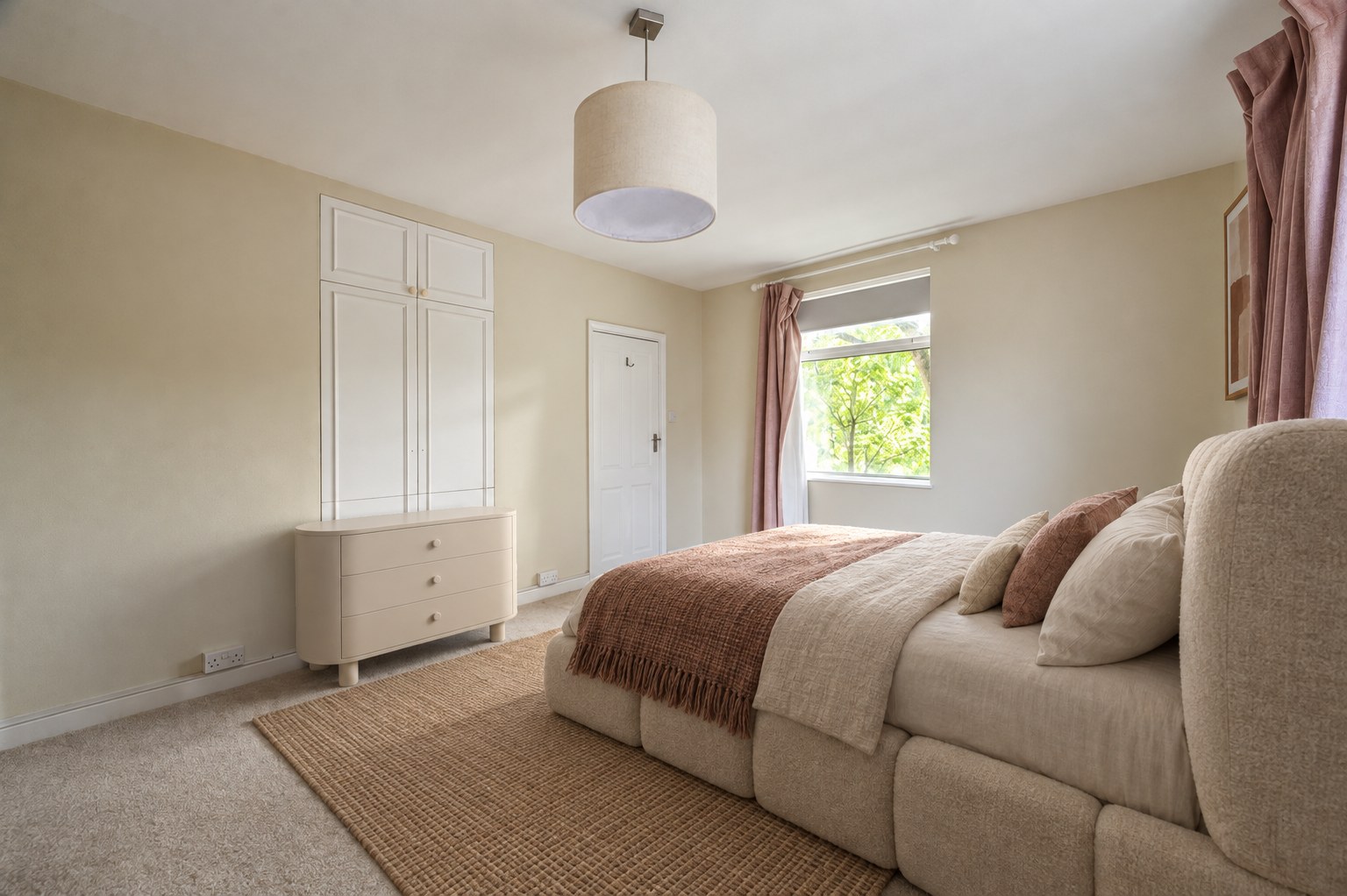
The fix is a different process: one set of furniture placed in a 3D model of the room, with every photo drawn from that one scene. Our guide to multi-angle virtual staging compares the methods and gives a ten-minute test for any tool. The two photos below were staged that way with Livium AI. They are not ChatGPT or Gemini results.
What should you check before you publish a chatbot-staged photo?
Put the staged photo and the original side by side at the same size, then check:
- Windows and doors: the same panes, frames and handles, in the same places.
- Fittings: the same number of switches, sockets, lights and air-conditioning grilles.
- The view: unchanged through every window.
- Surfaces: floor, walls and ceiling the same colour and pattern, with every mark and crack still there.
- Size: each piece looks right next to the door or window beside it.
- Use: every door, wardrobe and balcony door could still open.
- The file: the same shape as the original, with nothing trimmed or added at the edges.
- Records: a label written and the original saved.
If a photo fails any of the first seven, ask again or publish the original. Our list of virtual staging mistakes that make a listing look fake shows what each failure looks like.
Do you still have to label a chatbot-staged photo?
Yes. The buyer is looking at furniture that is not in the flat, whichever tool put it there, and that is what the label is for.
We found no published rule in Dubai that deals specifically with virtually staged images. That is a reason to set the habit now, not to skip the label. A sentence beside the photo will do: "This image has been virtually staged: the furniture and decor were added digitally and are not included with the property." Our article on virtual staging disclaimer wording has more to copy, and our AI disclosure policy explains how we handle labels.
The tools' own marks do not replace it. Google's help page on verifying AI images (opens in a new tab) says SynthID uses "invisible watermarks", and that a detected one means "all or part of the image or video was created or edited by Google's AI models". TechWyse (opens in a new tab), a marketing agency, reported on 20 May 2026 that OpenAI's documentation says images generated with ChatGPT carry SynthID and C2PA metadata (also called Content Credentials, a record of a file's origin and history). A buyer sees none of it, and OpenAI's content provenance guide (opens in a new tab) says "Editing, converting, or sharing a file can remove its metadata."
Read the tool's terms too. Google's Generative AI Prohibited Use Policy (opens in a new tab) (last modified 17 December 2024) rules out "Misrepresenting the provenance of generated content by claiming it was created solely by a human, in order to deceive." OpenAI has usage policies of its own, so read those too.
When is a dedicated staging tool worth paying for?
When the job is more than one lead photo: several photos of one room that must match, furniture at its real size, and a label and an original kept with every photo.
| The job | Is a chatbot enough? | Why |
|---|---|---|
| One photo for a social post or a pitch to a landlord | Usually | Nothing has to match |
| The lead photo of a listing | If it passes the checklist | The building must be unchanged |
| Two to six photos of one room | Not reliably | Each photo is drawn afresh |
| Furniture at real sizes | Not reliably | Size is the model's guess |
| A label and the original kept with each photo | Only by hand | You label it and file the original yourself |
We sell one of these tools. Whichever you try, ask whether moving one piece moves it in every photo. At the time of writing ours costs 5 credits a staged photo at standard quality, and the Pro plan is $19.99 a month for 200 credits: 40 photos, or about $0.50 (about AED 1.84) each. See our pricing page.
Common questions
Is staging with ChatGPT or Gemini free?
Within your plan's limits, each photo costs nothing extra. Google's page on Gemini limits (opens in a new tab) says media generation "will consume more of your usage", that limits "may change without notice", and that yours are under Settings, then Usage Limits. We could not confirm ChatGPT's current allowance on an OpenAI page, so check your account.
Which is better for staging, ChatGPT or Gemini?
We do not rank them, because both change every few months and the answer depends on your photos. Run the same photo and prompt through both, with two or three of your own rooms, and score each result on the checklist above.
Can ChatGPT or Gemini remove furniture from a photo?
Yes, but whatever appears behind the old furniture is invented. The floor, skirting and sockets there are the model's estimate, so a stain or a cracked tile can vanish. Say so in the caption: "Existing furniture has been digitally removed from this image."
Will Bayut or Property Finder reject a chatbot-staged photo?
We found no published rule on Bayut, Property Finder or Dubizzle that allows, bans or requires a label for virtually staged photos. Read each portal's current photo rules before you upload. Whatever they say, a photo whose windows or view have changed no longer shows the property.
Staging a whole room with Livium AI
Livium AI is built for the jobs in that table that a chatbot does not reliably do. Upload up to six ordinary photos of a living room or bedroom and it builds one 3D model of the furnished room, with each piece at its real size, and renders it from each photo's camera position, so every photo shows the same furniture in the same place. Each staged photo downloads with a "Virtually staged" label or without one, and the original is kept beside it. Confirm your email address for 25 free credits: enough to stage five photos, watermarked, no card. Stage a room with them and run it through the same checklist.
Stage the room once.
Every photo matches.
Upload a few photos of the empty room. Livium AI furnishes it once, in one 3D model with every piece at its real size, so every photo of the listing shows the same furniture in the same place.
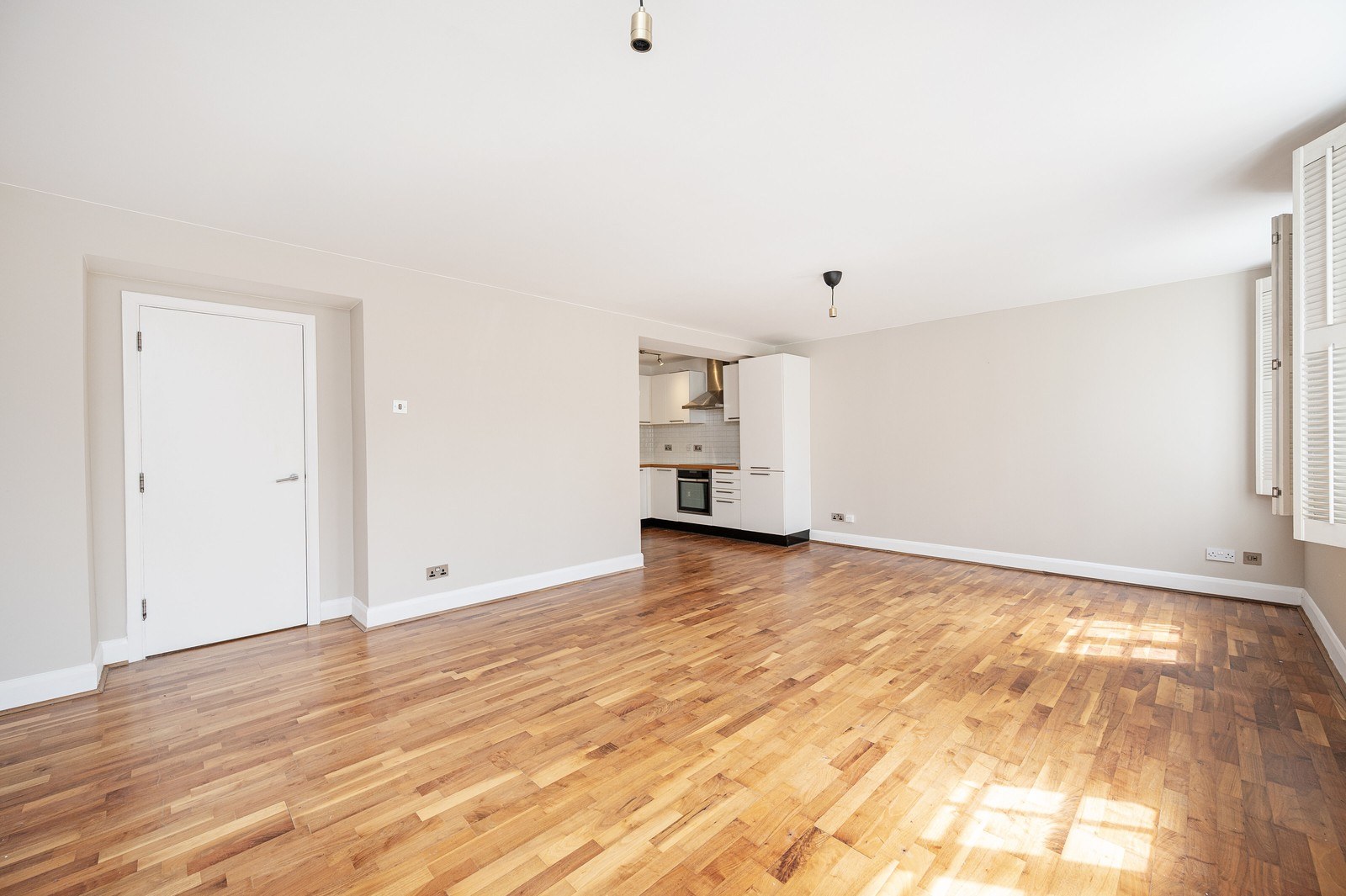 As photographedStaged by Livium AI
Sources
All links last checked on 16 November 2026.
- OpenAI, Image prompting (opens in a new tab), OpenAI Cookbook, undated.
- OpenAI, Image generation guide (opens in a new tab), API documentation, undated.
- OpenAI, Content provenance (opens in a new tab), API documentation, undated.
- Google, Nano Banana image generation (opens in a new tab), Gemini API documentation, undated.
- Google, Verify AI-generated images, videos, and audio (opens in a new tab), Gemini Apps Help, undated.
- Google, Gemini Apps limits and feature availability (opens in a new tab), Gemini Apps Help, undated.
- Google, Generative AI Prohibited Use Policy (opens in a new tab), last modified 17 December 2024.
- TechWyse, OpenAI adds SynthID and C2PA signals to make AI images easier to verify (opens in a new tab), Raghuram Sitaram, 20 May 2026.
- Inman, Why your AI-staged listing photos don't match, and how multi-angle AI staging fixes it (opens in a new tab), Inman Content Studio, sponsored post promoting Edensign, 27 April 2026.
- Livium AI, AI and virtual staging disclosure policy.
Keep reading
9 virtual staging mistakes that make a listing look fake
The staging mistakes that matter are not about taste: furniture that changes, wrong sizes and an altered building. How to catch all nine, with a checklist.
Why the sofa can't change between photos
AI-staged photos of one room often disagree because each is staged as a separate picture. What buyers see, why prompts don't fix it, and how to check a set.
Multi-angle virtual staging: one room, every photo
Multi-angle virtual staging shows the same furniture in the same place in every photo of a room. How tools try to do it, and a ten-minute test for any tool.