Virtual staging disclaimer wording: examples to copy
Virtual staging disclaimer wording to copy: twelve versions for portals, brochures, WhatsApp and Instagram, Arabic captions, and wording to avoid.
On this page
A virtual staging disclaimer should be one plain sentence, next to the photo and in the language of the listing, that says what was added and that it does not come with the property: "This image has been virtually staged: the furniture and decor were added digitally and are not included with the property." Add a short "Virtually staged" label on the image where the portal accepts text on photos, and show the original beside it or link to it.
Key points
- A useful disclaimer says what was changed, that the furniture is not included and where the original is, in the listing's language.
- Since 1 January 2026, California has required licensed agents who advertise a sale with an altered image to put a "reasonably conspicuous" statement "on or adjacent to the image" and link to the original.
- A label on the image stays with the file when a client saves it and sends it on. A caption does not.
- We found no published rule in Dubai, or from Bayut, Property Finder or Dubizzle, that sets wording for staged photos.
- Property Finder's Verified checklist refuses "double watermarks" and does not mention staging labels, so keep an unlabelled copy of each staged photo.
What should a virtual staging disclaimer say?
Four things: what was changed, that it does not come with the property, where the original is, and all of it in the listing's language.
- What was changed. "Virtually staged" for furniture added, "removed digitally" for furniture taken out. California's law asks for "a statement disclosing that the image has been altered".
- That it is not included. Where flats are let furnished or unfurnished, staged furniture can be read as part of the offer. Our AI disclosure policy asks users to say so "wherever a buyer or tenant could assume otherwise".
- Where the original is. Beside the staged photo, or at a link. California asks for a link to "the original, unaltered image".
- The listing's language. Our policy asks for "plain words, in the language of the listing". That is our policy, not a rule we found elsewhere.
A disclaimer covers added furniture, not a changed room, such as a window drawn wider or a stain painted out. Our policy says such an image "can mislead, whatever label it carries". Our list of virtual staging mistakes shows what to compare before you label.
Disclaimer wording you can copy
These are suggestions, not legal forms, and no wording on its own makes a listing comply with a rule. Fill in the square brackets.
| Where it goes | Wording to copy | When to use it |
|---|---|---|
| On the staged photo | Virtually staged | Where the portal accepts text on photos. Small, in a corner |
| On the original beside it | As photographed | So nobody has to guess which is which |
| A photo's own caption | Virtually staged. Furniture and decor not included. | Where each photo has its own caption field |
| Beside any staged photo | This image has been virtually staged: the furniture and decor were added digitally and are not included with the property. | The default, wherever a full sentence fits |
| Listing description | The [living room and bedroom] photos are virtually staged: the furniture and decor were added digitally and are not included. Each is shown next to the room as photographed. | Near the top, naming the rooms |
| Furniture removed, room left empty | Existing furniture has been digitally removed from this image. | A furnished room shown cleared |
| Room cleared, then staged | This image has been virtually staged: the existing furniture was removed digitally, and the furniture and decor shown were added digitally and are not included with the property. | A room photographed furnished |
| Pointing to the original | Virtually staged. The original, unaltered photo can be seen at [link]. | Where the original cannot sit beside it |
| Brochure or PDF | Images marked "Virtually staged" show furniture and decor added digitally, which are not included. Original photos: [link or QR code]. | A footnote on the same page as the images |
| Instagram or LinkedIn | Virtually staged: the furniture is digital and does not come with the [flat]. The next image shows the room as photographed. | First line of the post, label on the image too |
| WhatsApp to a client | Photos of [unit] attached. The [living room] photos are virtually staged: the furniture was added digitally and is not included. The originals are attached too. | With the photos. Send labelled files, since clients forward them |
| Developer's sales deck | [Unit 1204], photographed empty and virtually staged in [three] styles. The furniture and decor are digital and not included. | One unit in several looks. If a furniture package is sold, say which look it matches |
The standard sentence also works for a cleared and restaged room, but the longer one explains why the owner's sofa has gone.
Where should the disclaimer go?
On the image where the portal allows it, in the caption or description everywhere, and with the original beside it or linked.
On the image
A label on the image is the one disclosure that travels with the file. When a client saves a photo and sends it on, the caption stays behind. Keep the label to two or three words, in a corner, clear of the windows and the floor. If you cannot read it at thumbnail size on a phone, it is too small.
In the caption and the description
Put the sentence in each staged photo's caption where there is one, and near the top of the description. NorthstarMLS, a Minnesota multiple listing service (MLS, the shared database a US region's agents list homes on), has proposed accepting the disclosure "Directly in the photo caption or filename visible in the listing viewer", so name files in pairs: bedroom-1-as-photographed.jpg and bedroom-1-virtually-staged.jpg.
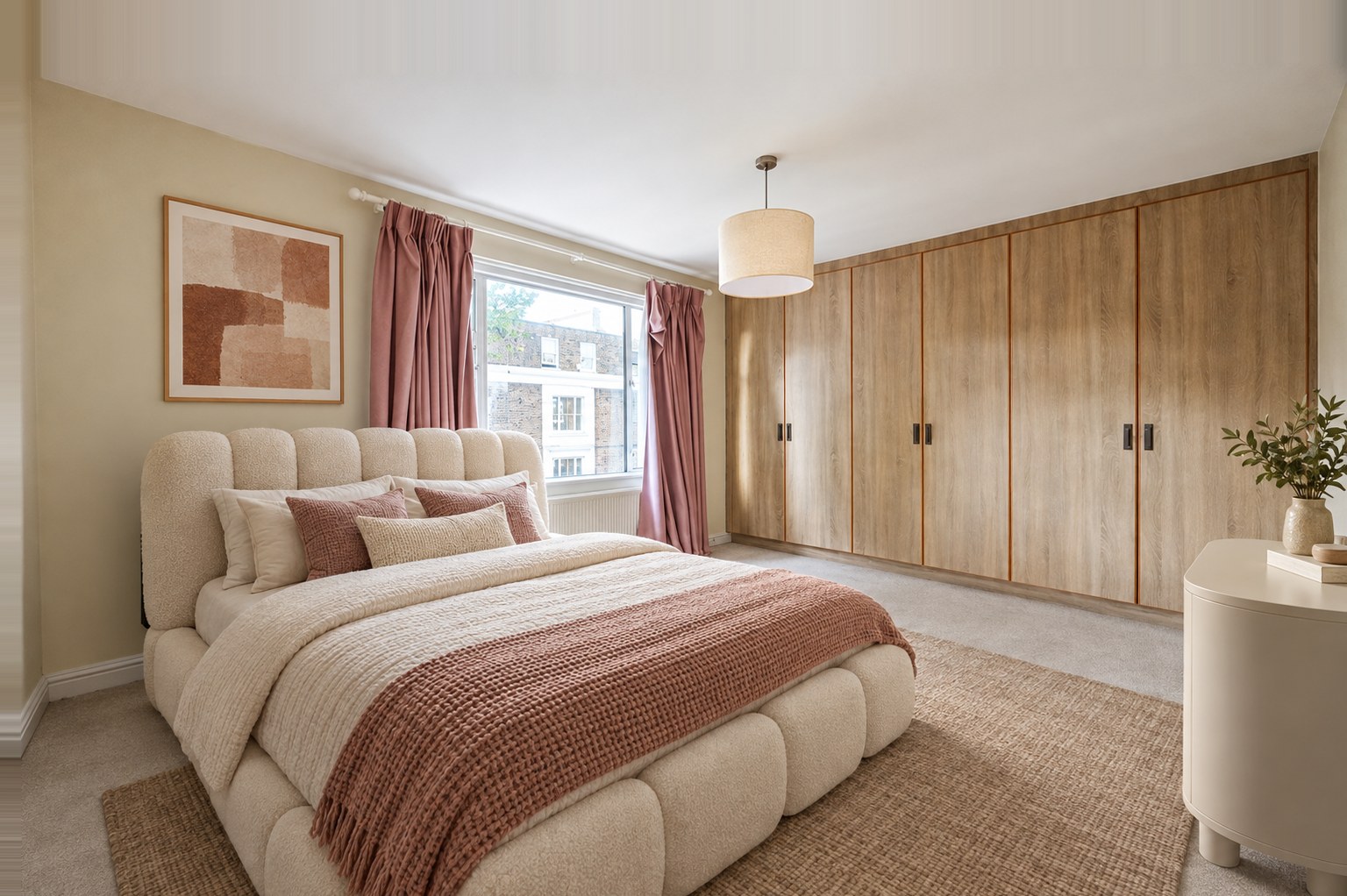
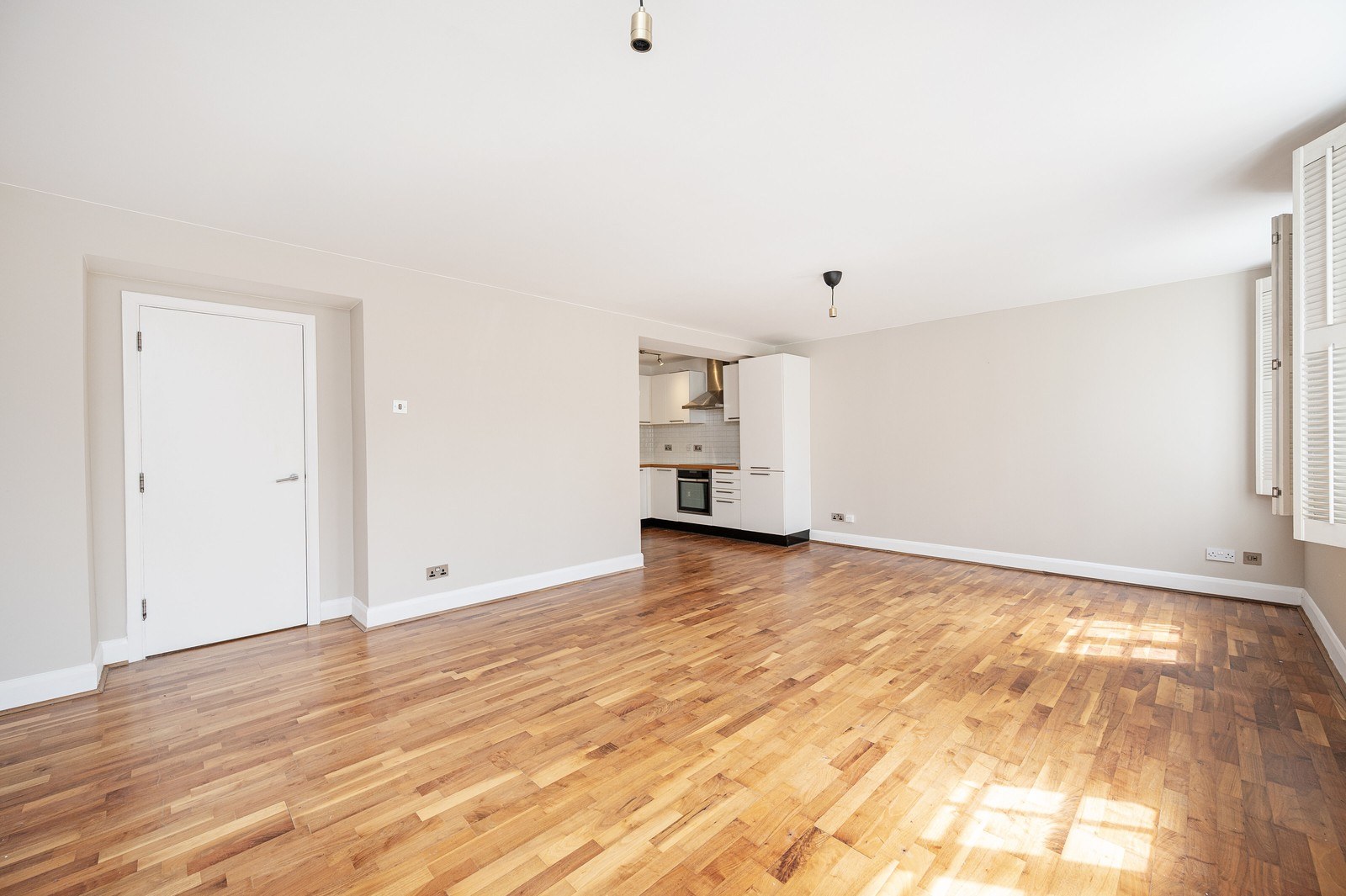
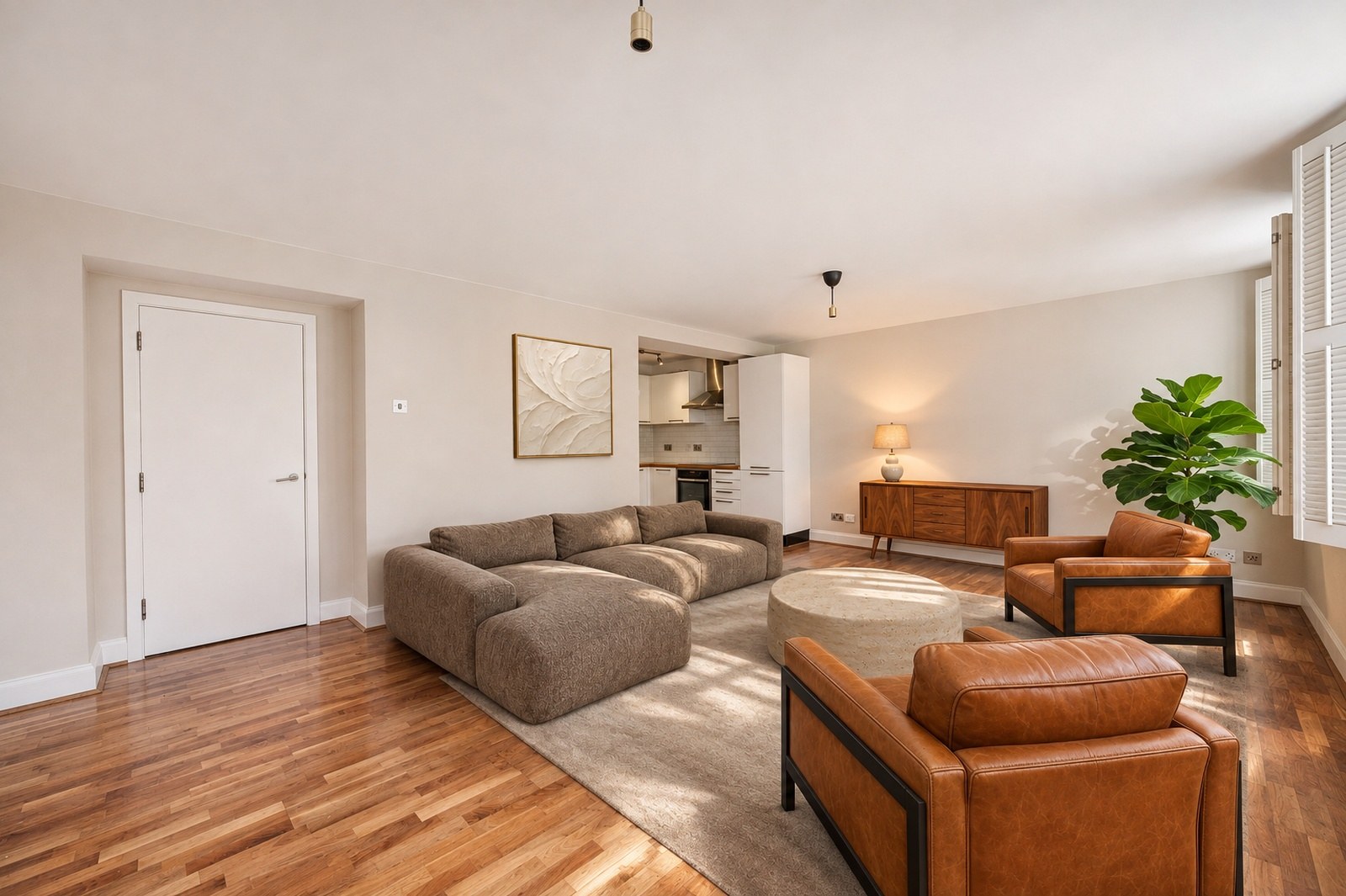
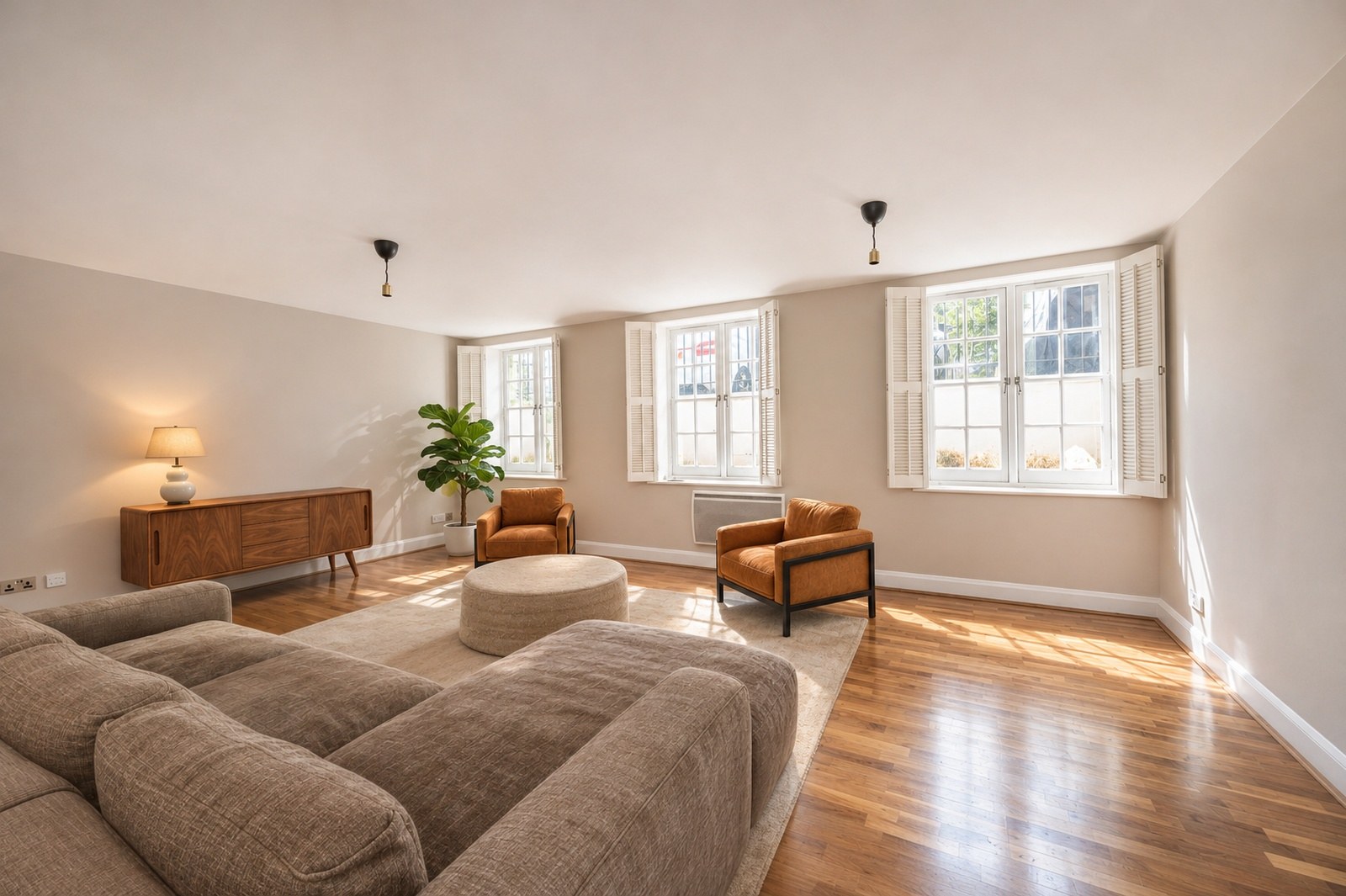
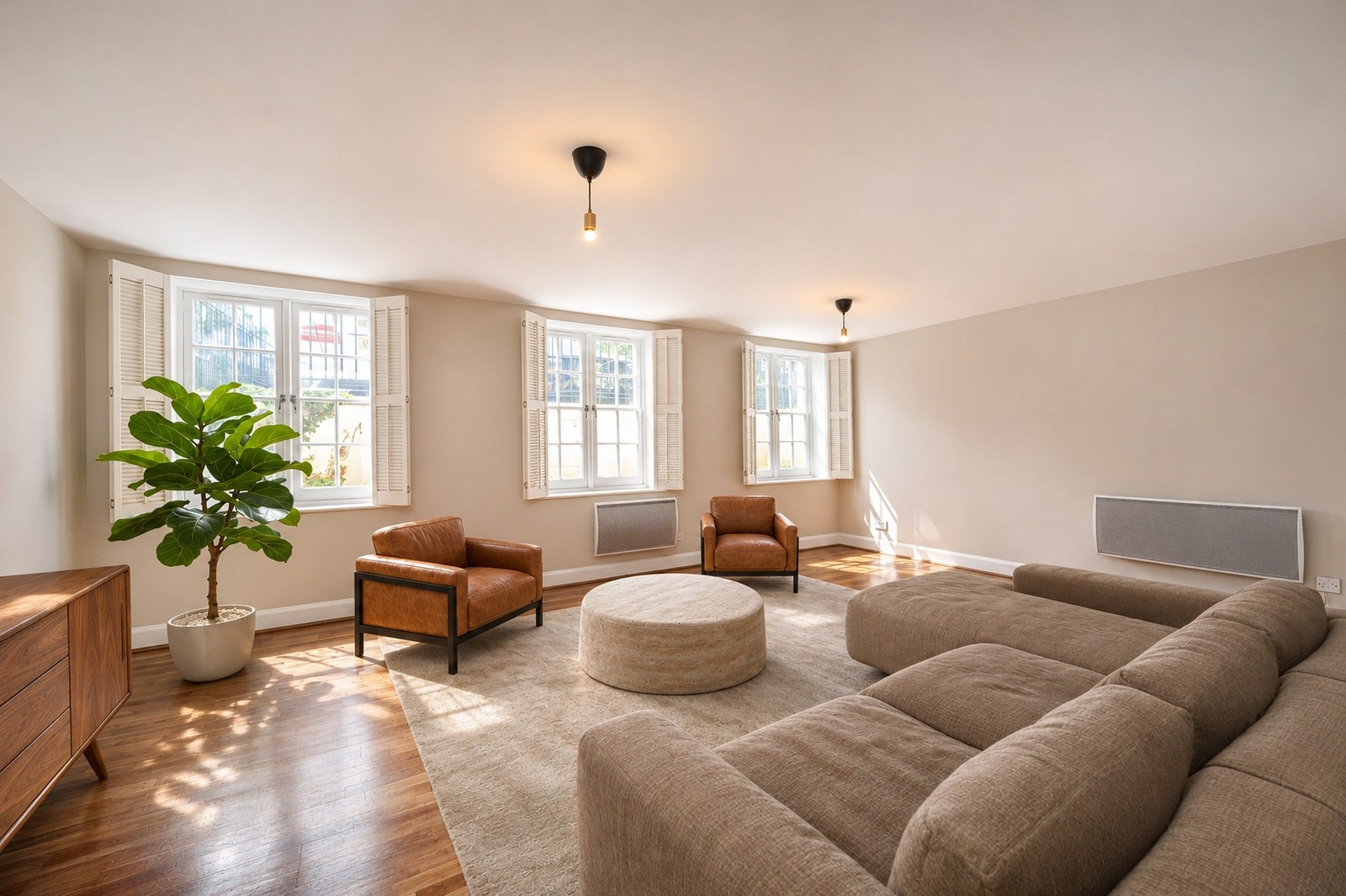
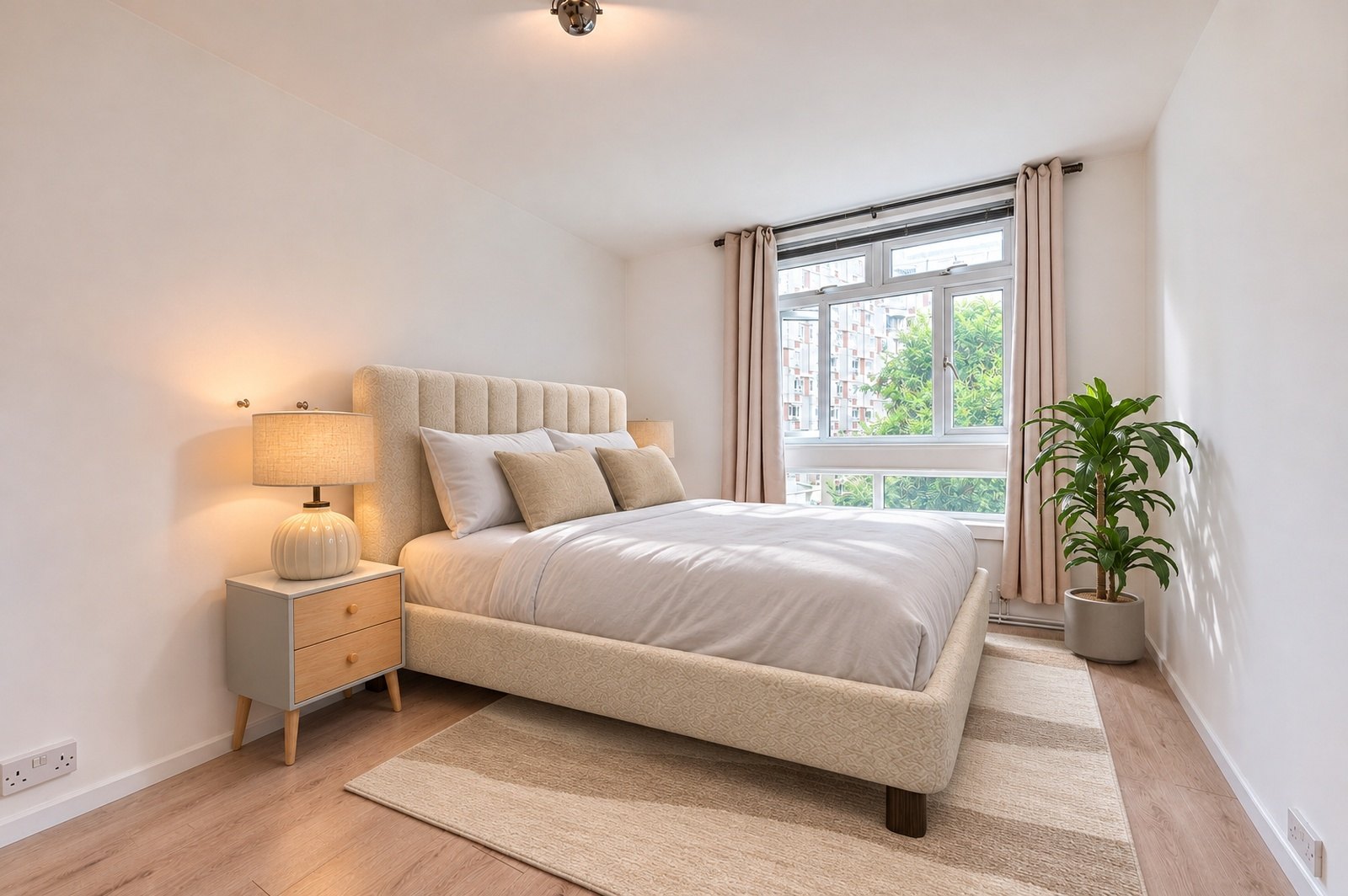
The photos below carry the captions we suggest for a room photographed furnished, then cleared and staged.
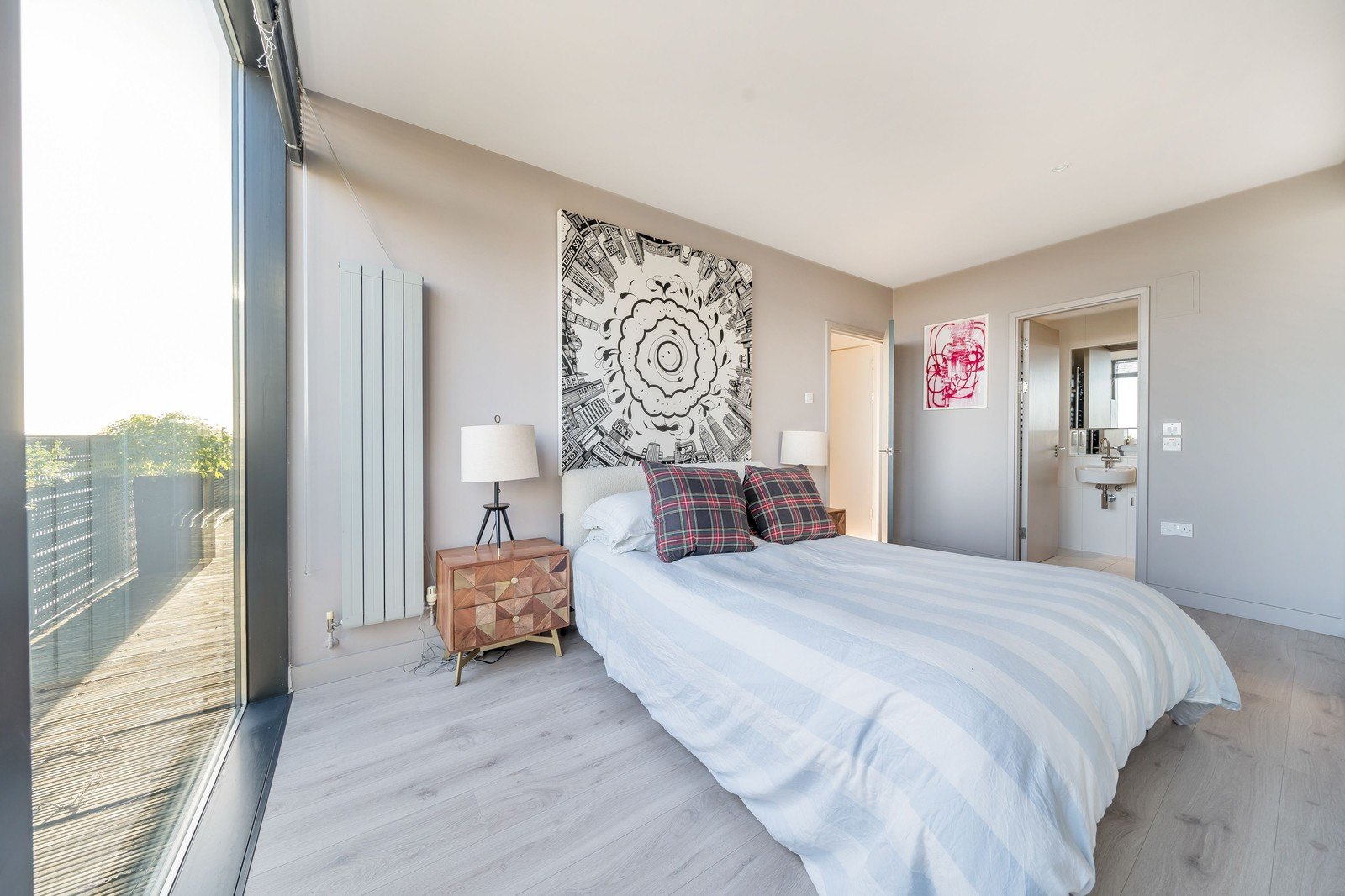
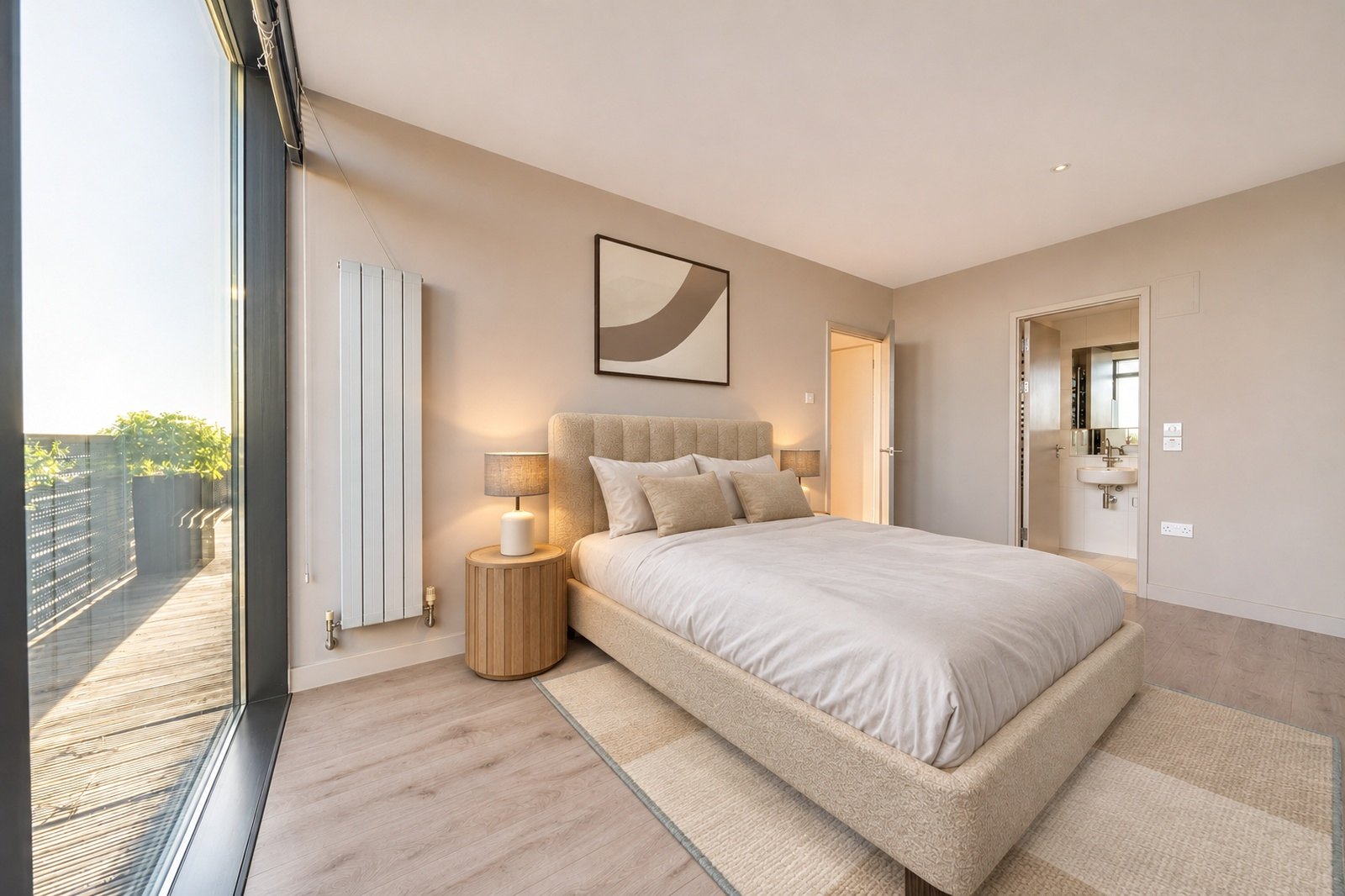
What if a portal will not accept text on images?
Then the caption, the description and the original do the work. Some listing services set the method themselves: Metro MLS (opens in a new tab) in Wisconsin allows only the watermark made by its Flexmls listing software, and CRMLS (opens in a new tab) in California wants the label in each photo's description field.
In Dubai the question is open. Property Finder's undated checklist for Verified listings (opens in a new tab) expects a watermark that "represents your company logo" and "is subtle", says "Excessively large watermarks or double watermarks won't be approved" and asks for images with "no footers". It does not mention staging labels, and we found no Bayut page on text on photos. A small label away from your logo is not obviously a second watermark, but a moderator decides. Download each staged photo both labelled and unlabelled, and if the labelled one is refused, use the other with the sentence in the description. Our article on virtual staging on Bayut and Property Finder has more.
What do specific rules ask for?
Only a few rules say anything about wording or placement, and none is in the UAE. These are the ones our guide to virtual staging disclosure rules verified.
| Rule | What the wording must do | Where it goes |
|---|---|---|
| California (opens in a new tab), licensed agents advertising a sale, since 1 January 2026 | Say "that the image has been altered", link to the original and say the originals can be seen there | "reasonably conspicuous and located on or adjacent to the image" |
| CRMLS, California | Use terms such as "digitally enhanced", "digitally altered" or "virtually staged" | The photo's description field, with the original "immediately before or after" |
| Metro MLS, Wisconsin | "Photos are Digitally Altered" in the public remarks, plus its watermark | Original first, "immediately followed by the watermarked altered photo" |
| NorthstarMLS, Minnesota, proposed 10 July 2026 | "make clear which images are staged/enhanced and which are original" | The caption, a file name shown in the listing viewer, or the photo |
| Dubai and the rest of the UAE | We found no published rule on virtually staged images | Not applicable |
You may have read that the Dubai Land Department (DLD) requires a watermark on staged photos. An undated PropertyNews.ae report (opens in a new tab) describes a "True-View" framework that requires "a verified watermark", and West Gate Real Estate's blog (opens in a new tab) (7 June 2026) says the DLD's 2026 advertising guidelines require a "Digitally Enhanced" watermark. The two describe different rules, neither links a DLD document, and we found nothing on the DLD's own pages that confirms either.
Wording to avoid
Each of these says too little, or says something you have not checked.
| Wording | Why to avoid it |
|---|---|
| "For illustration purposes only", on its own | It says neither what was changed nor that the furniture is not included |
| "Artist's impression", for a photographed room | It means a drawing of something not yet built, so it suggests the whole room is invented, and Property Finder's Verified checklist refuses computer-generated images |
| Text too small to read | Unreadable on a phone thumbnail, it discloses nothing. California asks for a "reasonably conspicuous" statement and does not define the term |
| One line at the foot of a long description | A buyer who goes straight to the photos may never read that far |
| "Furniture may not be included" | Staged furniture is never included. "May" turns a fact into a hedge |
| "Only the furniture has been changed" | It is a claim about the whole picture. Write it only after you have compared the photo with its original |
Some edits no label can excuse: see what you may and may not edit in a listing photo.
The Arabic wording
Our app gives the standard sentence in English and in Arabic, ready to paste. The English reads: "This image has been virtually staged: the furniture and decor were added digitally and are not included with the property." For any other line in the table above, have it translated by someone who writes Arabic listings.
In a caption with both languages, put the Arabic on a line of its own after the English. Typed into an English line, its colon and full stop can land on the wrong side.
Common questions
Do I need the disclaimer on every staged photo?
Yes, wherever each one appears. Someone who opens the fourth photo in a gallery may never see the first one's caption, and California ties the statement to each image.
Is the on-image label enough by itself?
Not where a rule asks for more. California also asks for a link to the original, and Metro MLS for a phrase in the public remarks. Two words also cannot say the furniture is not included, so pair the label with the sentence.
Should the original be in the same listing?
Where you can, yes, directly before the staged photo. CRMLS accepts it immediately before or after, and Metro MLS wants the original first. We found no Dubai rule. On Property Finder both versions count towards its maximum of 30 photos (opens in a new tab), and we do not know whether its check that "no two images are the same" would treat the pair as a repeat. If the original cannot go in, link to it.
What about video walk-throughs made from staged photos?
None of the rules we read mentions video. A staged frame is still a staged image, so treat it like one: put "Virtually staged" on screen while it shows, and the full sentence in the video's description.
Labels and captions in Livium AI
Livium AI, which we make, has disclosure built in. Each staged photo can be downloaded with a "Virtually staged" label or without one, and the original is always kept beside it. The app gives the standard sentence in English and Arabic, ready to paste beside the photo. You can start with 25 free credits, enough for five photos, to try it.
Stage the room once.
Every photo matches.
Upload a few photos of the empty room. Livium AI furnishes it once, in one 3D model with every piece at its real size, so every photo of the listing shows the same furniture in the same place.
 As photographedStaged by Livium AI
Sources
All links last checked on 16 November 2026.
- California Business and Professions Code section 10140.8 (AB 723), chaptered text on CalMatters, 10 October 2025 (opens in a new tab)
- CRMLS, Digitally Altered Image Guidance and FAQs, updated 20 October 2026 (opens in a new tab)
- Metro MLS, New Photo Upload Requirements in Flexmls, 21 April 2026 (opens in a new tab)
- NorthstarMLS, Guidelines for Virtual Staging and AI-Enhanced Listing Photos (proposed), 10 July 2026 (opens in a new tab)
- Property Finder, Verified listing checklist, PDF, undated (opens in a new tab)
- Property Finder Hub, quality score checklist, PDF, undated (opens in a new tab)
- PropertyNews.ae, Dubai Mandates Verified Accuracy for Virtual Property Tours, undated (opens in a new tab)
- West Gate Real Estate, Home Staging in Dubai: Does it Increase Sale Price?, 7 June 2026 (opens in a new tab)
- Livium AI, AI and Virtual Staging Disclosure Policy, sections 5, 7 and 8
General information, not legal advice: rules change, so check the ones that apply to your listing.
Keep reading
Editing listing photos: what you can and can't change
Fix exposure, colour and lens distortion freely. Label staging, furniture removal and new skies. Never change the building, the view or its condition.
Do you have to disclose virtual staging? Rules in 2026
California makes agents disclose altered sale photos and link to the originals. We found no published UAE rule. Every rule we could check, quoted and linked.
Is virtual staging worth it? An honest answer
Usually, for an empty room judged online, at a few dirhams a photo. No study we found measures its effect on price or speed. The evidence, costs and risks.