How many photos does a property listing need?
Enough to show every room once and the main rooms from two or three sides: 10 to 15 for a one-bedroom. Portal minimums, a shot list and the order to use.
On this page
Enough to show every room at least once and the main rooms from two or three sides. By our count, that is 10 to 15 photos for a one-bedroom apartment and 12 to 19 for a two-bedroom. Portal minimums are a floor, not a target: Property Finder asks for at least 4 photos for a studio, rising to 10 for four bedrooms or more, takes 30 at most, and says extra photos do not raise its Quality Score.
Key points
- Property Finder's minimum is 4 photos for a studio, 5 for one bedroom, 6 for two, 8 for three and 10 for four or more, with a maximum of 30. Extra photos do not raise its Quality Score.
- Our shot list comes to 10 to 15 photos for a one-bedroom apartment and 12 to 19 for a two-bedroom. That is our advice, not a portal rule.
- Photograph the living room and the main bedroom from two or three corners, and every other room once or twice.
- Lead with the best living room photo (on Property Finder, as photographed for now), never a bathroom, and put each staged photo next to its original.
How many photos do Property Finder and Bayut require?
Property Finder sets a minimum by unit size. Bayut publishes no minimum that we could find, and we could not open Dubizzle's own rules.
| Unit | Property Finder minimum |
|---|---|
| Studio | 4 |
| 1 bedroom | 5 |
| 2 bedrooms | 6 |
| 3 bedrooms | 8 |
| 4 bedrooms or more | 10 |
The maximum is 30 for every unit, according to Property Finder's quality score checklist (opens in a new tab), an undated PDF for agents. The help centre's article on the Listing Quality Score (opens in a new tab) gives the same residential numbers, but it refused our requests, so we read it only in a search preview on 16 November 2026. The preview adds that the photos must include the bathrooms, kitchens, living areas and bedrooms.
Going past the minimum earns nothing on Property Finder's score: "More images won't mean better Quality Score, so focus on quality over quantity". Bayut's agent page 3 Steps To Creating Quality Listings (opens in a new tab) (1 August 2021) suggests "10 high-quality photos arranged in a logical order", and we found no newer Bayut figure. Our article on Property Finder and Bayut photo requirements has the image rules and a checklist.
How many photos should you take?
About 10 to 15 for a one-bedroom and 12 to 19 for a two-bedroom, counted room by room below. The counts are our advice: adjust them to the unit.
| Room | One-bedroom | Two-bedroom | Where to stand |
|---|---|---|---|
| Living and dining area | 3 | 3 | Two opposite corners, plus the middle of a long wall or the balcony door |
| Kitchen | 1 to 2 | 1 to 2 | The doorway, or the living area if the kitchen is open |
| Main bedroom | 2 to 3 | 2 to 3 | The corner by the door, the corner opposite, a third for a dressing area |
| Second bedroom | 0 | 1 to 2 | The corner by the door, then the opposite corner if there is room |
| Bathrooms | 1 to 2 | 2 to 3 | The doorway, one photo each |
| Maid's room or store | 0 | 0 to 1 | The doorway, if the unit has one |
| Hall or study corner | 0 to 1 | 0 to 1 | Only if it has storage or space worth showing |
| Balcony | 1 | 1 | One end, so its depth shows |
| View | 1 | 1 | Straight out from the best window |
| Building facilities | 1 to 2 | 1 to 2 | Pool and gym |
| Total | 10 to 15 | 12 to 19 |
Use the low end for a small, plain unit and the high end when the rooms have more to show.
How many photos of each room?
Two or three of the living room and the main bedroom, one or two of every other room.
One photo of a room shows one or two walls: the finish, but not the size. A second from the opposite corner shows the walls the first one missed, and a third from the middle of a wall ties them together. With two or three, a buyer can build the room in their head, down to where the door is in relation to the windows.
Kitchens and bathrooms are judged on their fittings, and one photo from the doorway usually shows them. Take a second of an open kitchen, or of a bathroom with both a bath and a shower.
Overlapping angles are also what multi-angle virtual staging works from: a tool that places furniture in a 3D model of the room needs to see it from more than one side.
Which angles should you choose?
Corners, with overlap, at one height. Stand well back in one corner and look across the room, then go to the opposite corner and look back. Make each photo share a window, a door or a corner with another, so a buyer can tell how they join up.
The three photos below are of one empty living room.
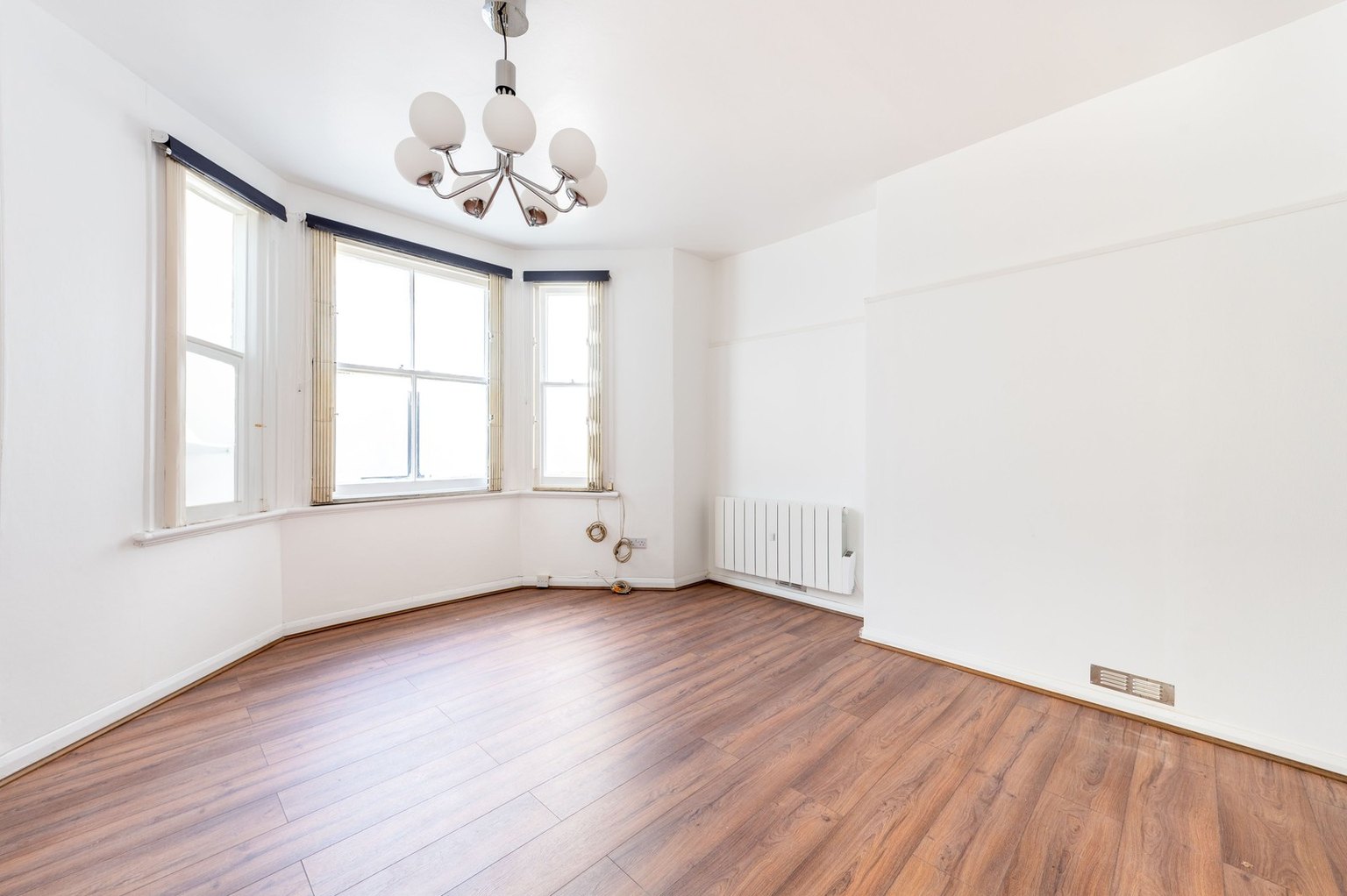
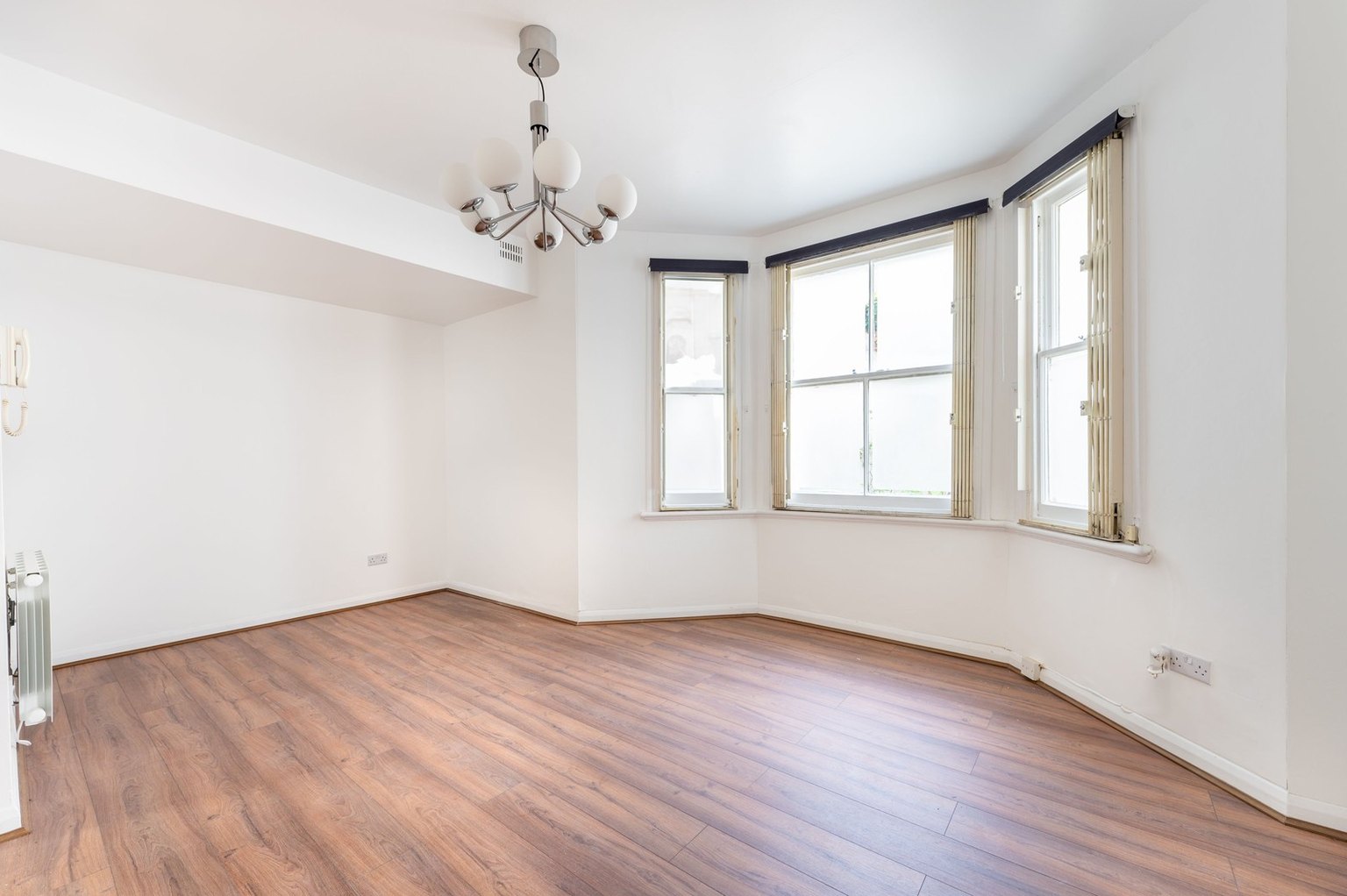
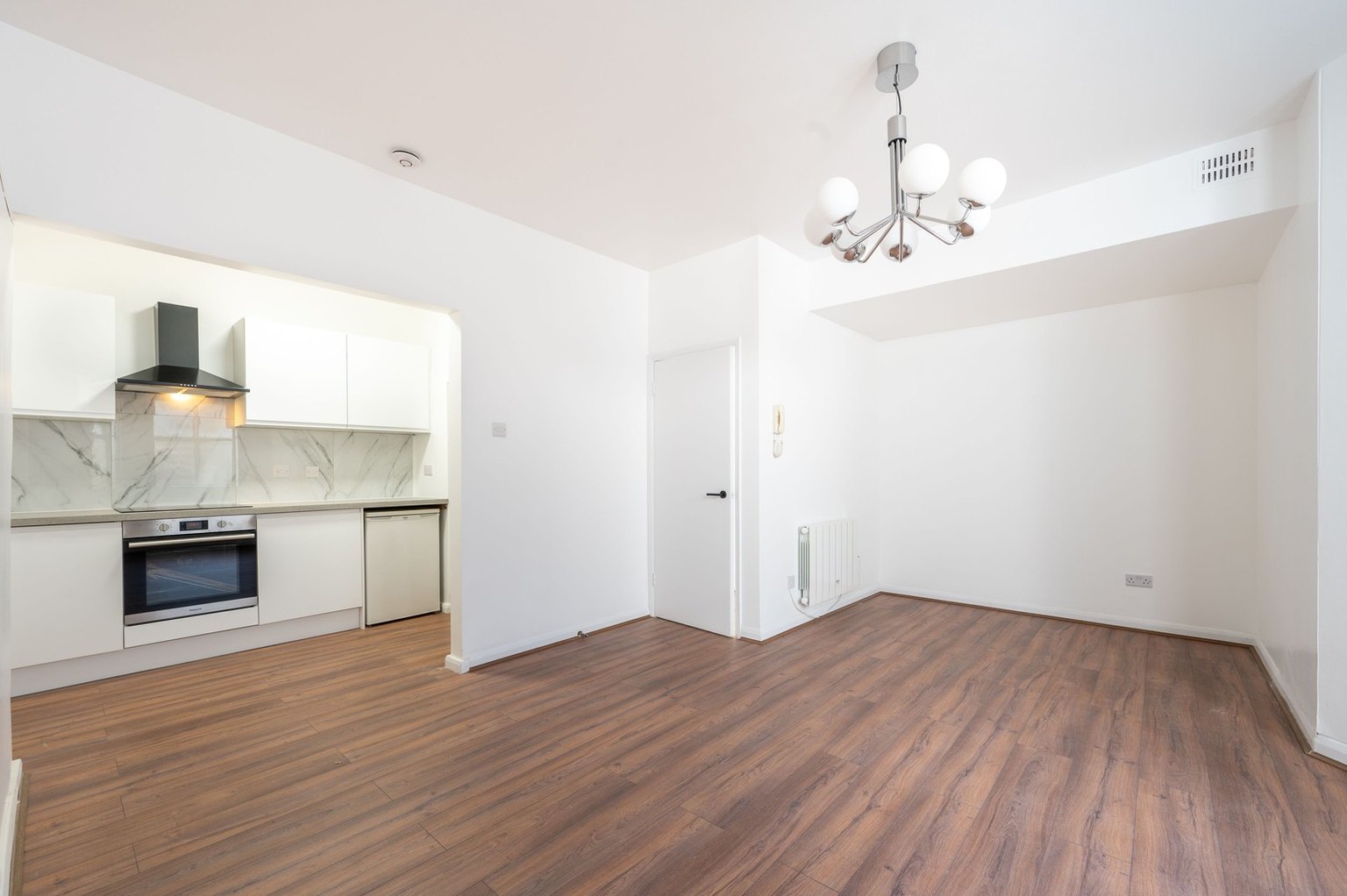
Between them, the three show nearly every wall. The bay is in the first two and the alcove in the last two, so the set reads as one room. Turning on the spot does not do the same job: walk to a new corner for each photo.
Keep the camera level, in landscape (Property Finder's checklist wants "no portrait photos"), at the same height for every photo of a room. Bayut's photo guide (opens in a new tab) (updated 21 October 2026) says "Try taking pictures from a height of three and four feet", about 0.9 to 1.2 metres, while our guide to photographing a room for staging suggests 1.2 to 1.5 metres. Pick one and keep to it.
What order should the photos go in?
Your best photo first, usually the widest view of the living room, then the home in the order a visitor would walk through it. Property Finder's checklist for Verified listings (opens in a new tab) (undated) says "A bathroom image as the main image, for example, won't be approved". Beyond that and Bayut's "logical order", we found no order set by either portal. Ours:
- The best living room photo, or the view if that is what sells the unit.
- The rest of the living area, then the kitchen.
- The main bedroom and its bathroom, then the other bedrooms and bathrooms.
- The balcony and the view.
- The building's facilities and its outside.
Put each staged photo next to its as-photographed original, and label the staged one on the image and in the description. A buyer who sees a furnished living room should see it empty one swipe later.
On Property Finder, make an as-photographed photo the main image for now: its Verified checklist will not approve "Computer-generated (CGIs)" images and does not say whether a staged photo counts as one. Both versions count towards its 30, and we do not know whether its check for repeated images would treat a staged photo and its original as the same picture. With staged versions of the living room and bedrooms added, a one-bedroom on our list comes to 15 to 21 photos and a two-bedroom to 18 to 27.
Do more photos help a listing sell?
Only if each one shows something new. Once every room is covered, these add nothing:
- Near-duplicates. The same corner twice, with the camera turned a little. Property Finder's checklist wants "no two images are the same".
- Blurred or dark shots. Its Verified checklist says "Pixelated, dark, images won't be approved".
- Photos of nothing. A corridor, a closed cupboard, the same view from a second window.
One academic study, by Justin Benefield, Christopher Cain and Ken Johnson in The Journal of Real Estate Finance and Economics (opens in a new tab) (online 18 November 2009), used sales from one listing service. Its abstract finds price "increasing at a decreasing rate" with the number of photos, more interior photos going with a longer time on the market, and results "sensitive to the number of photos allowed by the Multiple Listing Service" (the shared database American agents list homes on). NAR's blog post on the study (opens in a new tab) (4 February 2013) puts the sample at 4,000 homes.
That is one study, published in 2009, and it cannot tell you whether the 18th photo of a Dubai apartment helps. We found no study of photo numbers on UAE portals. Our reasoning instead: a buyer scrolls until they understand the home or lose interest, so each photo should answer a question the one before left open.
How many of the photos should be staged?
The photos of the rooms a buyer has to furnish in their head: the living room and the bedrooms. In a one-bedroom on our list, that is 5 or 6 of the 10 to 15. Kitchens and bathrooms stay as photographed, because their fittings are part of what is for sale.
US buyers' agents put the same two rooms first. In the National Association of Realtors' 2025 Profile of Home Staging (opens in a new tab), a survey with 1,266 answers from US agents in February 2025, buyers' agents rated the living room the most important room to stage for buyers (37%), then the primary bedroom (34%) and the kitchen (23%).
Stage every photo of a room you stage, with the same pieces in the same places in each, so the staged set reads as one room. Our guide to staging an empty living room covers what to put in it, and our guide to selling a vacant apartment in Dubai covers the rest of an empty unit's listing.
Common questions
Do I need a floor plan as well?
On Bayut, yes, according to its agent page of 1 August 2021: "it is now mandatory to add floor plans to your property listings". We found nothing newer either way. None of the Property Finder documents we read asks for one.
Do drone and community photos count towards the minimum?
We found no Property Finder page that says which photos count. Its help centre (search preview) names the rooms the photos must include, so treat building and community photos as extras on top of the rooms.
Should every room appear?
Yes, in our view, at least once and as it is, including the maid's room and a guest toilet. A room left out makes a buyer wonder why.
How many photos for a studio?
The same approach gives 7 to 9: three of the main room, one each of the kitchen, the bathroom and the view, one of the balcony if there is one, and one or two of the building's facilities. That is about twice Property Finder's minimum of 4.
Trying it on your own rooms
If the living room and bedrooms are empty, Livium AI stages them from the photos on your shot list: up to six of one room, with the same furniture in the same place in each, usually in minutes. Each staged photo can be downloaded with a "Virtually staged" label, and its original is kept, ready to go next to it in the listing. You can start with 25 free credits, enough for five photos.
Stage the room once.
Every photo matches.
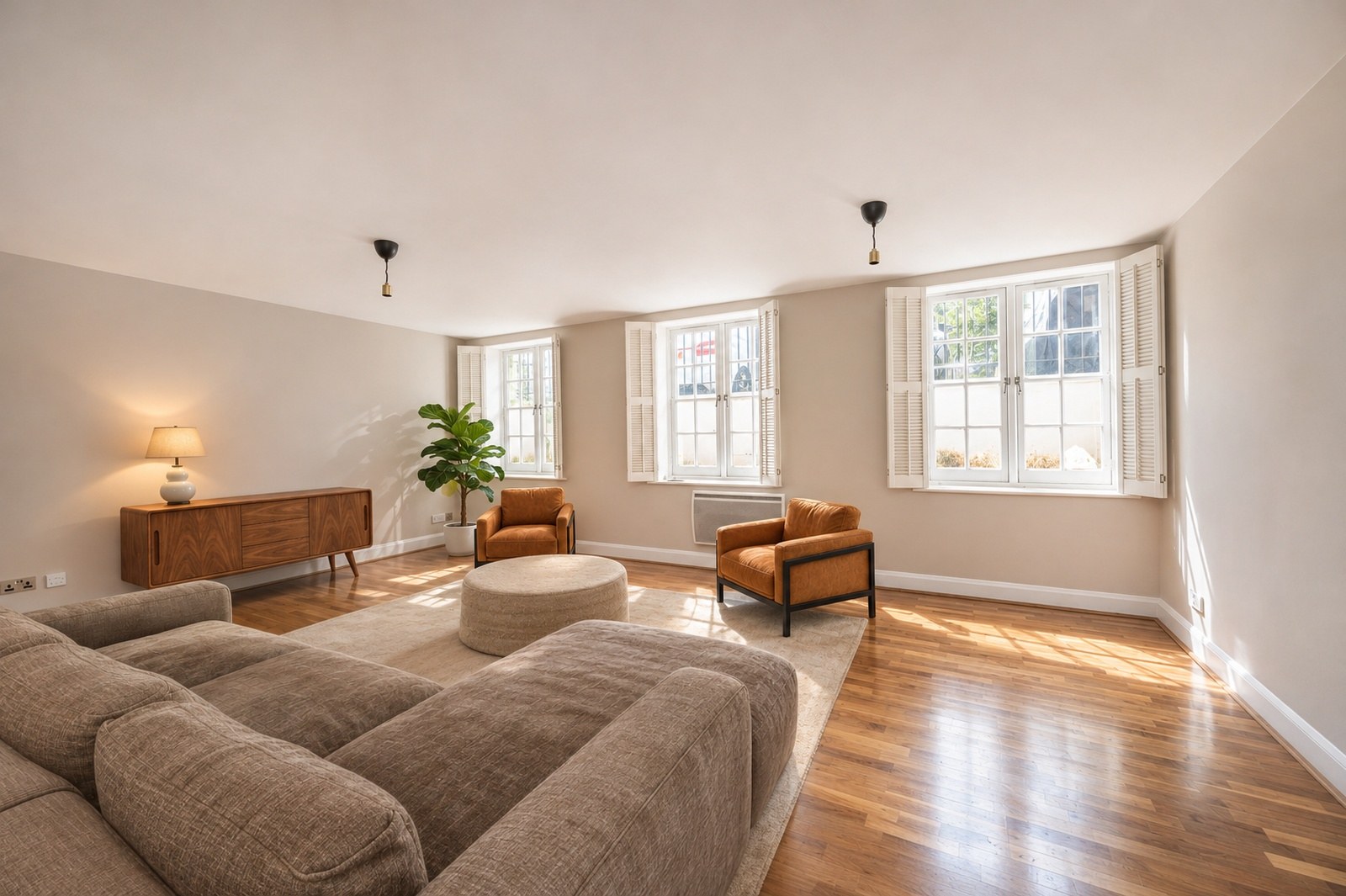
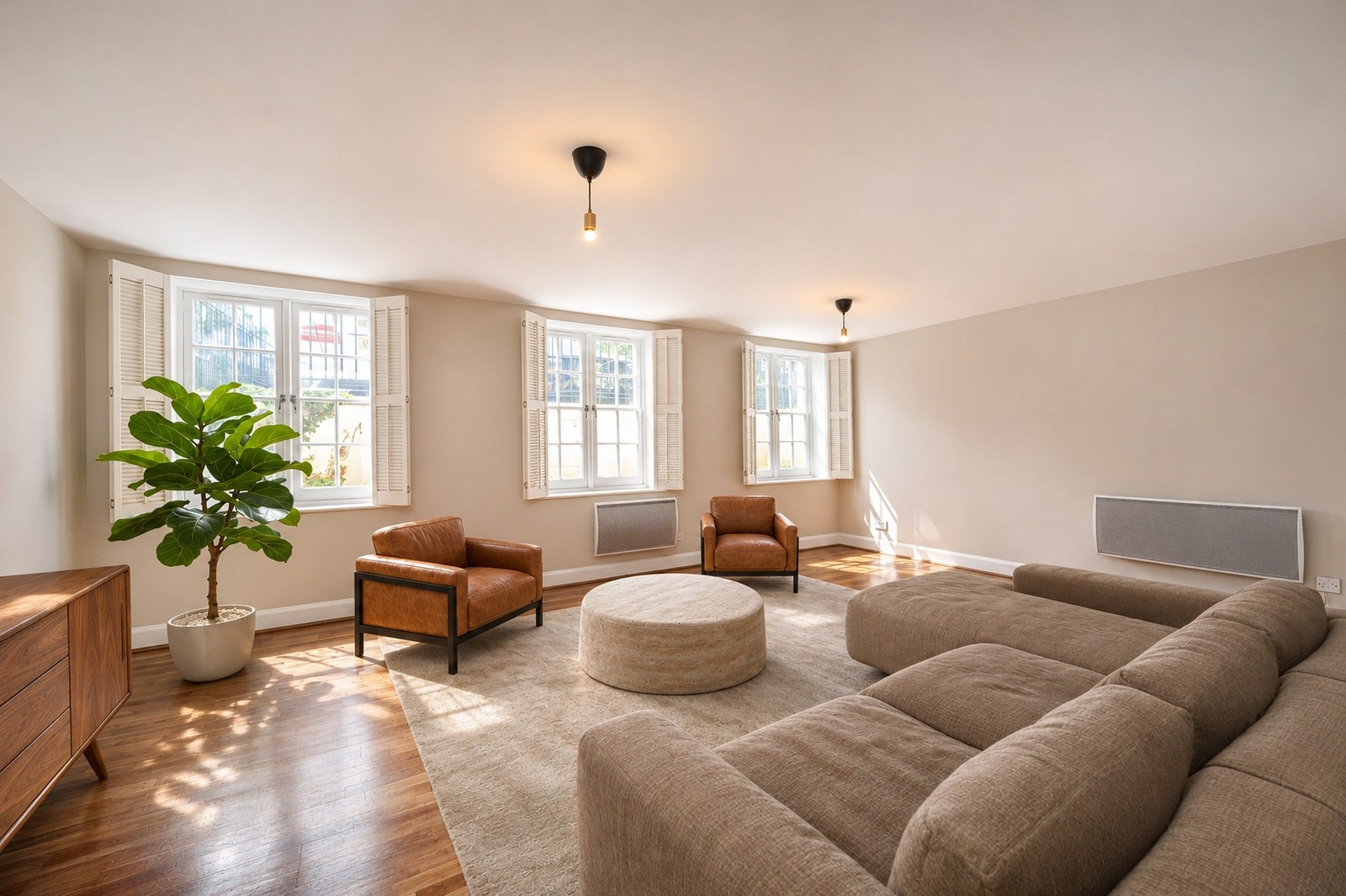
Upload a few photos of the empty room. Livium AI furnishes it once, in one 3D model with every piece at its real size, so every photo of the listing shows the same furniture in the same place.
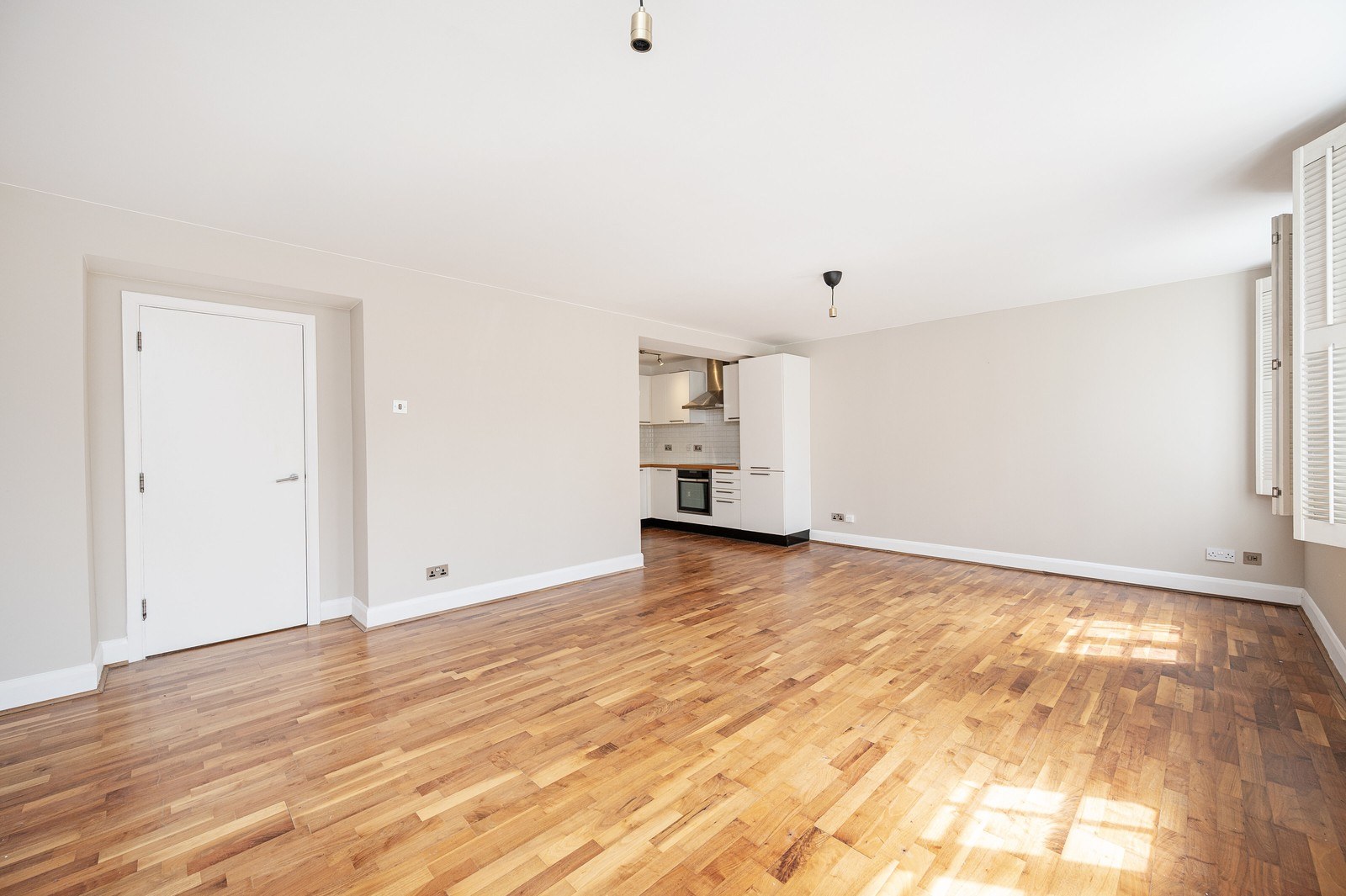
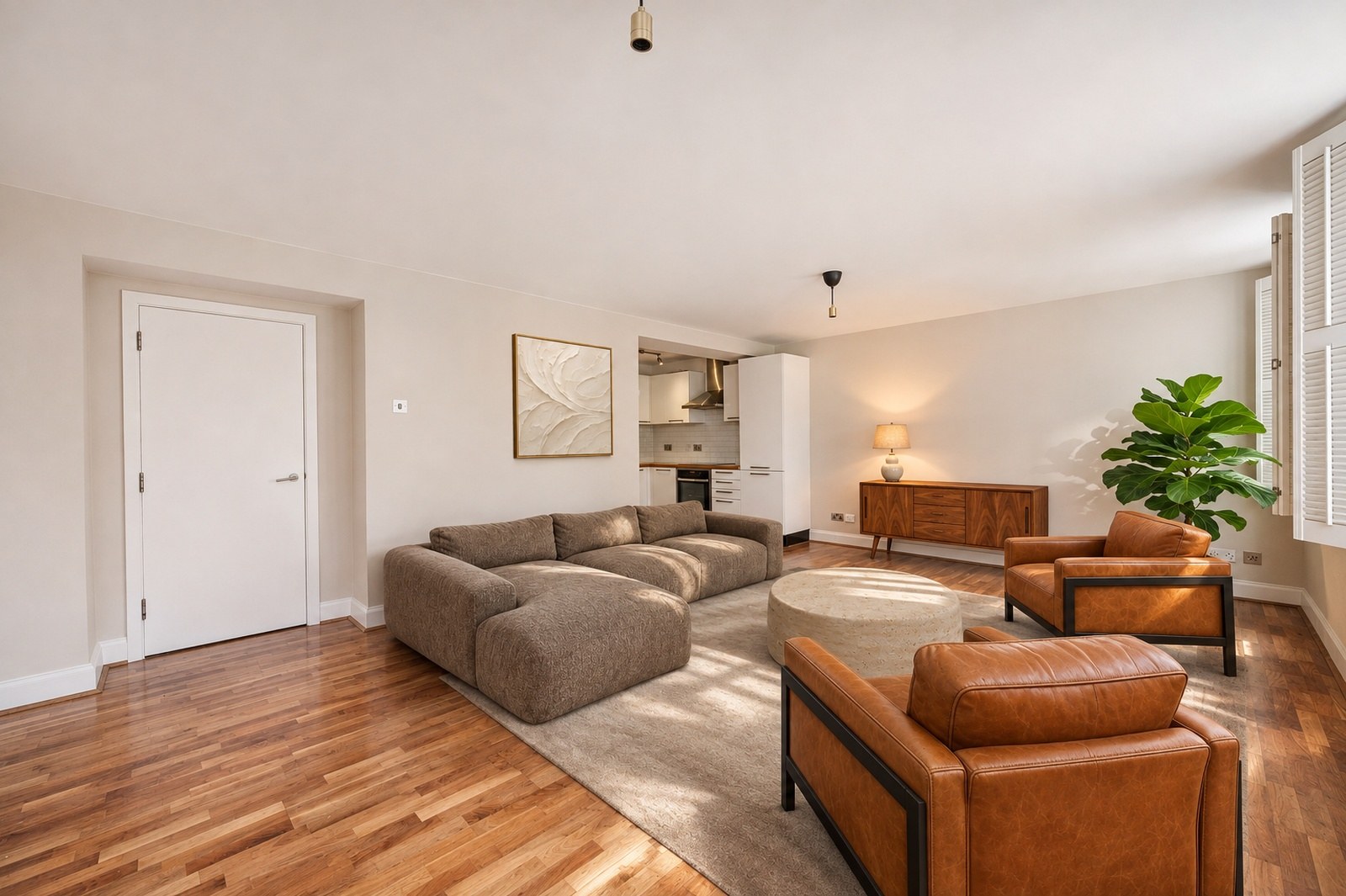 As photographedStaged by Livium AI
Sources
All links last checked on 16 November 2026. The page marked "search preview" refused our requests, and we read it only as a search preview.
- How to get top quality score: checklist (opens in a new tab), Property Finder Hub, PDF, undated.
- Verified listing: fact sheet and checklist (opens in a new tab), Property Finder, PDF, undated.
- Listing Quality Score (opens in a new tab), Property Finder help centre, undated, search preview.
- 3 Steps To Creating Quality Listings On Bayut (opens in a new tab), Bayut Agent Portal, 1 August 2021.
- Best Practices for Taking Real Estate Listing Photos (opens in a new tab), MyBayut, updated 21 October 2026.
- On the Relationship Between Property Price, Time-on-Market, and Photo Depictions in a Multiple Listing Service (opens in a new tab), Benefield, Cain and Johnson, The Journal of Real Estate Finance and Economics, online 18 November 2009, abstract.
- Why You Need to Add More Photos to Your Listing NOW (opens in a new tab), National Association of Realtors, 4 February 2013.
- NAR Report Reveals Home Staging Boosts Sale Prices and Reduces Time on Market (opens in a new tab), National Association of Realtors press release, 6 May 2025.
Keep reading
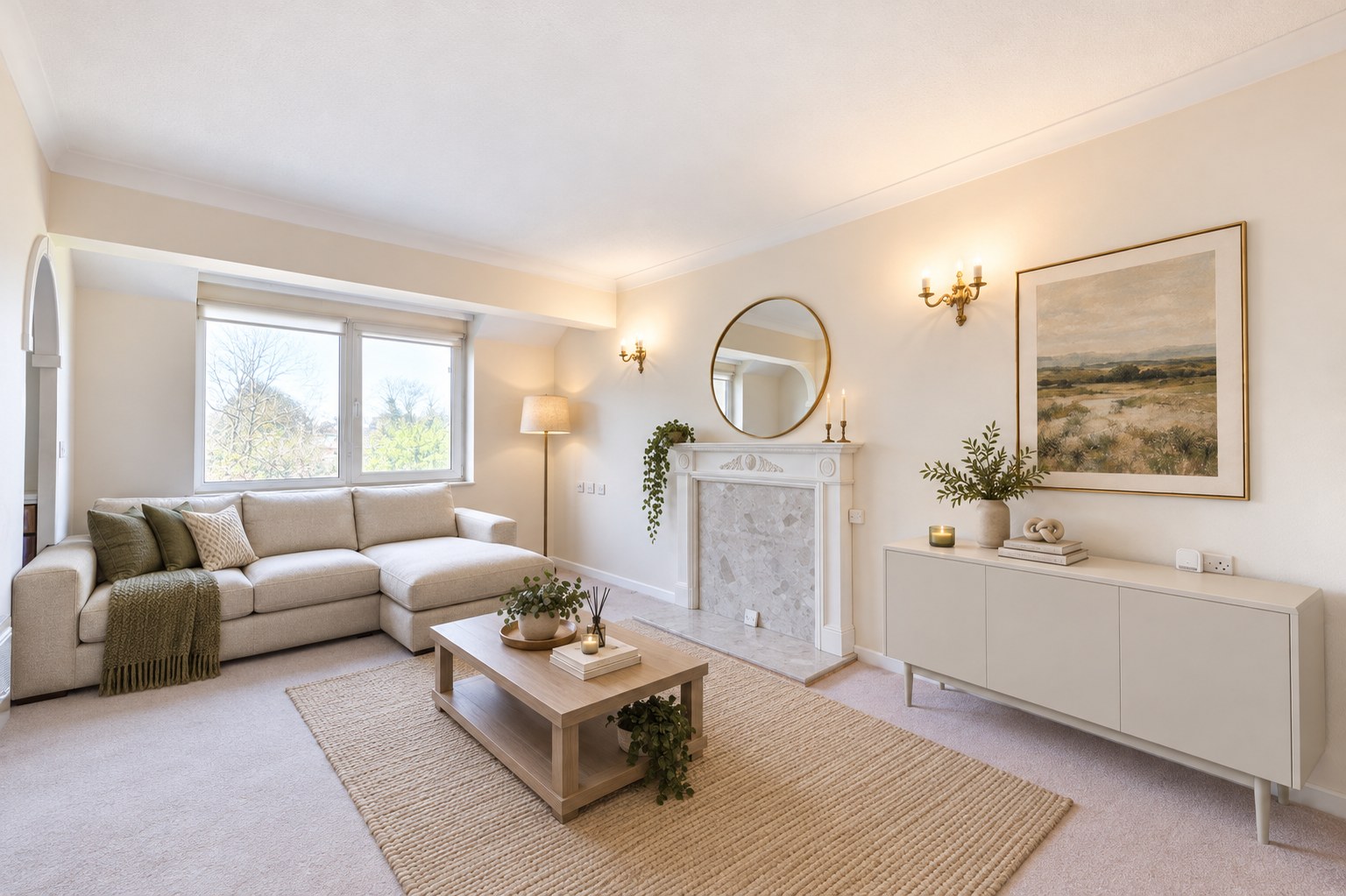
Virtual staging for photographers: adding it to your shoot
How property photographers can add virtual staging to a shoot: what changes on site, how to price it per room, what to deliver and who labels the photos.
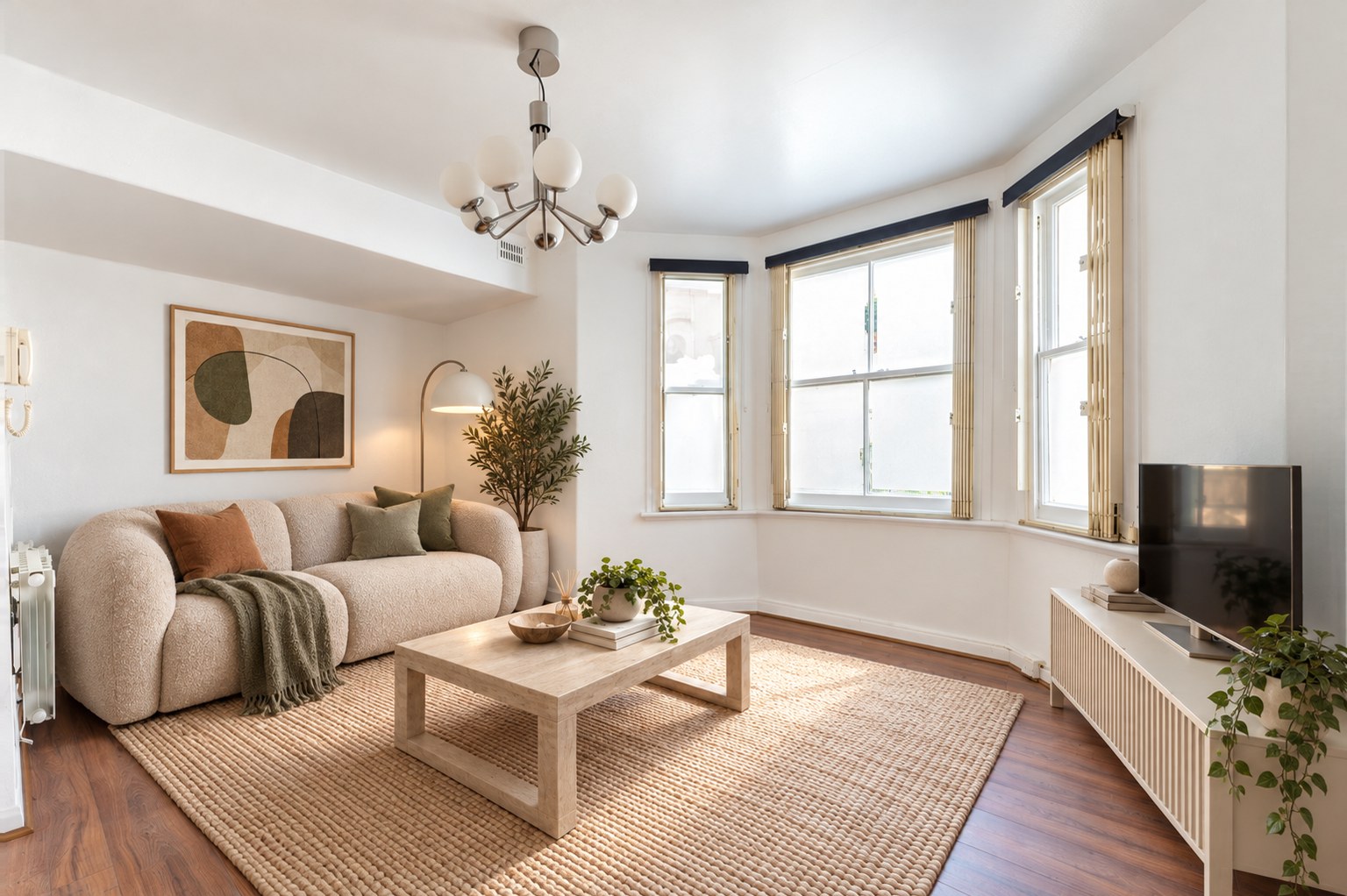
How to photograph an empty room for virtual staging
Where to stand, how high to hold the camera, which lens to use and what to clear, so an empty room can be staged well from photos taken on a phone.
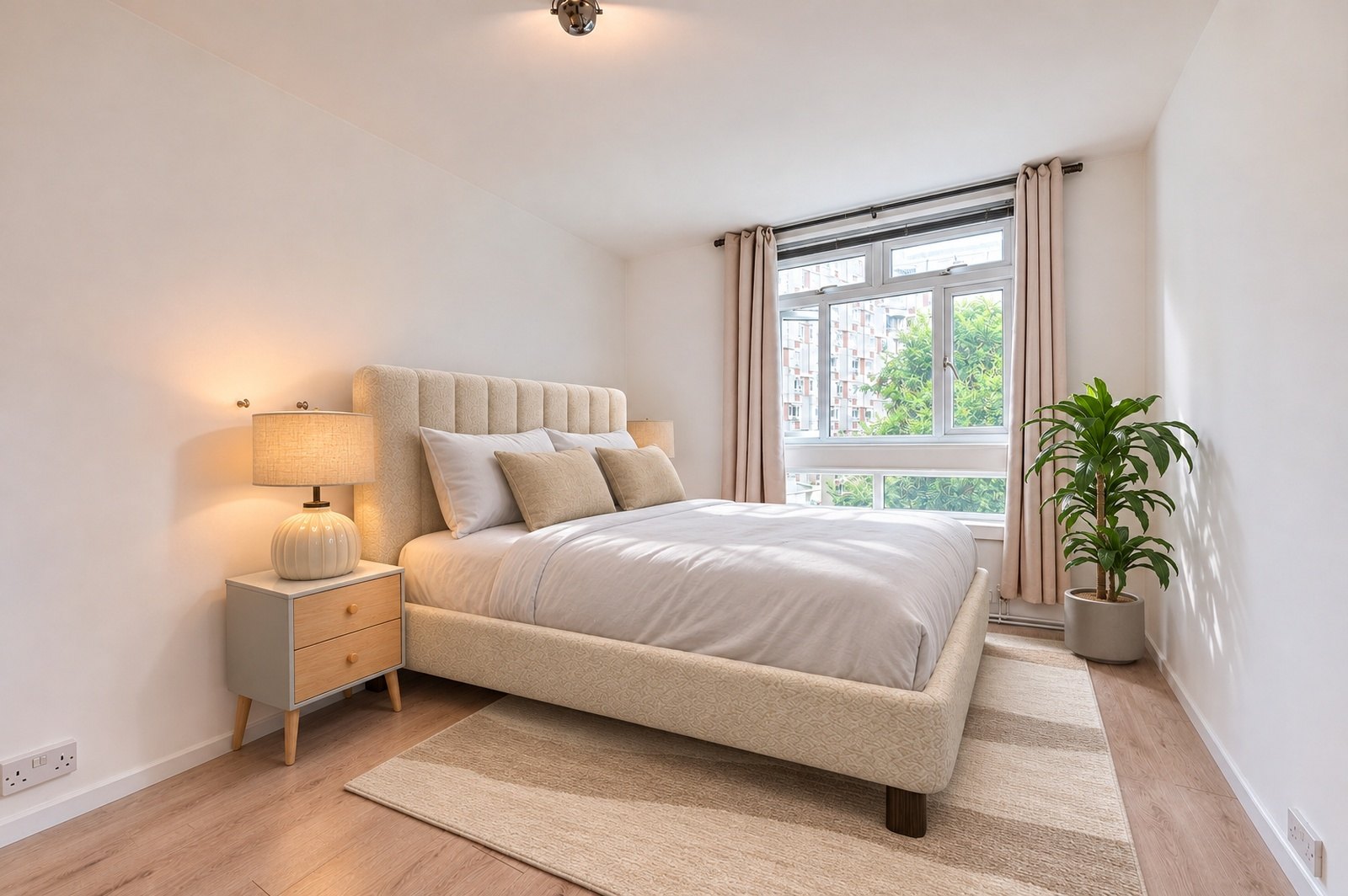
Is virtual staging worth it? An honest answer
Usually, for an empty room judged online, at a few dirhams a photo. No study we found measures its effect on price or speed. The evidence, costs and risks.