AI or human virtual staging: which should you use?
AI virtual staging takes minutes and costs dollars a room. A design service takes hours or days and costs more per image. How each works, and why we choose AI.
On this page
For most listings, use AI virtual staging: a room is staged in minutes for a few dollars, and you choose the furniture yourself. A human design service works from your written instructions and takes longer: at BoxBrownie, for example, editors stage each image for C$30.00 "in under 48 hours", in Canadian dollars as its page showed them to us. Some services mix the two. Whichever you choose, judge the result the same way: the same furniture in every photo of a room, and the building left exactly as photographed.
We recommend AI that stages the room, not the photo. Livium AI builds one 3D model of the furnished room and renders it from each photo's camera, so up to six photos show the same furniture in the same place, usually in minutes, for 5 credits a photo.
This article is general information, not legal advice. Rules differ by country, emirate, regulator and portal, and they change. Check the rules that apply to your listing.
Key points
- On their own pages, AI tools quote turnarounds from "10 seconds" (Virtual Staging AI) to a "15-minute turnaround" (Apply Design). BoxBrownie's editors quote "under 48 hours", and Collov AI's human-assisted multi-angle staging "within 3 business days".
- On a subscription, AI tools worked out at about $0.24 to $2.67 a photo on 23 November 2026, some of them billed yearly. BoxBrownie's page showed C$30.00 an image.
- With a design service you brief a person and ask for changes by message. With software you direct each result yourself, in the same session.
- Whether a room's photos match depends on the method, not on whether a person or a model did the work. Rendered from one 3D model of the room, every photo shows the same furniture by construction.
What is the difference between AI and human virtual staging?
Who places the furniture, how long it takes and how you pay. With AI software, you or the software furnish the room in your own session, usually in seconds or minutes. With a design service, an editor stages each image from your instructions and sends it back later.
| A design service | AI software | Livium AI | |
|---|---|---|---|
| Who places the furniture | An editor, from your written brief | You, or the software | You choose the pieces, or press "Furnish for me" |
| Turnaround | Hours to days | Seconds to minutes | Usually minutes for a whole room |
| Price | C$30.00 an image at BoxBrownie | About $0.24 to $2.67 a photo | 5 credits a photo: $1.50 for three on Pro |
| Matching photos of one room | Depends on the editor | Depends on the method | One 3D room behind every photo |
The prices come from each vendor's own page, checked on 23 November 2026, and what virtual staging costs lists them in full. Ours are at the time of writing, on our pricing page.
How does AI virtual staging work?
An AI model furnishes your photo, either one photo at a time or from a 3D model of the room. In the first kind, you upload a photo and the model paints furniture into it. Virtual Staging AI (opens in a new tab), for example, says "Upload a picture and our AI will add furniture within seconds".
In the second kind, the room is modelled once in 3D, furnished once and rendered from each photo's camera position. This is how we built Livium AI: you choose the pieces from a catalogue of 3D models at their real size, or press "Furnish for me", and an AI image model paints the final photos from the rendered room. Because every photo is a view of the same furnished room, the sofa in the first photo is the sofa in the third.
How does a human virtual staging service work?
You order it like any photo edit, then wait. On BoxBrownie's virtual staging page (opens in a new tab) you "upload your photos, choose your preferred furniture style, and provide any specific instructions, such as the desired colour scheme or furniture placement". Its editors "work around the clock 24 hours, 7 days a week and will virtually stage your images in under 48 hours".
It says a floor plan is not required but helps its team "understand the layout and dimensions of the space". The price is per image, "pay as you go", so a room of three photos is three images: C$90.00 as its page showed it to us.
What about services that mix the two?
Some offer AI with a person in the loop, or AI with you in control of every piece. Collov AI's multi-angle staging (opens in a new tab) "combines professional human-assisted design with AI enhancement": its "design team first creates a consistent base version across all selected images", after which you can refine the result with its AI tools. It starts from 20 photo credits an image, with a minimum order of 3 images and "Email delivery within 3 business days".
Apply Design (opens in a new tab) offers one-click AI staging, with a "15-minute turnaround", and a do-it-yourself option in its "drag-and-drop editor", priced at 1.5 and 1 coin an image, at $7 to $10 a coin.
Which gives a more consistent set of photos?
The one built from a 3D model of the room. Consistency comes from the method, not from who does the work. A model that paints each photo on its own can put a different sofa in each photo of the same room. An editor can keep a room's photos matching if the brief asks for it: BoxBrownie's blog (opens in a new tab), for example, says it can stage the same room from different angles. A 3D scene keeps them matching by construction, because every photo is a view of the same furnished room.
Test it on your own room. Stage three photos and flick between them: the same pieces should sit in the same places at the same size. Our ten-minute multi-angle test lists what to compare.
Which should you choose?
AI software that stages the room as one set, for the listings agents handle every week. The verdicts below are our view.
| Your situation | Choose | Why |
|---|---|---|
| A vacant flat going live this week, several photos a room | AI that stages a room as one set | Minutes, a few dollars, matching photos |
| Ten or more listings a month | AI software on a monthly plan | Prices per image add up quickly |
| You want to choose every piece yourself | AI software with a catalogue | You place the furniture, not an editor |
| A lived-in room to show empty or restaged | AI that clears the furniture first | Cleared and staged in one session |
Stage the room, not the photo, with Livium AI
We built our app so that a room is staged once and every photo agrees. You upload up to six ordinary photos of a living room or bedroom, with no special camera, floor plan or scan. You choose sofas, beds, tables and lamps from our catalogue, each a 3D model at its real size, or press "Furnish for me", and the design adds a rug, pictures and plants. The app renders the one furnished room from each photo's camera, so every photo shows the same furniture in the same place.
A room usually takes minutes, against "under 48 hours" for an editor. Three photos are 15 credits, $1.50 on Pro, and a furnished room can be cleared first for 3 credits a photo. You check each photo against its original in a drag-to-compare view and download it with a "Virtually staged" label or without one, with every original kept beside it. How consistent staging works shows a matched set, and the tools compared sets the facts side by side.
Common questions
Is AI virtual staging as good as a designer?
For listing photos, a tool that stages the room as one gives you what a designer would check for: the same furniture in every photo, pieces at real sizes and the building left as photographed. Judge it on your own room: our checklist for choosing virtual staging software gives eight checks.
Do I have to disclose either kind?
The written rules we have read treat both the same, because they are about the image, not about who made it: CRMLS's guidance on digitally altered images (opens in a new tab) applies to any "digitally enhanced image" and asks for the original beside it. The disclosure rules, place by place has the detail. Our app makes the label part of the download and keeps each original with its staged photo.
Can I use both?
You can, but keep each room's photos with one of them, so the furniture stays the same from photo to photo. Staged in one app as one room, the whole set matches.
A matched room in minutes, not days
Choose AI that stages the room as one, and choose Livium AI to do it:
- Every photo agrees. One 3D model of the furnished room is behind every photo, so the furniture matches from every angle.
- Minutes, not days. A room usually takes minutes, with no brief to write and no wait for an editor.
- Priced by the room you list. Three photos are $1.50 on Pro, against C$90.00 for three images at C$30.00 each.
- You stay in control. Choose every piece yourself, or press "Furnish for me".
Start with 25 free credits: no card, enough to stage a room of up to five photos.
Stage the room once.
Every photo matches.
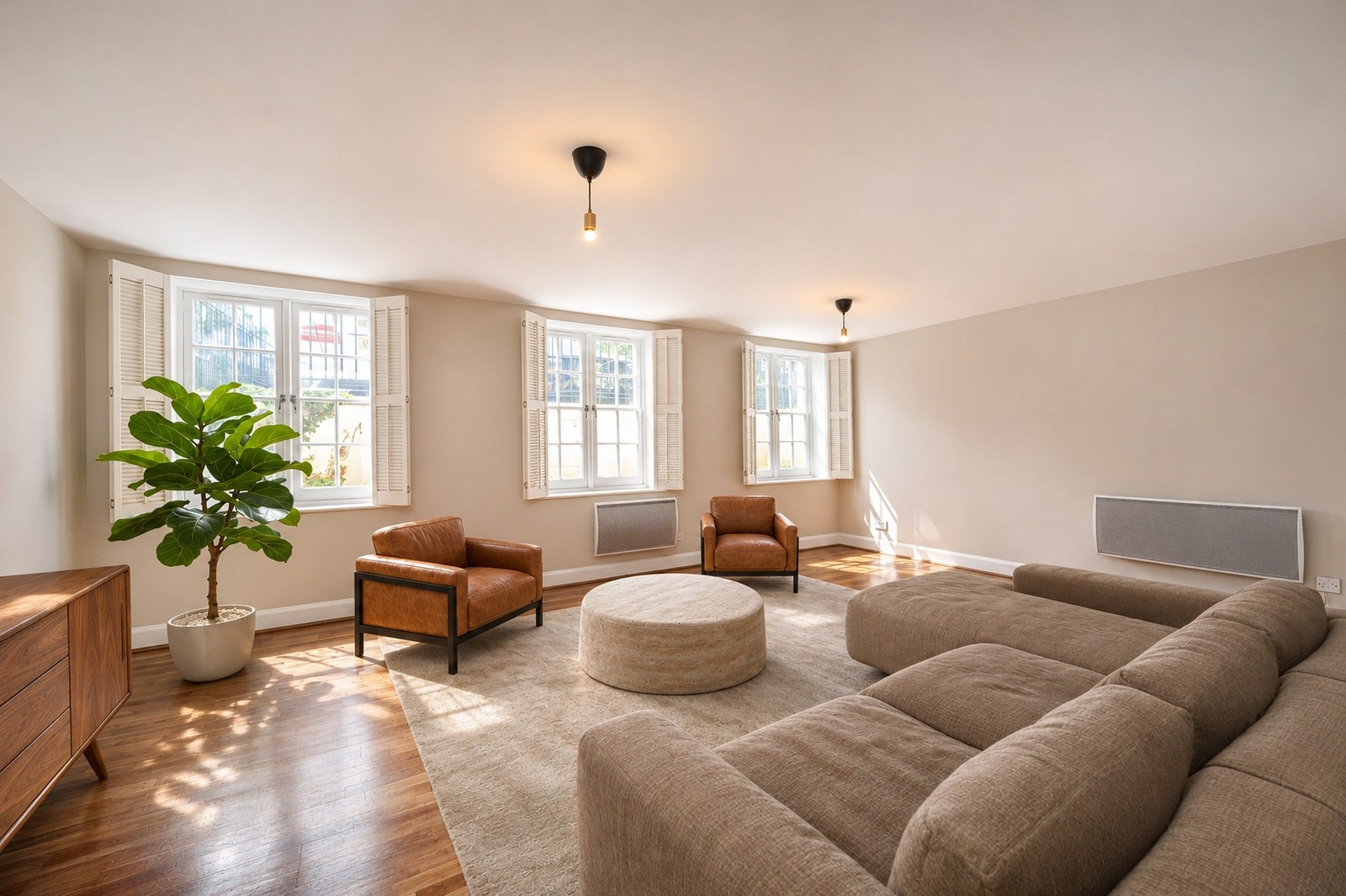
Upload a few photos of the empty room. Livium AI furnishes it once, in one 3D model with every piece at its real size, so every photo of the listing shows the same furniture in the same place.
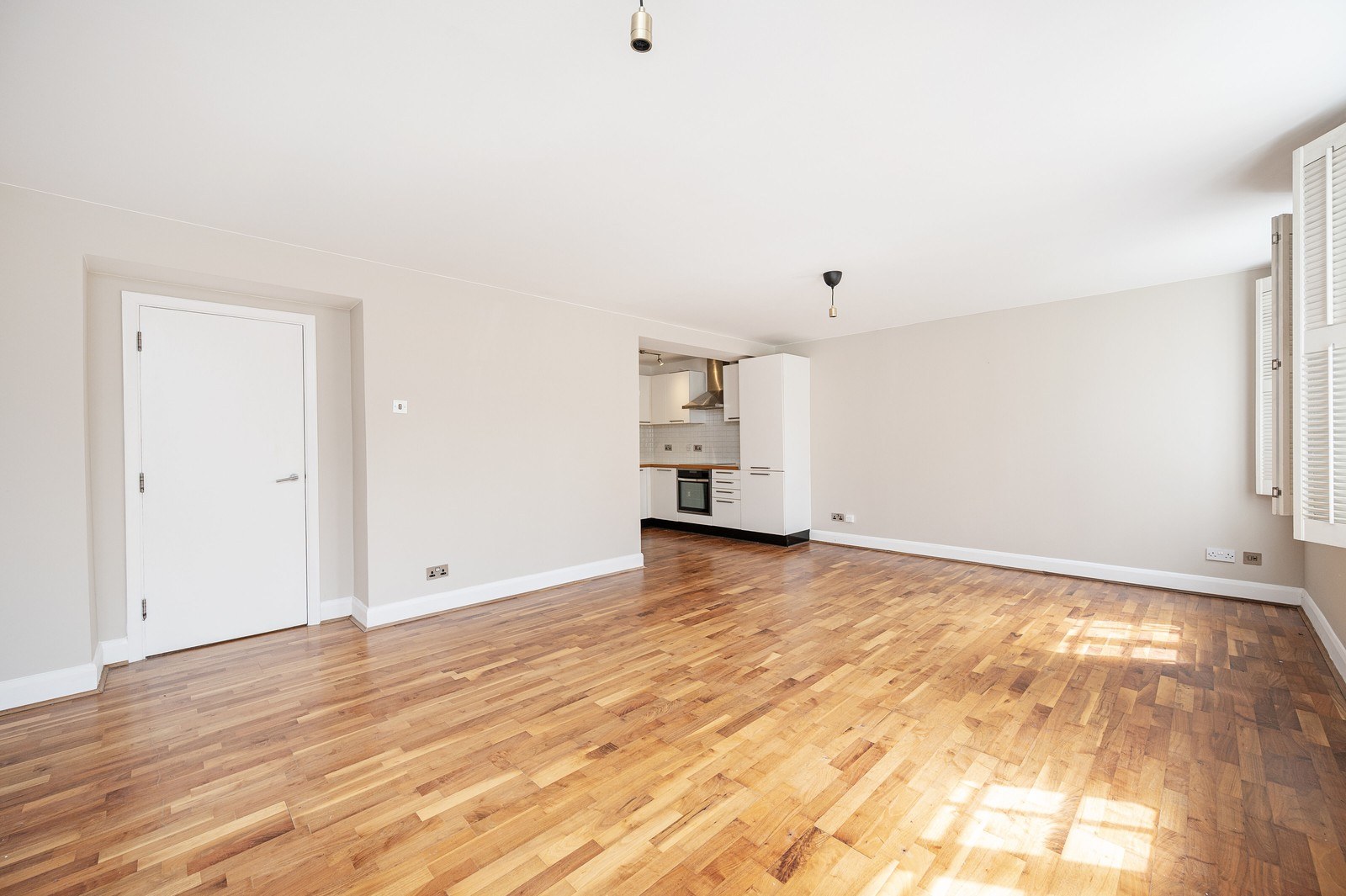
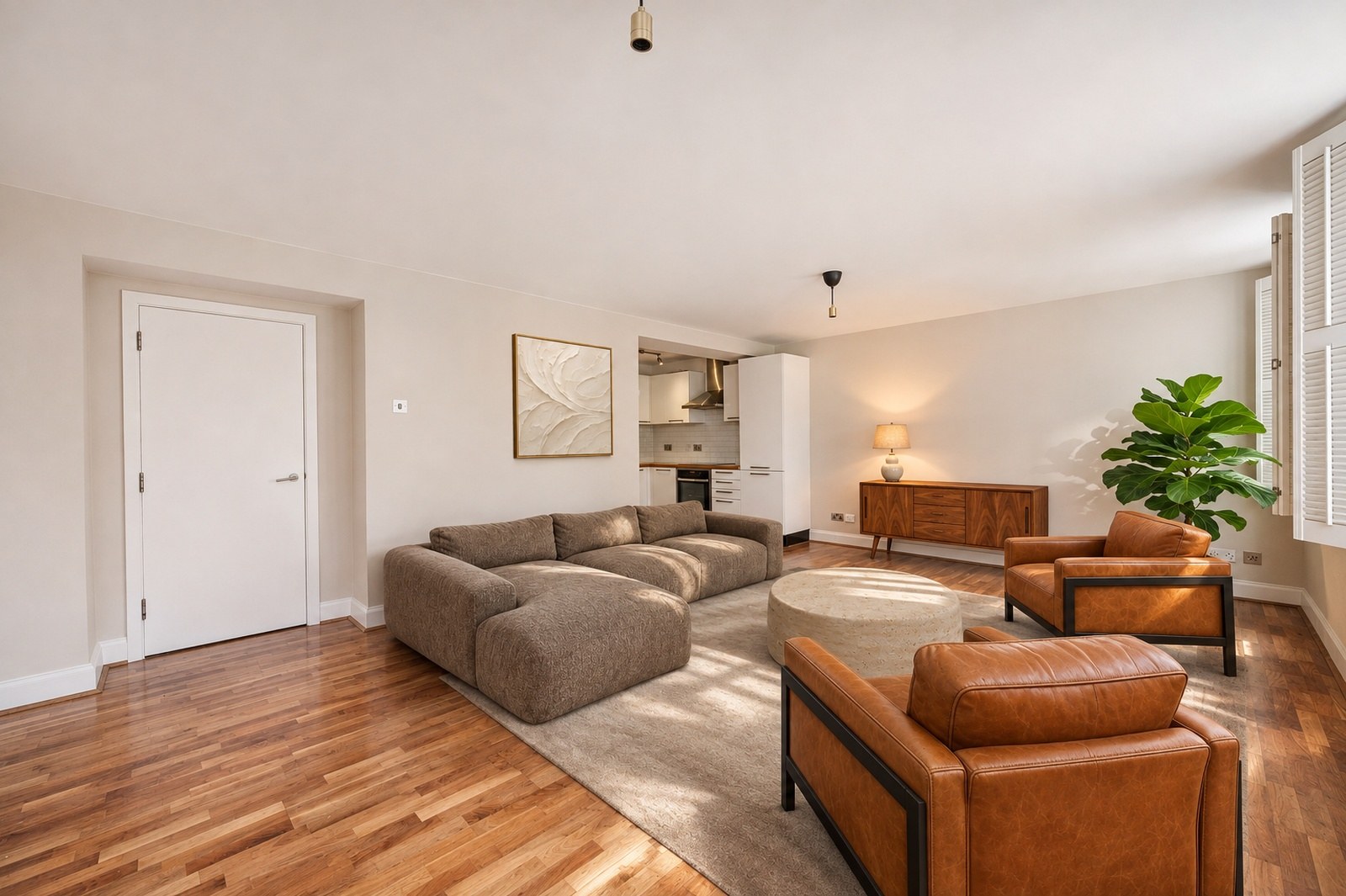 As photographedStaged by Livium AI
Sources
- Virtual Staging with one click (opens in a new tab), Virtual Staging AI, home page, checked 23 November 2026
- Virtual Staging (opens in a new tab), BoxBrownie, checked 23 November 2026
- How to use virtual staging to sell a listing stuck on the market (opens in a new tab), BoxBrownie blog, 15 November 2022
- Multi-Angle Virtual Staging (opens in a new tab), Collov AI, checked 23 November 2026
- Pricing (opens in a new tab), Apply Design, checked 23 November 2026
- Digitally Altered Image Guidance & FAQs (opens in a new tab), CRMLS, updated 20 October 2026, checked 23 November 2026
All links last checked 23 November 2026.
Keep reading
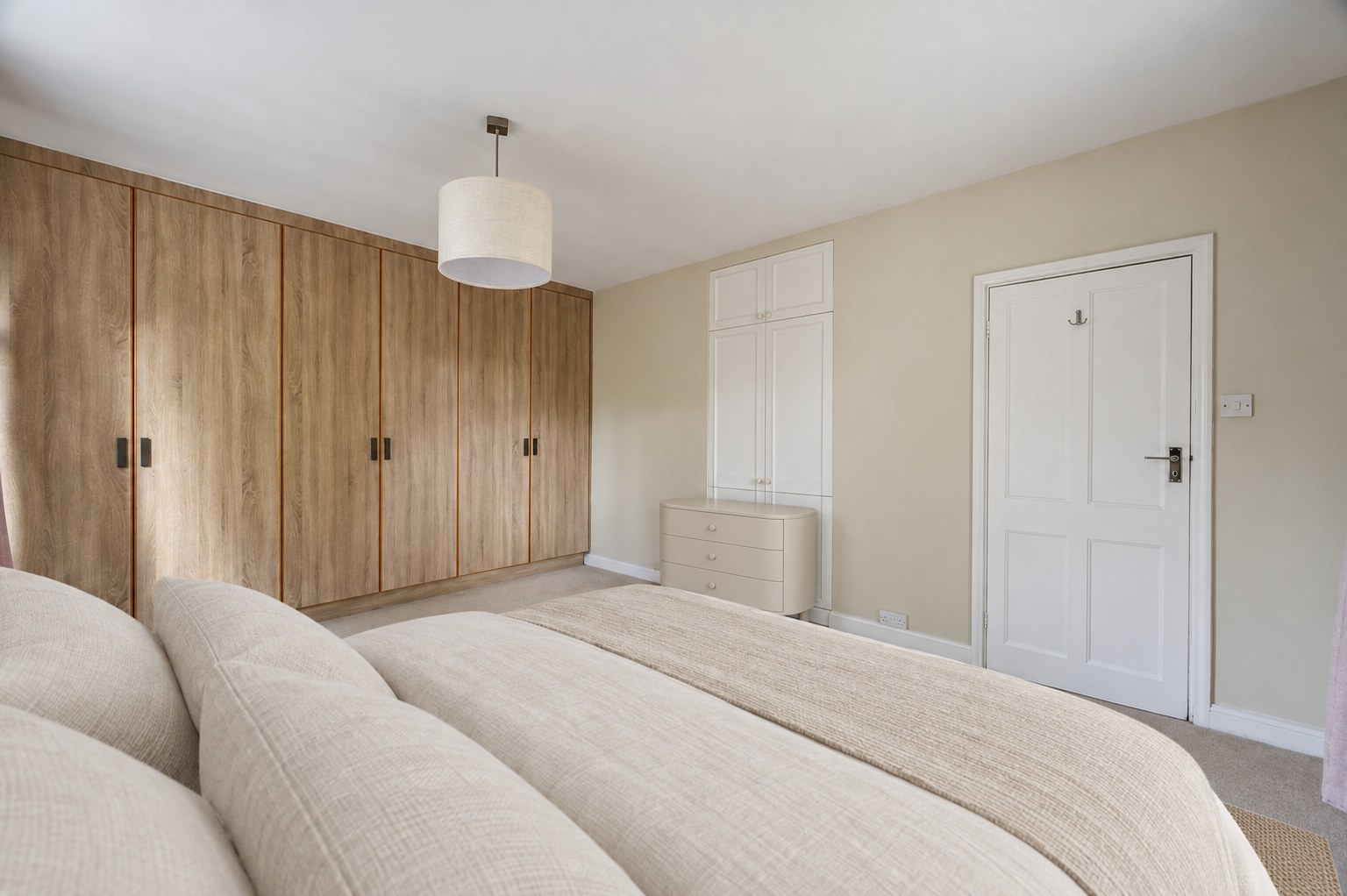
Free virtual staging: what free tools really give you
Free virtual staging is a trial: one free image, five credits or five designs, some watermarked. What seven tools offer, and how to test a whole room free.
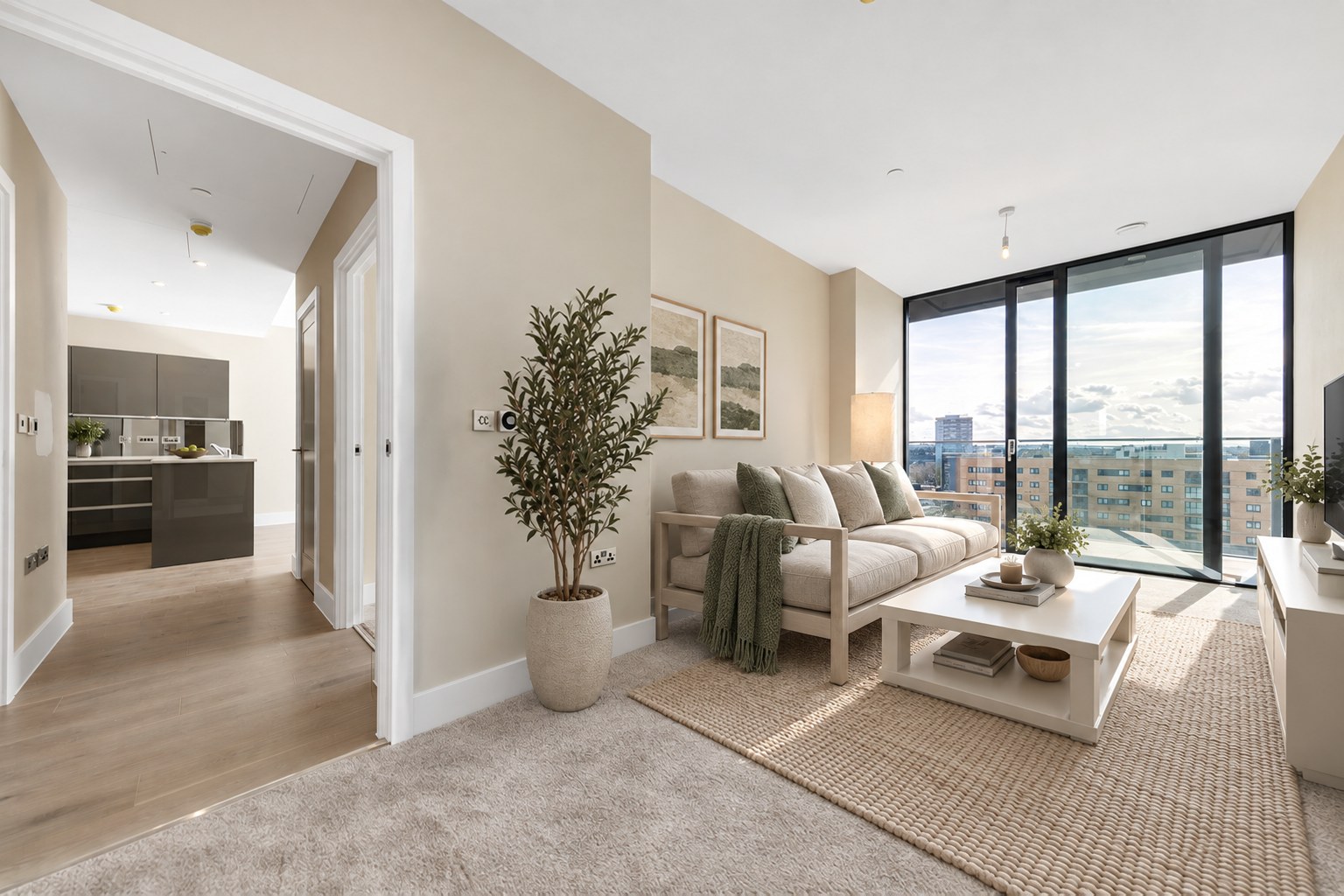
Virtual staging for real estate agents: a working guide
How estate agents use virtual staging: which listings and rooms to stage, how to show staged photos beside originals, and a whole flat staged for $3.00.
Virtual staging vs 3D rendering: which do you need?
A 3D render is drawn from plans, so it can show a unit not yet built. Virtual staging furnishes a photo of the real room, in minutes and for a few dirhams.