Free virtual staging: what free tools really give you
Free virtual staging is a trial: one free image, five credits or five designs, some watermarked. What seven tools offer, and how to test a whole room free.
On this page
Free virtual staging is almost always a trial, not a free service. On 23 November 2026 the free offers on vendors' own pages ran from one free image to five free credits or five free designs, some watermarked and several with no card needed. That is enough to judge a tool and not enough to stage listings every week. General AI chatbots can also stage a single photo free, within their own limits. Below, what each free offer gives, what to watch for, and how to use a trial to choose a tool.
Our free credits are sized for a whole room. Livium AI gives 25 on a confirmed email, with no card: enough to stage up to five photos of one room as one room, with the same furniture in the same place in each.
Key points
- Free offers on vendors' own pages ran from one free image (Apply Design) to five free credits (Virtual Staging Art) or five free designs (REimagine Home), checked on 23 November 2026.
- Several say no card is needed, among them Virtual Staging AI, Virtual Staging Art and REimagine Home.
- Some free results carry a watermark: a watermarked photo is a test of the tool, not a photo for the listing.
- One free photo cannot show whether a tool keeps a room's furniture the same across photos. Three photos of one room can.
- Livium AI gives 25 free credits on a confirmed email, with no card: enough to stage a room of up to five photos, watermarked until the first purchase.
What do free virtual staging tools give you?
A small, fixed amount: one image, a few credits or a few designs. Ours is the first row. Everything said about the others comes from their own pages, opened on 23 November 2026, and quotes them where it can.
| Tool | What is free, in its words | Card and watermark |
|---|---|---|
| Livium AI | 25 free credits, enough for a room of up to five photos | No card. Watermarked until the first purchase |
| Apply Design | "First image is free" | Not stated |
| Virtual Staging AI | "Upload image for free" | "No sign up" and "No credit card" |
| Virtual Staging Art | "Every new account receives 5 free credits" | "no credit card required" |
| REimagine Home | "5 free designs" | "No card required for free trial" |
| Collov AI | "Try It Free" | Some features are marked "Free Trial (with watermark)" |
| BoxBrownie | "3 Image Enhancements and 1 Day to Dusk edit free", with no free staging listed | "No credit card required" |
Apply Design's pricing page (opens in a new tab) says "First image is free" for both its one-click staging and its do-it-yourself editor. Virtual Staging AI's home page (opens in a new tab) offers to "Upload image for free" with "No sign up" and "No credit card", while its paid plans (opens in a new tab) list "No watermark". Virtual Staging Art (opens in a new tab) says "Every new account receives 5 free credits" with "no credit card required", and one credit is "1 generated output".
REimagine Home's pricing page (opens in a new tab) says new users get "5 free designs" and "No card required for free trial". Collov AI's pricing page (opens in a new tab) has a "Try It Free" button, and its plan table marks several features "Free Trial (with watermark)" on its Standard plan. BoxBrownie (opens in a new tab) gives a free account "3 Image Enhancements and 1 Day to Dusk edit free", which is photo editing, and charges for virtual staging per image.
Is free virtual staging good enough for a listing?
Usually not on its own, for three reasons.
The watermark. Collov AI marks its free trials "with watermark", and paid plans at Collov AI and Virtual Staging AI list "No watermark". A watermark across a listing photo tells buyers the photo is a trial, so use watermarked results to judge the tool and pay before anything goes live.
One photo is not a room. Most listings show a living room from two or three angles, and buyers flick between them. A single free image tells you how the tool furnishes one photo, not whether it puts the same sofa in the same place in the next one. Our free credits cover three to five photos of one room, so you see the whole set before you pay. Our ten-minute multi-angle test shows what to compare.
The licence. Free and paid results may come under the same terms or different ones. Read the terms before a free image goes into an advert, and label it as staged like any other: our disclaimer wording to copy has sentences for portals and print.
Can you stage photos free with ChatGPT or Gemini?
Yes, one photo at a time, within each chatbot's limits for free users. You upload the photo and ask for furniture in words. Our guide to staging with ChatGPT and Gemini shows where they slip: a room's other photos, the size of the furniture and the building itself. Check every chatbot-staged photo against its original before you use it.
How do you get the most from a free trial?
Run every trial on the same room, so the results can be compared. Six steps:
- Choose one room with three photos from a recent listing, ideally the living room. Empty is easiest to judge.
- Use the same three photos in every tool, at the same quality setting.
- Stage all three before you judge anything. Flick between them: the furniture should be the same pieces in the same places.
- Compare each with its original, edge by edge: windows, floor, walls and fittings should not change.
- Note what the trial left out: a watermark, a smaller download, features locked until you pay.
- Price the room on the plan you would buy. What virtual staging costs does the sums for six tools.
Test a whole room with Livium's free credits
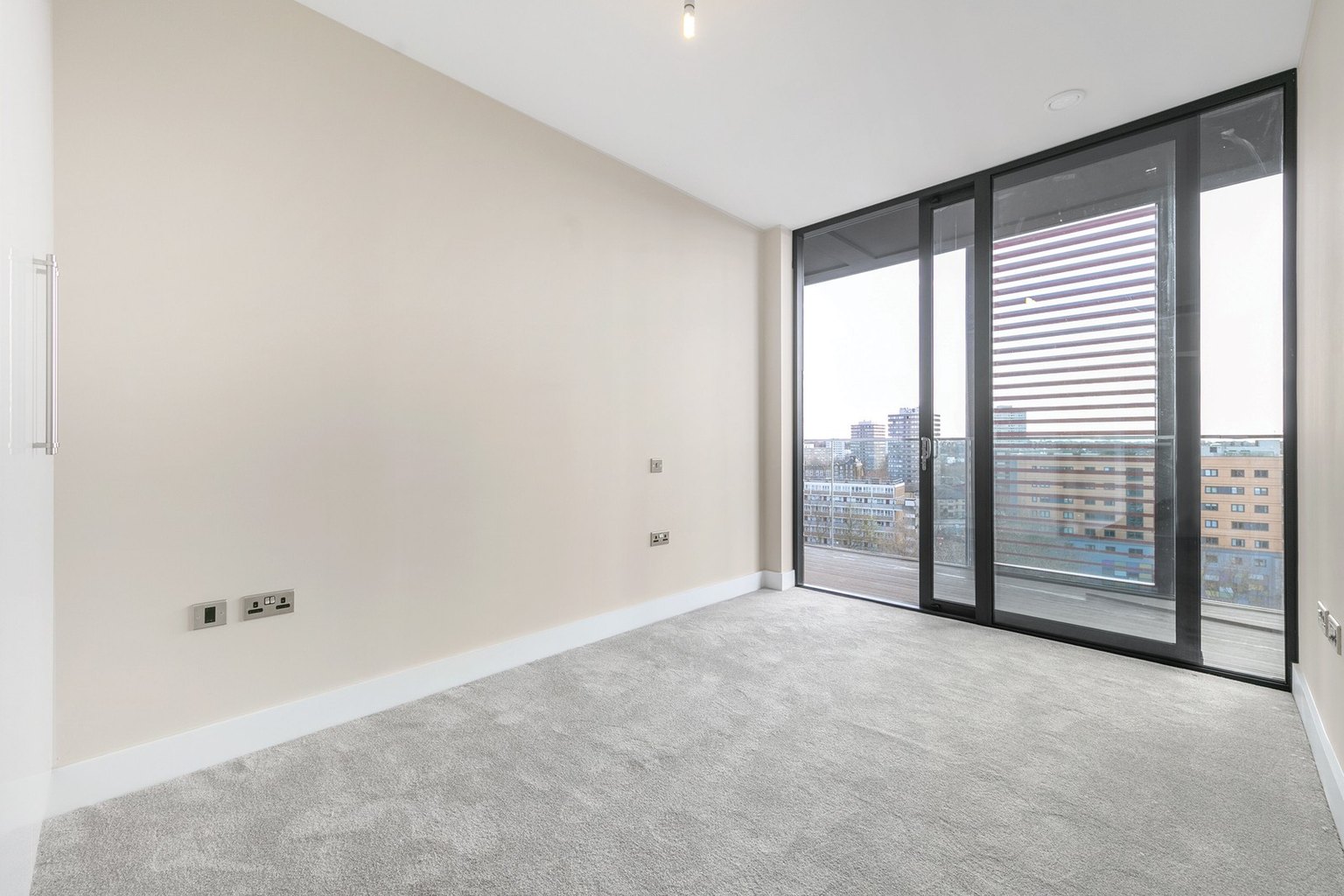
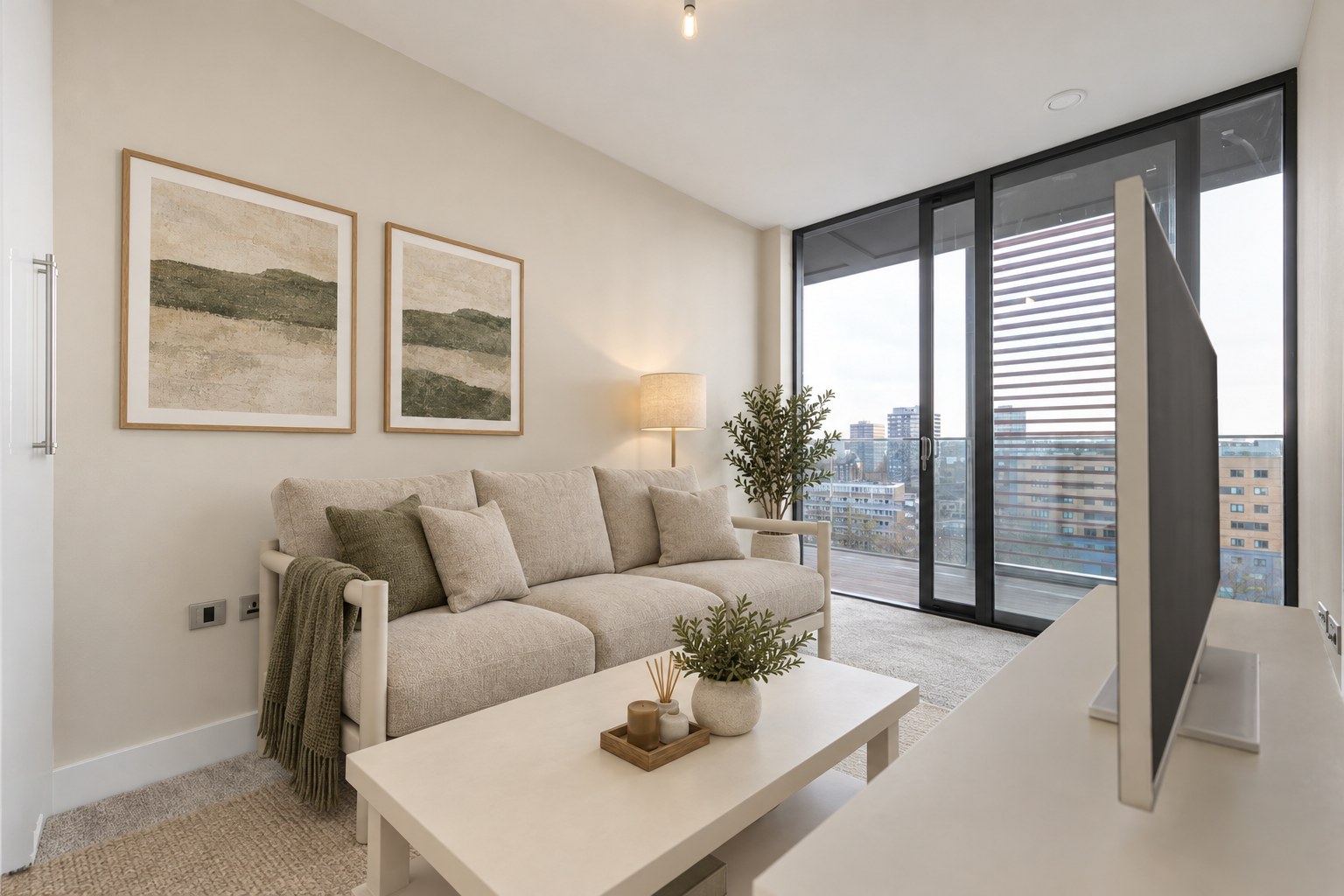
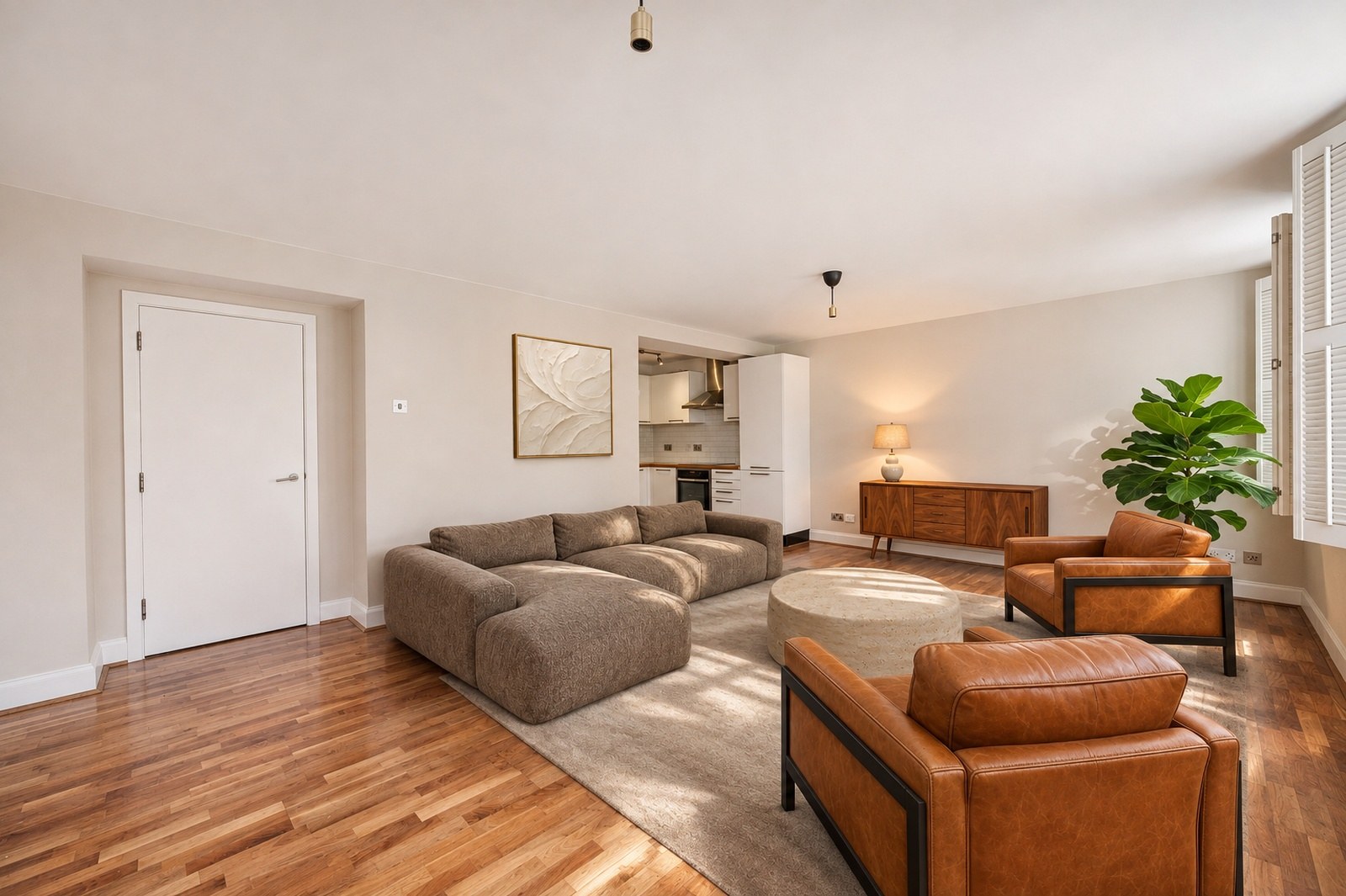
Our free credits let you run the six steps above on a real set, not a sample. Confirm your email and 25 credits arrive, with no card. Upload up to five ordinary photos of a living room or bedroom, choose the pieces from our catalogue, and the app builds one 3D model of the furnished room and renders it from each photo's camera. Every photo shows the same furniture in the same place, and a room usually takes minutes.
A staged photo is 5 credits, so the free credits stage five photos, or three photos cleared of their furniture first and then staged. You check each result against its original in a drag-to-compare view. The results carry a watermark until your first purchase, and any first purchase takes it off everything the free credits made. See the app, or how consistent staging works on a matched set.
What does virtual staging cost after the free trial?
From under a dollar a photo on most software plans, and more when you pay per image. At the time of writing, our plans are $19.99 a month for 200 credits, which is 40 staged photos, and $39.99 for 500 credits, which is 100. Without a plan, a starter pack of 50 credits is $4.99 on a first purchase. How to choose virtual staging software covers what to check before you pay anyone.
Common questions
Is there free virtual staging with no watermark?
Of the vendor pages we read, only Collov AI's says whether its free trials carry a watermark, and they do. The others do not say either way, so check the result itself before you plan to use it.
Do free virtual staging tools need a credit card?
Several say they do not: Virtual Staging AI, Virtual Staging Art, REimagine Home and BoxBrownie's free account all say no card is needed, and neither do we. Read the sign-up page, since offers change.
Is there free virtual staging with no sign-up?
Virtual Staging AI's home page says "No sign up" for its free upload. Most other tools ask for an account, and we ask for a confirmed email address before giving the 25 free credits.
Can I use a free staged photo in a listing?
Only if the terms allow it and the photo has no watermark, and like any staged photo it should be labelled, with the original kept. In our view, use free results to choose a tool, then stage the listing on a paid plan or pack: with us, the $4.99 starter pack clears the watermark from what you made free.
Start on a whole room, not a sample
What you get when you start with us:
- A free test that is a real set. 25 credits stage up to five photos of one room, with no card.
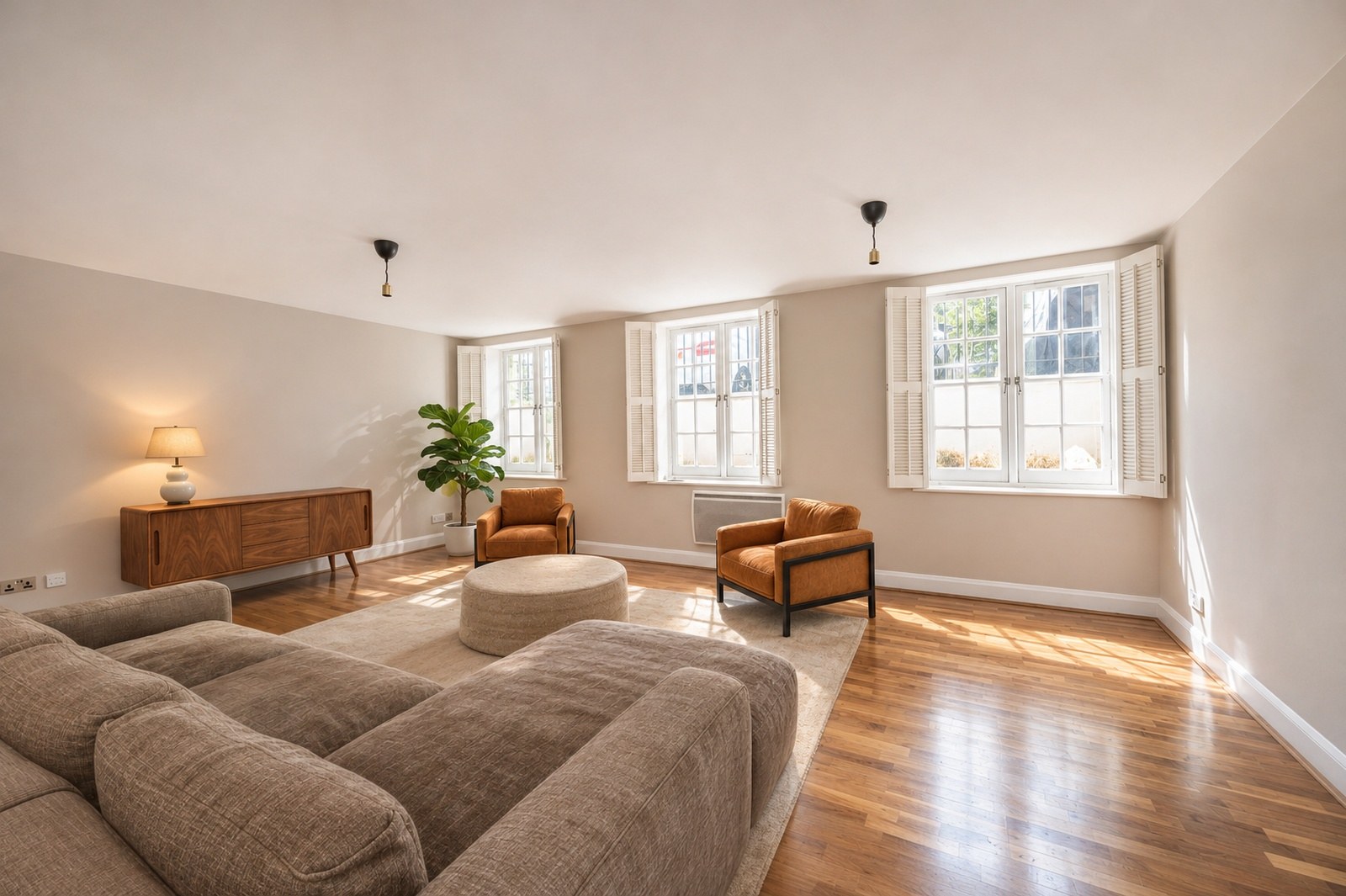
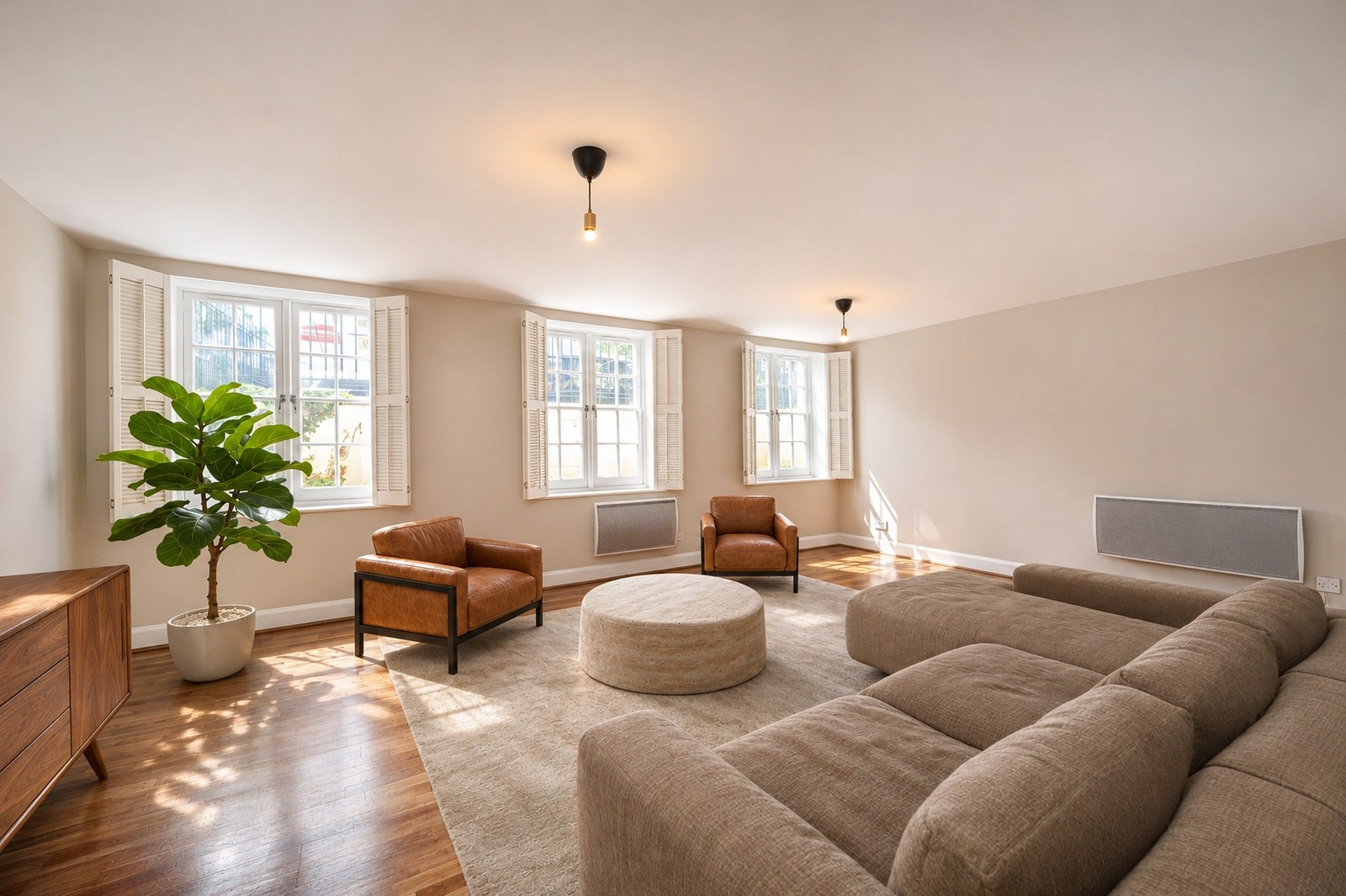
- Every photo agrees. One 3D model of the furnished room is behind every photo, so the sofa does not change between angles.
- Minutes to judge. A room usually takes minutes, and each photo sits beside its original to compare.
- A small step to go live. A first purchase from $4.99 takes the watermark off everything you made.
Start with 25 free credits and run the six steps on your own room.
Stage the room once.
Every photo matches.
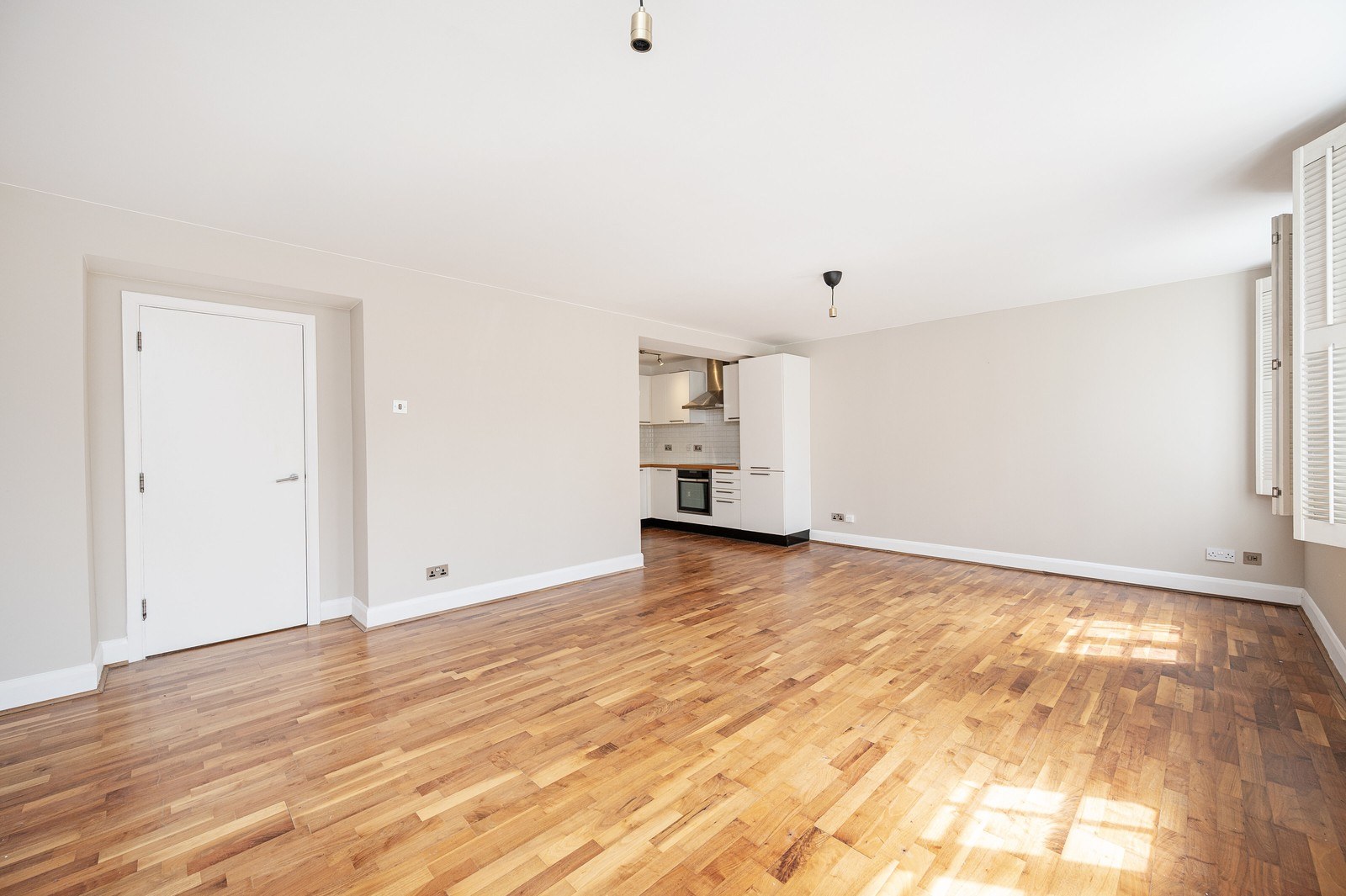
Upload a few photos of the empty room. Livium AI furnishes it once, in one 3D model with every piece at its real size, so every photo of the listing shows the same furniture in the same place.
 As photographedStaged by Livium AI
Sources
- Pricing (opens in a new tab), Apply Design, checked 23 November 2026
- Virtual Staging with one click (opens in a new tab), Virtual Staging AI, home page, checked 23 November 2026
- Pricing (opens in a new tab), Virtual Staging AI, checked 23 November 2026
- Pricing (opens in a new tab), Virtual Staging Art, checked 23 November 2026
- Pricing (opens in a new tab), REimagine Home, checked 23 November 2026
- Pricing (opens in a new tab), Collov AI, checked 23 November 2026
- Virtual Staging (opens in a new tab), BoxBrownie, checked 23 November 2026
All links last checked 23 November 2026.
Keep reading
AI or human virtual staging: which should you use?
AI virtual staging takes minutes and costs dollars a room. A design service takes hours or days and costs more per image. How each works, and why we choose AI.
Virtual staging for real estate agents: a working guide
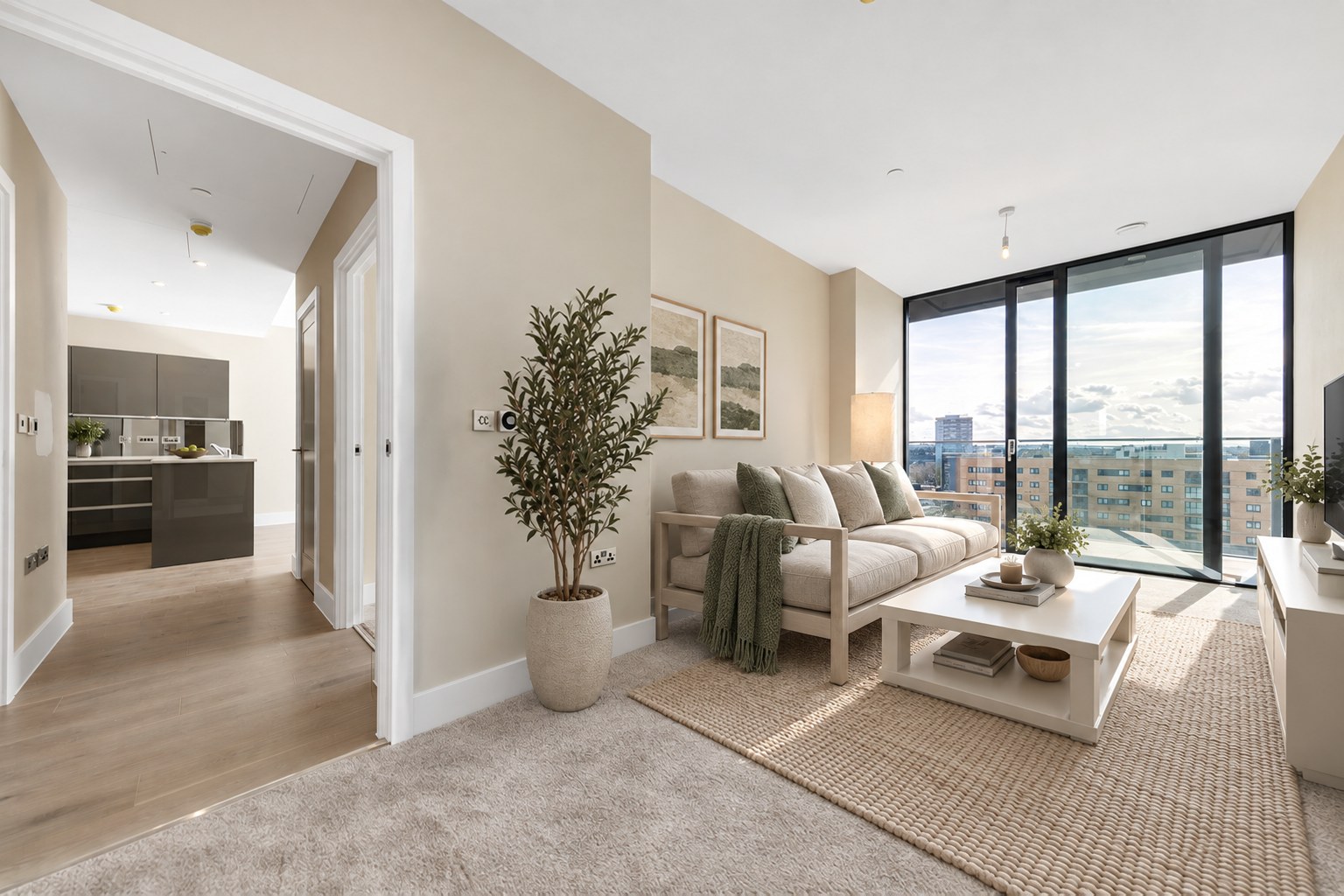
How estate agents use virtual staging: which listings and rooms to stage, how to show staged photos beside originals, and a whole flat staged for $3.00.
Virtual staging vs 3D rendering: which do you need?
A 3D render is drawn from plans, so it can show a unit not yet built. Virtual staging furnishes a photo of the real room, in minutes and for a few dirhams.