How to choose virtual staging software: a checklist
Choose virtual staging software by testing it on three photos of your own room. Eight checks, from matching furniture to disclosure, and Livium's answers.
On this page
Choose virtual staging software by testing it on three photos of one of your own rooms, not by its gallery. Check eight things: the furniture matches from photo to photo, the building is unchanged, the pieces are a believable size, a furnished room can be cleared, disclosure is built in, the price of a whole room is clear, you may use the images where you need them, and the free trial is enough to judge. Below, each check with the test to run and the question to put to the vendor.
We built Livium AI around these checks, starting with the first: every photo of a room is rendered from one 3D model of the furnished room, so the same furniture stands in the same place in each. Our 25 free credits are enough to run all eight on your own room.
This article is general information, not legal advice. Rules differ by country, emirate, regulator and portal, and they change. Check the rules that apply to your listing.
Key points
- Every vendor's gallery shows its best work. A trial on three photos of one of your own rooms shows what you will get.
- Most listings show a room from more than one angle, so the first test is whether the same furniture appears in the same place in every photo.
- Listing services with written rules allow furniture and decor to be added, not the property to be changed: CRMLS in California says users "CANNOT add, remove, or modify any real part of a property".
- CRMLS also requires the unaltered original "immediately before or after the digitally enhanced image", so software that keeps and exports the originals saves work.
- Price a whole room, with clearing, matched sets and credits that lapse, before you compare plans.
What should you check before choosing virtual staging software?
Eight things, and one trial per tool covers all of them. Use the same three photos of one room in every trial, so the results can be laid side by side.
| Check | How to test it | Ask the vendor |
|---|---|---|
| 1. The furniture matches across photos | Flick between the three staged photos | How do you keep one room the same in every photo? |
| 2. The building is unchanged | Compare each photo with its original, edge by edge | What does the tool change besides furniture? |
| 3. The furniture is a believable size | Compare a sofa or bed with a door or window | How is the size of each piece decided? |
| 4. A furnished room can be cleared | Try a photo of a lived-in room | Is clearing included, and can it be repeated? |
| 5. Disclosure is built in | Look for a label and the originals in the export | Can I download with and without a label? |
| 6. A room's price is clear | Price your three photos on the plan you would buy | What do clearing, remakes and matched sets add? |
| 7. You may use the images | Read the licence or terms | Where may I use the staged images? |
| 8. The trial is enough to judge | Count the photos, the watermark and the card | How many free photos, and are they watermarked? |
1. Does the furniture match across photos of one room?
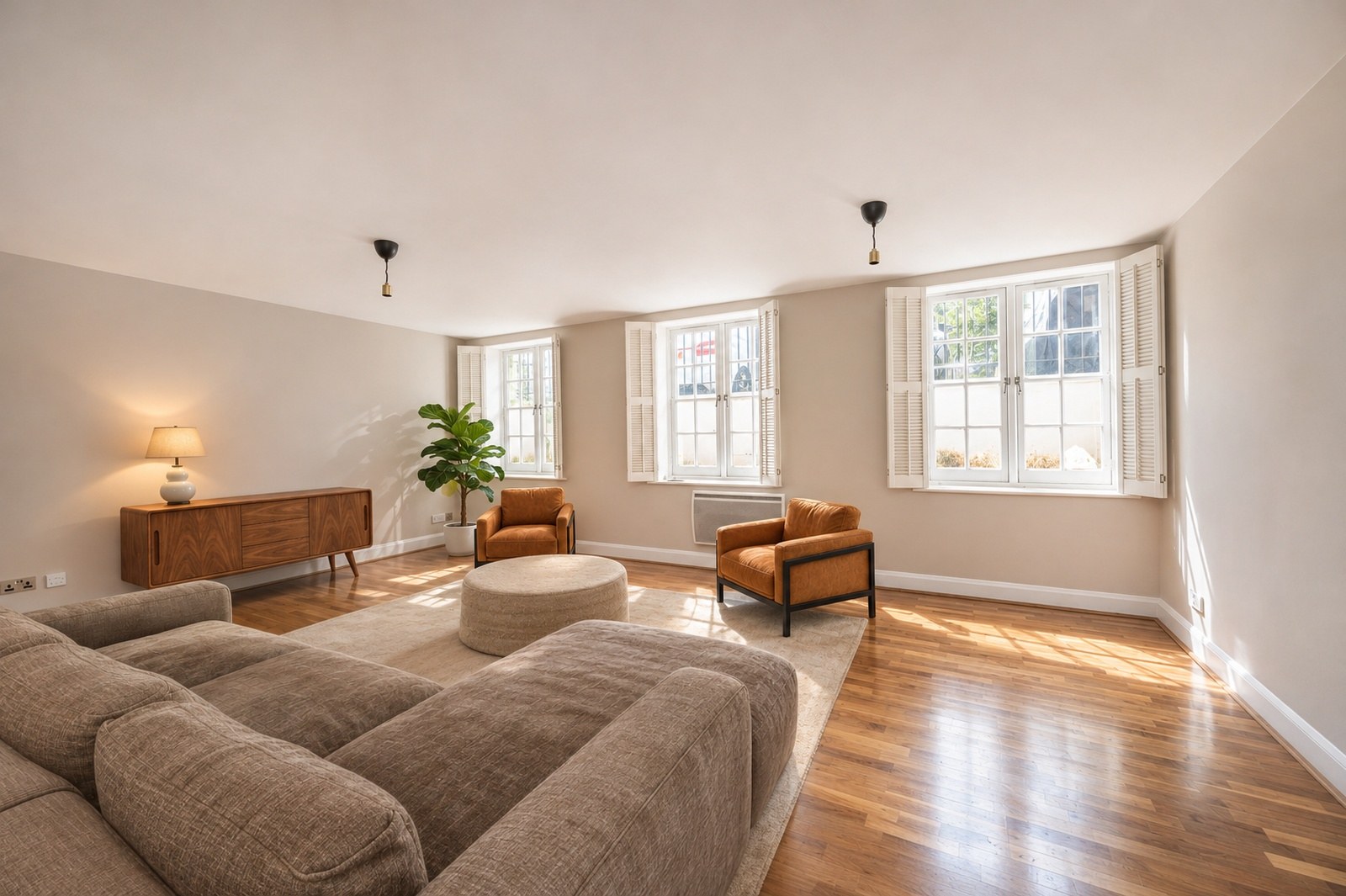
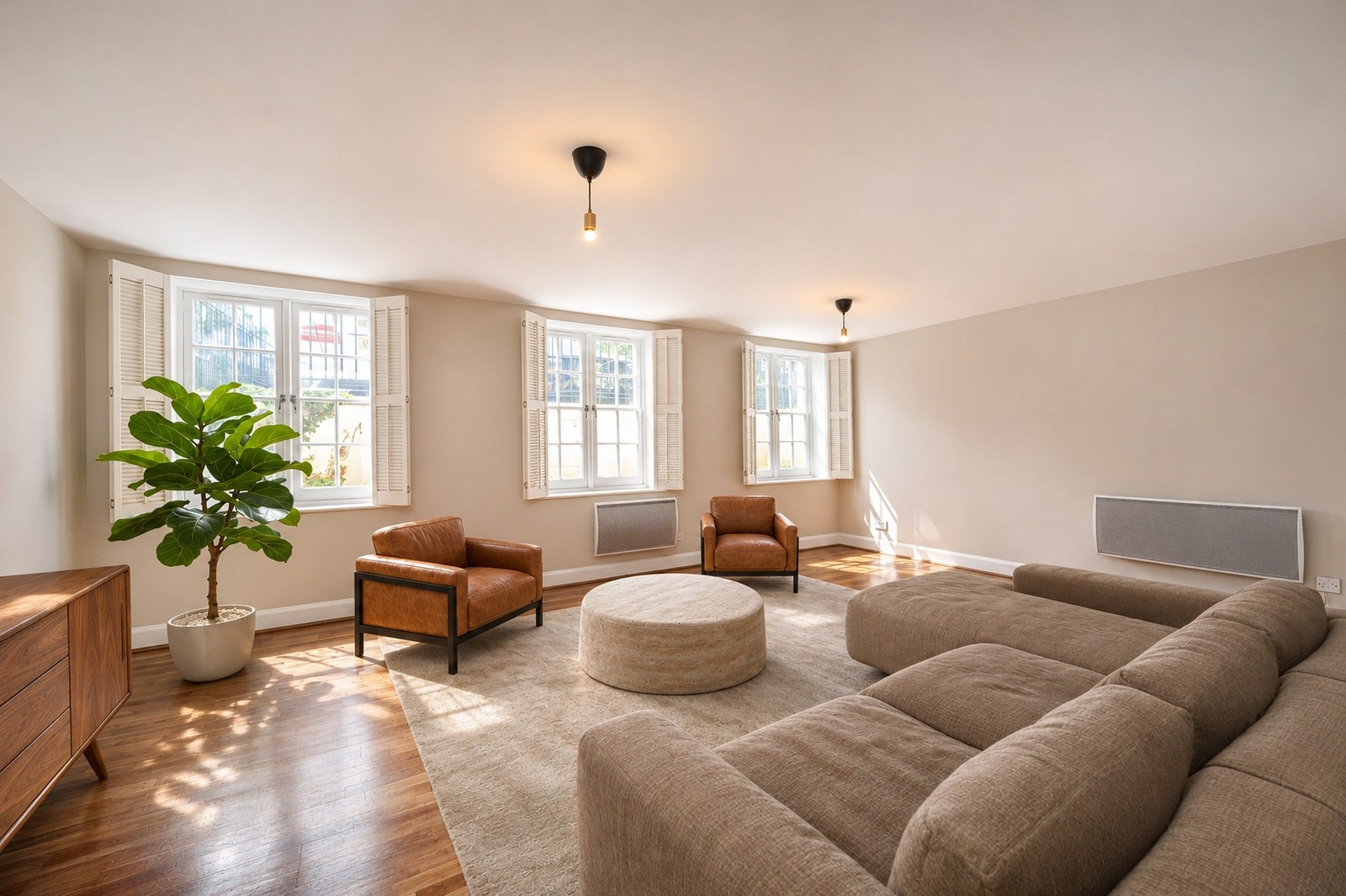
It should: the same sofa, rug and table, in the same places and at the same size, from every angle. Buyers flick between photos, and a room whose furniture changes stops looking like one real room.
Tools get there by different methods, and their own pages say which. We build one 3D model of the furnished room and render every photo from it, so matching is how every room is staged, at the standard price. Some furnish one uploaded photo at a time. Some sell a matched set as a feature: Collov AI's pricing page (opens in a new tab) lists "AI Multi-angle Staging" on its Advanced plan and above, and its menu describes multi-angle staging as "Apply the same furniture across multiple photos of the same room". Apply Design's home page (opens in a new tab) lists "Multi angle consistency" and says you can "Easily replicate designs in multiple images of the same space".
Whatever the method, judge the result. Our ten-minute multi-angle test lists exactly what to compare from one photo to the next.
2. Does it leave the building alone?
It must. Walls, floors, windows, doors, the view and fixed fittings are what is for sale. CRMLS, a California listing service, tells its users in its guidance on digitally altered images (opens in a new tab) that they "CANNOT add, remove, or modify any real part of a property such as wall color, flooring, cabinets, wall dimensions, landscaping, etc." NorthstarMLS in Minnesota proposed on 10 July 2026 (opens in a new tab) that virtual staging be permitted only "to add or remove personal property such as furniture and décor".
To test it, put each staged photo beside its original and run your eye round the edges: window frames, skirting, sockets, radiators, the colour of the floor and the view. The mistakes that make a listing look fake has the full list of what to look for.
3. Is the furniture a believable size?
It should be, because furniture drawn too small makes a room look bigger than it is, and buyers find out at the viewing. Compare a sofa or a bed with something in the photo whose size everyone knows, such as a door, a window or a radiator.
Ask the vendor how sizes are set. A tool that places 3D models with real dimensions answers the question before you ask it: in our app each piece is a 3D model at its real size.
4. Can it clear a furnished room?
Sooner or later you will need it, because tenanted and owner-occupied homes come with furniture. Check what it costs and whether it can be repeated. Virtual Staging AI's FAQ (opens in a new tab) says furniture removal "can be done only once during the photo upload process", so removing it again means uploading the photo again, for one credit. BoxBrownie's pricing page (opens in a new tab) prices item removal and virtual cleaning separately, at C$5.00 to C$10.00. We charge 3 credits a photo to clear a room before staging it. Test it on the most cluttered room you have.
5. Does it help you disclose?
It should make the label and the original the default, because that is what written rules ask for. CRMLS says "the original, unaltered version must appear in the listing immediately before or after the digitally enhanced image", and the staged photo must be labelled with words such as "virtually staged". In the UK, Rightmove told BBC News (opens in a new tab) (7 November 2026) that AI-generated imagery was allowed on the site "if it was clearly labelled", in the BBC's words.
Look for three things: a label you can switch on or off, the originals kept beside the staged photos and exported with them, and wording you can paste beside the photos. Our app does all three: each photo downloads with or without a "Virtually staged" label, the export puts every original in an originals folder, and the app gives a sentence to paste in English and Arabic. Disclosure rules, place by place covers what each rule asks for.
6. What does a whole room cost?
More than the headline price per photo, once you add what your listings need. Price your three photos on the plan you would really buy, then add:
- Clearing, if the room is furnished.
- A matched set, if the tool charges extra for it.
- Remakes, if the first result is not usable.
- Unused credits. Virtual Staging AI's FAQ says unused credits "do not roll over", and Virtual Staging Art's pricing page (opens in a new tab) says subscription credits "reset each month". Divide the plan's price by what you will really use.
With us, three matched photos are 15 credits, $1.50 on Pro at the time of writing. What virtual staging costs in 2026 prices one room of three photos on six tools, ours included, each from the vendor's own page.
7. May you use the images where you need them?
Read the licence or the terms before you upload a client's photos. Some vendors answer in their FAQ: REimagine Home's (opens in a new tab) says its outputs are "royalty-free for your commercial use" and that "Uploaded photos remain your responsibility to use legally".
Two questions matter most. May you use the staged image on portals, in print and on social media? And does the vendor claim any right to use your photos? Our own answer is in the photo licence.
8. Is the free trial enough to judge?
Count what it gives you. Offers on vendors' own pages run from "First image is free" at Apply Design (opens in a new tab) to five free credits at Virtual Staging Art and "5 free designs" at REimagine Home (opens in a new tab), and some free results carry a watermark.
Three photos of one room is the smallest useful test, because matching cannot be judged on a single photo. Our 25 free credits stage a room of up to five photos. What free virtual staging tools give you lists the offers side by side.
How Livium AI answers the eight checks
Here is what you will find when you run the list on our app.
- Matching: one 3D model of the furnished room is rendered from each photo's camera, up to six photos of a living room or bedroom.
- The building: the service is designed to keep walls, windows, doors, floors and fixed fittings as photographed, and a drag-to-compare view sets each result against its original.
- Sizes: every sofa, bed and table in our catalogue is a 3D model at its real size.
- Clearing: 3 credits a photo, before staging.
- Disclosure: a "Virtually staged" label on or off, originals kept and exported, a sentence to paste.
- Price: 5 credits a photo, so three photos are $1.50 and six are $3.00 on Pro, at the time of writing on our pricing page.
- Use: set out in our photo licence.
- Trial: 25 free credits, no card, watermarked until the first purchase.
A room usually takes minutes. Why our photos match shows the method on real rooms.
Common questions
Should I choose the cheapest tool?
Choose the cheapest tool that passes the eight checks on your own room. A tool that saves a dollar a photo but gives each photo of a room different furniture costs you the time to redo it, or a listing that looks wrong.
How long should a trial take?
Plan on about half an hour a tool: a few minutes to sign up and upload three photos, the time the tool takes to stage them, and ten minutes to compare the results with the originals and with each other.
Is a design service safer than software?
Not by itself. A service gives you a person to brief and a turnaround in hours or days, and software gives you control and results in minutes. Both have to pass the same checks. AI or human virtual staging compares the two.
Run the eight checks on Livium AI first
Start your trials with the tool built around the first check:
- Matching by design. Every photo of a room comes from one furnished 3D room, on every plan and in the free credits.
- Real sizes. Each piece is a 3D model at its real size, so a bed looks the size it is.
- Disclosure in the export. Labels on or off, originals in their own folder.
- A clear room price. $1.50 for three photos on Pro, usually in minutes.
Start with 25 free credits, no card, and run the eight checks on your own room.
Stage the room once.
Every photo matches.
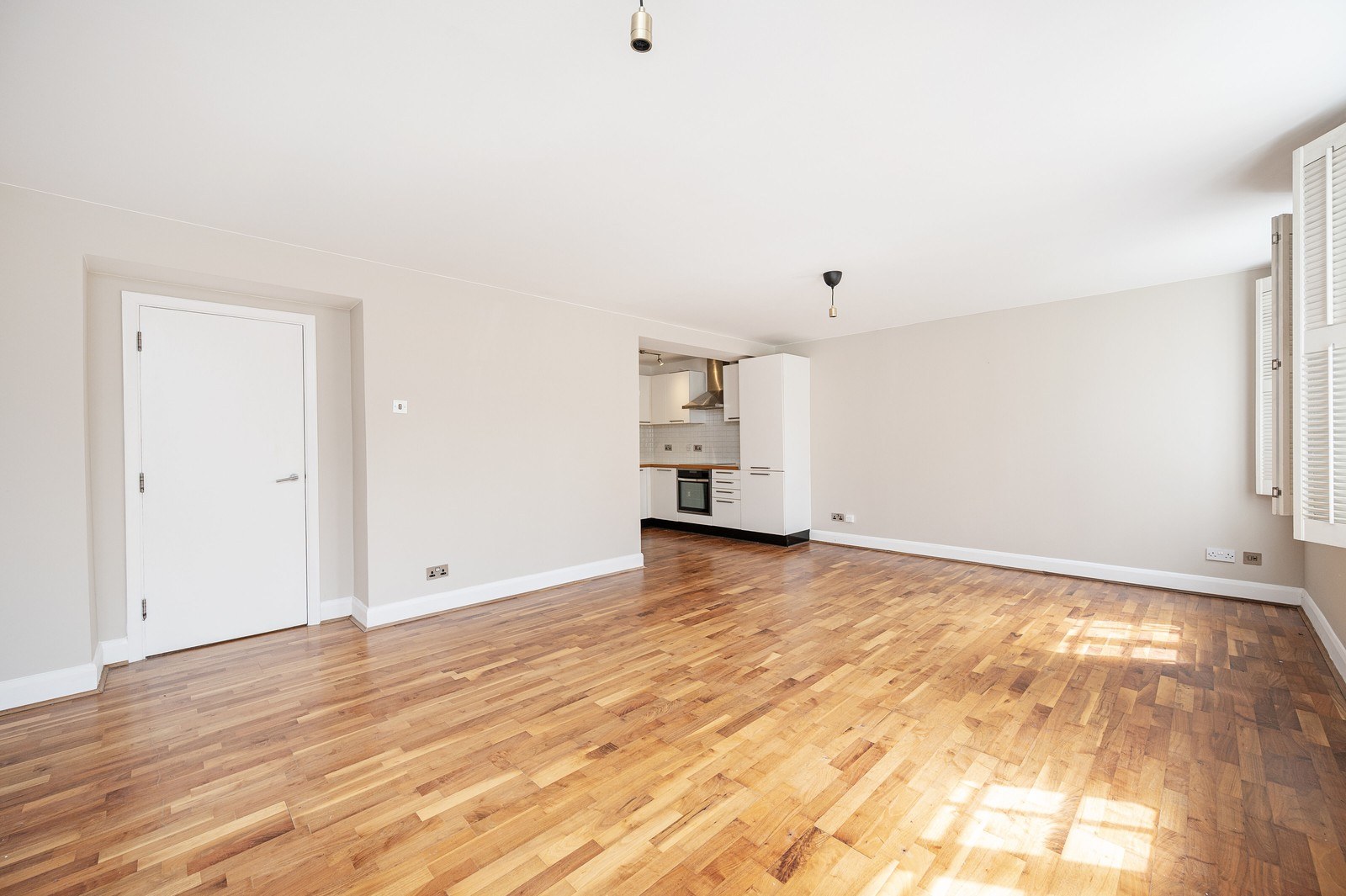
Upload a few photos of the empty room. Livium AI furnishes it once, in one 3D model with every piece at its real size, so every photo of the listing shows the same furniture in the same place.
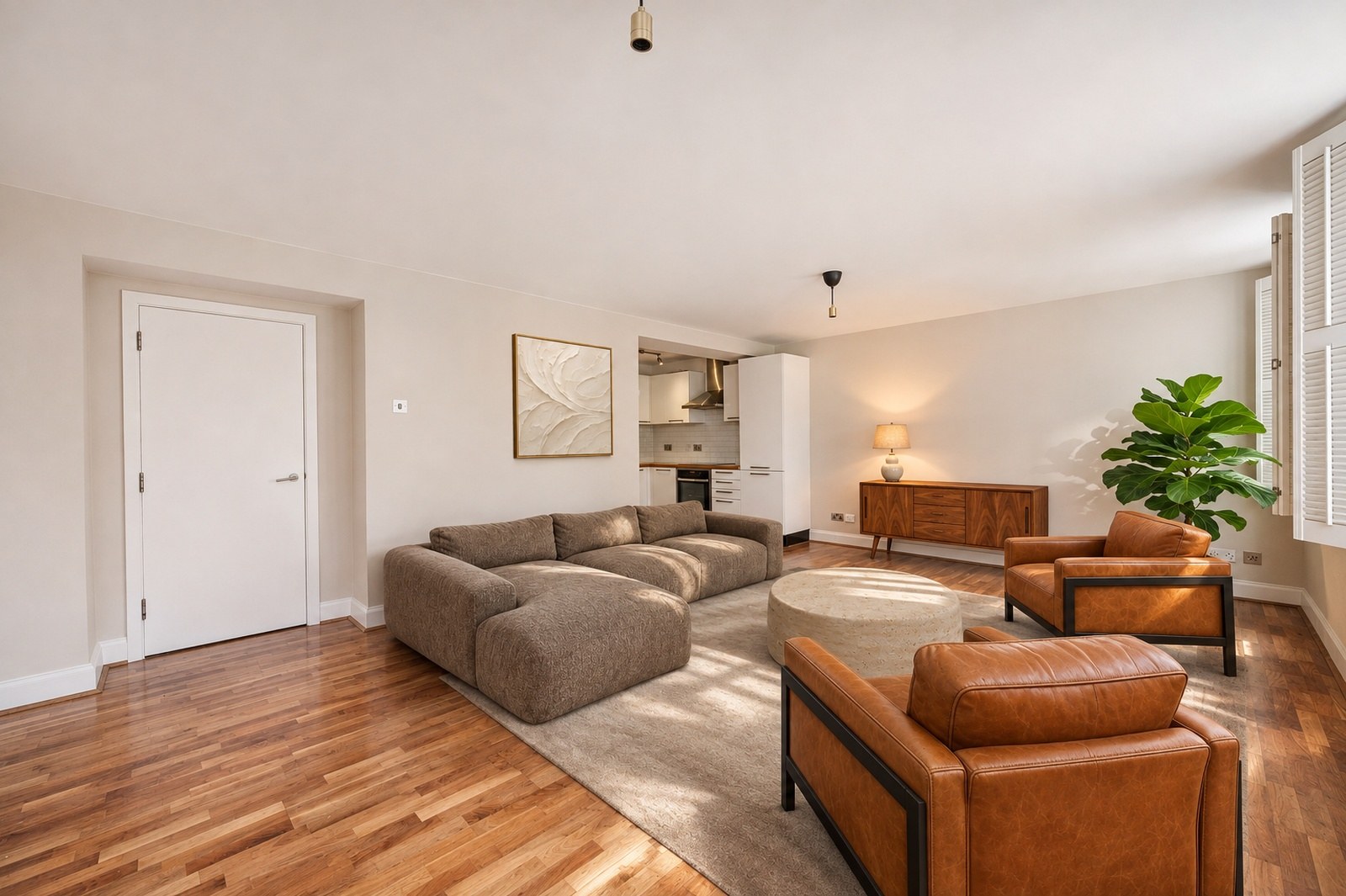 As photographedStaged by Livium AI
Sources
- Pricing (opens in a new tab), Collov AI, checked 23 November 2026
- AI-powered virtual staging (opens in a new tab), Apply Design, home page, checked 23 November 2026
- Pricing (opens in a new tab), Apply Design, checked 23 November 2026
- Digitally Altered Image Guidance & FAQs (opens in a new tab), CRMLS, updated 20 October 2026, checked 23 November 2026
- Guidelines for Virtual Staging and AI-Enhanced Listing Photos (opens in a new tab), NorthstarMLS, 10 July 2026 (proposed)
- FAQ (opens in a new tab), Virtual Staging AI, checked 23 November 2026
- Pricing (opens in a new tab), BoxBrownie, checked 23 November 2026
- AI in property listings is false advertising, house-hunters say (opens in a new tab), BBC News, 7 November 2026
- Pricing (opens in a new tab), Virtual Staging Art, checked 23 November 2026
- FAQs (opens in a new tab), REimagine Home, checked 23 November 2026
- Pricing (opens in a new tab), REimagine Home, checked 23 November 2026
All links last checked 23 November 2026.
Keep reading
How much does virtual staging cost? 2026 prices
Virtual staging software costs about $0.24 to $2.67 a photo on a subscription, $7 or more paid per image. With Livium, a matched room of three photos is $1.50.
Is virtual staging worth it? Costs, evidence and risks
Usually, for an empty room buyers first see online: it costs a few dirhams a photo. What the evidence shows, what it costs, and how to make it pay with Livium.
Home staging statistics, checked against their sources
Most home staging statistics lead to no study, or to US data from 2011 to 2013. We traced each one and set out what the NAR survey and the research found.