How to check a set of virtually staged photos: a checklist
A checklist for any set of staged photos of one room: the same pieces, places and sizes in every photo, nothing built changed, labels and originals in place.
On this page
Check a set of staged photos by following every piece of furniture through every photo of the room, then comparing each staged photo with its original. The set passes when the same pieces stand in the same places at the same sizes in every photo, nothing built has changed, and each staged photo is labelled with its original kept. The checklist below works on any tool's output or a human stager's: how to lay the photos out, the checks in order, and what to do when a set fails.
Part 1, the furniture matching, is what Livium AI is built for: it stages up to six photos of a room from one furnished 3D model, so every piece is the same piece in the same place in each, and it opens every staged photo beside its original for Parts 2 and 3.
This article is general information, not legal advice. Rules differ by country, emirate, regulator and portal, and they change. Check the rules that apply to your listing.
Key points
- A staged set of one room passes only if every piece seen from two angles is the same piece, in the same place, at the same size in both photos.
- Judge where a piece stands by where its legs meet the floor, against a window, a door or a corner, because furniture seems to slide across the wall behind it when the camera moves.
- Compare every staged photo with its original: walls, windows, doors, floors, fixed fittings and the view must be as photographed.
- Since 1 January 2026, California's law requires a real estate broker or salesperson who advertises a sale with a digitally altered image to add a statement "disclosing that the image has been altered", on or beside the image, with a link or QR code to the original.
- If a photo still fails after it is made again, publish the staged photos that pass and show the rest as photographed.
What does a staged set need to pass?
Three things: the furniture agrees across the photos, each photo agrees with its original, and the listing says honestly what was staged.
| Part | What you compare | It passes when |
|---|---|---|
| 1. The set | Staged photo against staged photo | Every piece is the same, in the same place, at the same size |
| 2. The building | Each staged photo against its original | Nothing that is built has changed |
| 3. The listing | The staged photos against the rules you list under | Each staged photo is labelled and its original is kept |
Run them in that order. A set that fails Part 1 is not worth labelling yet, and a photo that fails Part 2 should not be published staged at all.
How should you lay out the photos to check them?
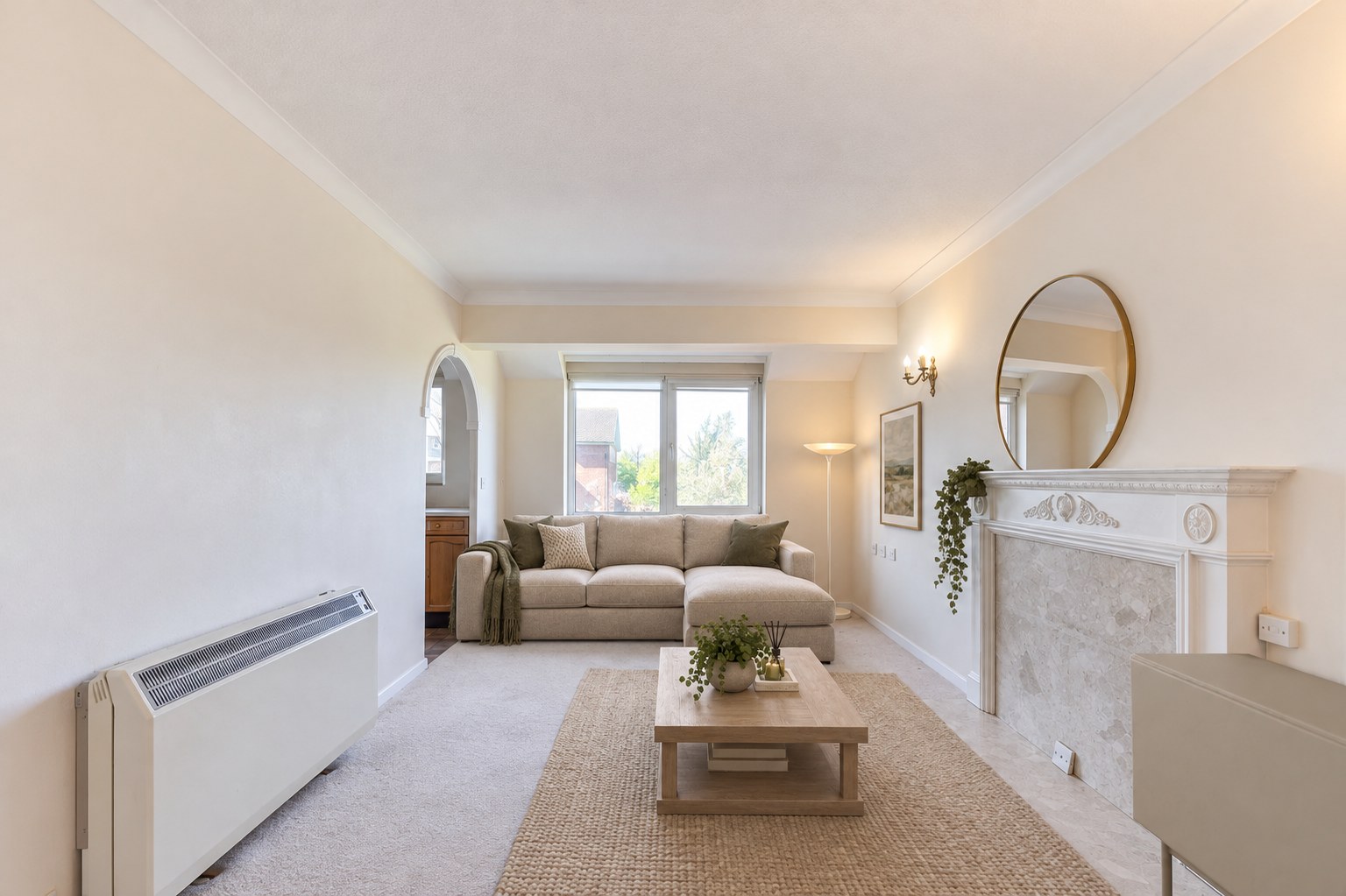
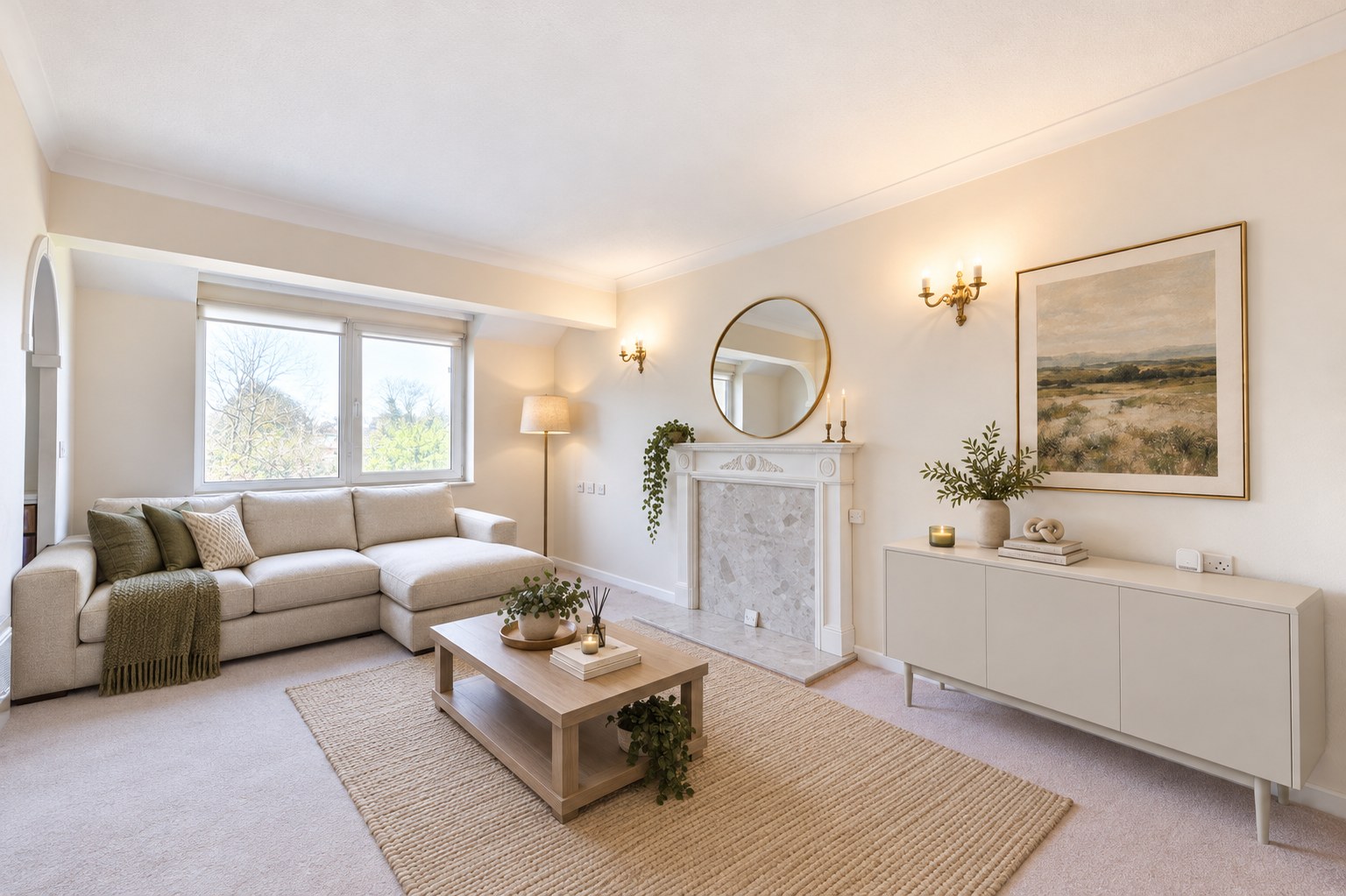
At full size, side by side, each staged photo next to its original, with a rough plan of the room on paper beside them.
- Full size. Open the photos on a large screen, not as thumbnails.
- Pairs. Put each original beside its staged photo, in the order the listing will show them.
- A sketch. Draw the room's outline, mark the windows, the door and any radiator or air-conditioning grille, and add an arrow for each photo's camera.
The sketch is the test a buyer runs in their head, done on paper. If you can't draw one layout that fits every photo, nor can the buyer.
Part 1: does the furniture match in every photo?
It matches when every piece passes these eight checks in every photo where its part of the room is in view.
- Inventory. List every piece in the reference photo and tick it off in every other photo that looks at its part of the room.
- Identity. Compare each large piece's shape, number of seats, arms, legs and back. A three-seater that becomes a corner sofa is a different piece.
- Materials. Zoom in on fabric, wood tone, metal and cushions. Sun and shade can make a fabric look lighter or darker, which is fine. Grey that turns beige is not.
- Position. Note where each piece stands against two fixed things, such as a window and a corner, judged where its legs meet the floor. On tiles or boards, count them to the wall.
- Direction. A sofa that faces the window from one side and the television wall from the other has turned.
- Size. Compare each piece with something fixed at the same distance from the camera: the window, the door, the tiles under the rug. A rug that covers four tiles in one photo and six in the next has changed size.
- Walls. Pictures and mirrors hang on the same wall, at the same height, in every photo that shows that wall.
- One plan. Mark every piece on your sketch. If one position for each piece fits every photo, the set passes Part 1.
How do you tell a moving camera from a moving sofa?
By the floor. As the camera moves, furniture seems to slide against the wall behind it, and a piece near the camera looks bigger than the same piece across the room. Neither is a fault. What must not change is where the piece touches the floor, against the nearest fixed point. Our article on why the sofa changes between staged photos explains the effects that make a piece that stayed put look different.
Part 2: has anything built changed?
Flick between each staged photo and its original at the same size. Anything permanent that moved, changed or disappeared fails that photo, however well the furniture matches.
Check, in each pair:
- Walls, the ceiling, and any column or beam.
- Windows, doors and their frames: count the panes, and check handles and which way doors open.
- The floor: its material, pattern and colour, and where it changes.
- Fixed fittings: lights, sockets, radiators, air-conditioning units and grilles, fitted wardrobes and kitchen units.
- The view through the windows, and any balcony.
- What the new furniture now covers.
Proposed guidelines from NorthstarMLS (opens in a new tab) (10 July 2026), a US multiple listing service (the shared database agents list homes on), would allow virtual staging "only to add or remove personal property such as furniture and décor" and would prohibit "Alterations that change or hide permanent or structural elements of the property". A sofa in front of a radiator hides part of what is for sale, so make sure each fitting shows in at least one photo or in the original beside it. Our guide to editing listing photos sets out which edits need a label and which should never be made.
Part 3: does the listing say what was staged?
Label each staged photo as virtually staged and keep its original in the listing. That is the practice the rules we read point towards:
- United States, Realtors. Article 12 of the National Association of Realtors' Code of Ethics (opens in a new tab) (2026 edition) says members "shall present a true picture in their advertising, marketing, and other representations". Its Standard of Practice 12-10 prohibits members from "otherwise misleading consumers, including use of misleading images".
- California. Section 10140.8 of the Business and Professions Code (opens in a new tab), added by AB 723 and in force since 1 January 2026, applies to "A real estate broker or salesperson, or person acting on their behalf" advertising a sale with an image altered to add, remove or change elements, furniture among them. The advert needs a statement "disclosing that the image has been altered", "reasonably conspicuous and located on or adjacent to the image", with a link or QR code to the original.
- NorthstarMLS (proposed). A staged photo "should be identified as such in the photo caption, on the photo or in agent or public remarks", and for every staged room the listing should include at least one unaltered "Before" image that "shows the actual, true condition of the room/area".
For other places, including the UAE, our guide to whether you have to disclose virtual staging compares the rules, and our disclaimer wording to copy gives sentences for captions and descriptions. In the listing itself, check that every staged photo carries a label, that the description says the furniture is not included, and that each original is kept and can be shown.
What should you do when a set fails?
Make the failing photo again, or publish it as photographed.
- One photo fails Part 1. Make it again and rerun the checks on the whole set. With a tool that stages one picture at a time, each attempt is a new design, so a fix in one place can bring a mismatch somewhere else.
- It still fails. Publish the photos that pass as staged and the rest as photographed.
- Any photo fails Part 2. Don't publish it staged. A changed window is a statement about the property, not about the furniture.
The checklist on one page
A set passes when no row fails.
| # | Check | It fails when |
|---|---|---|
| 1 | Inventory | A piece is missing where its part of the room is in view, or appears in one photo only |
| 2 | Identity | The shape, seats, arms or legs change |
| 3 | Materials | Colour or material changes beyond light and shade |
| 4 | Position | A piece moves against the window, door or corner |
| 5 | Direction | A piece faces another way |
| 6 | Size | A piece changes size against a fixed thing beside it |
| 7 | Walls | A picture or mirror changes wall or height |
| 8 | One plan | No single layout fits every photo |
| 9 | Building | Anything built has moved, changed or gone |
| 10 | Hidden fittings | A fitting is hidden in every photo and every original |
| 11 | Label | A staged photo has no label |
| 12 | Original | A staged photo has no original kept |
Stage a set built to pass with Livium AI
Livium AI stages the room, not the photo, which is how a set stays one set. You upload up to six ordinary photos of a living room or bedroom, choose the pieces or press "Furnish for me", and the app builds one 3D model of the furnished room and renders it from each photo's camera. Checks 1 to 8 are what that model is for: one inventory, one layout, every piece at its real size, seen from each camera.
- Part 2 on one screen. Each staged photo opens beside its original in a drag-to-compare view, and the service is designed to keep the walls, windows, doors, floors and fixed fittings as photographed.
- Part 3 done for you. Each photo downloads with a "Virtually staged" label or without one, the export puts every original in an originals folder, and the app gives a sentence in English and Arabic to paste beside it.
- Minutes and a known price. A room usually takes minutes. Three photos are 15 credits, $1.50 on Pro at the time of writing (our plans).
Multi-angle virtual staging shows sets from real rooms.
Common questions
Who should run the checks, the agent or the photographer?
The agent publishes the listing and answers for it, so the agent should run at least Parts 2 and 3, even when a photographer or stager delivers the set. A photographer who stages as part of the shoot can run Part 1 before delivery and save a round of changes.
Is it ever fine for the furniture to change between photos?
Not within one room in one listing. To show the same room with two designs, present them as two separate sets, each labelled, so no buyer reads them as one room. Photos of different rooms can carry different furniture: our guide to one staging style for a whole listing covers how they should relate.
Run this checklist on your own room
Start with the tool that makes Part 1 the easy part. Livium AI gives you one room in every photo, each original beside its staged photo, and the label and originals folder in the download, usually in minutes. Start with 25 free credits: no card, enough for a room of up to five photos.
Stage the room once.
Every photo matches.
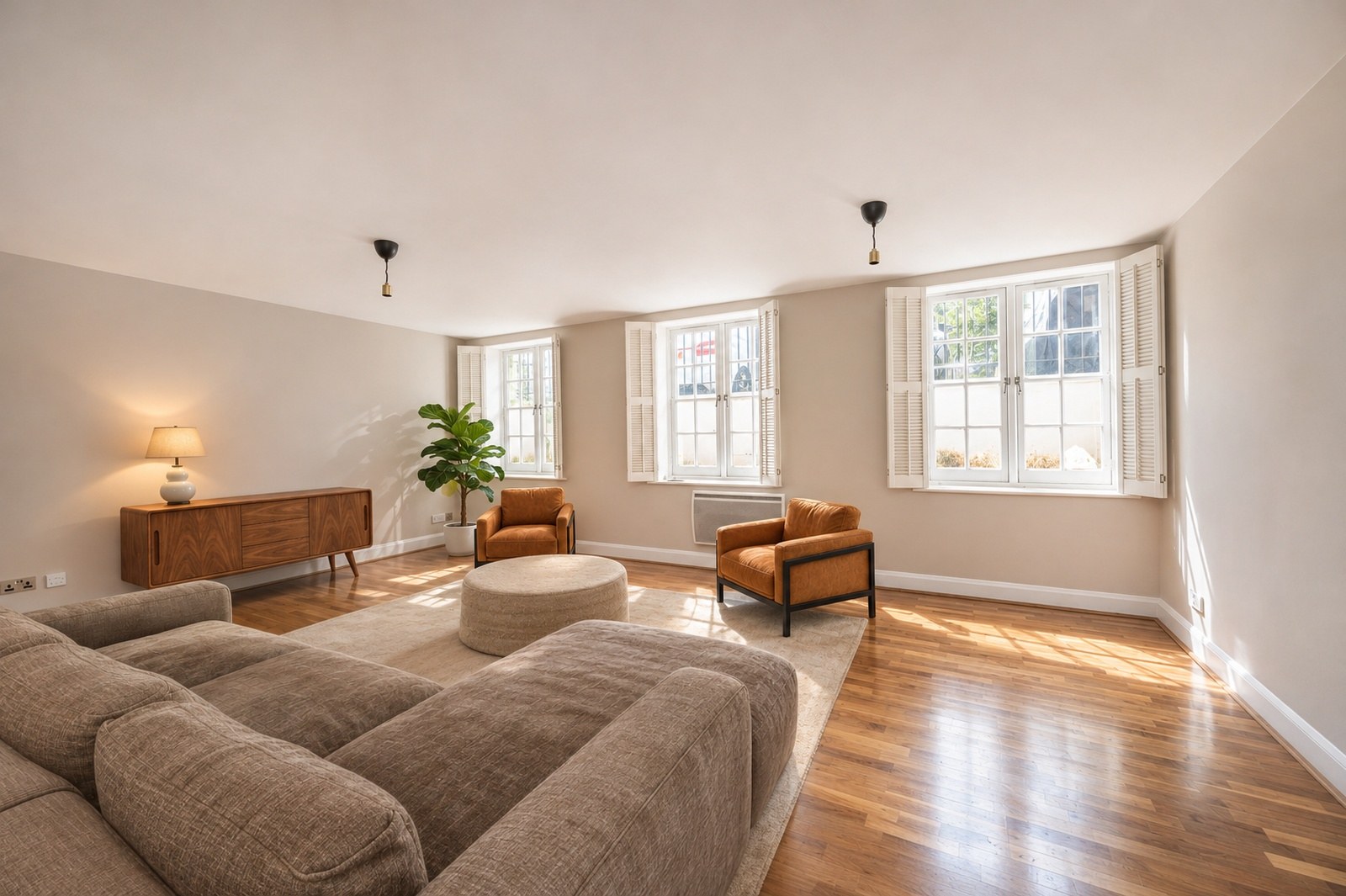
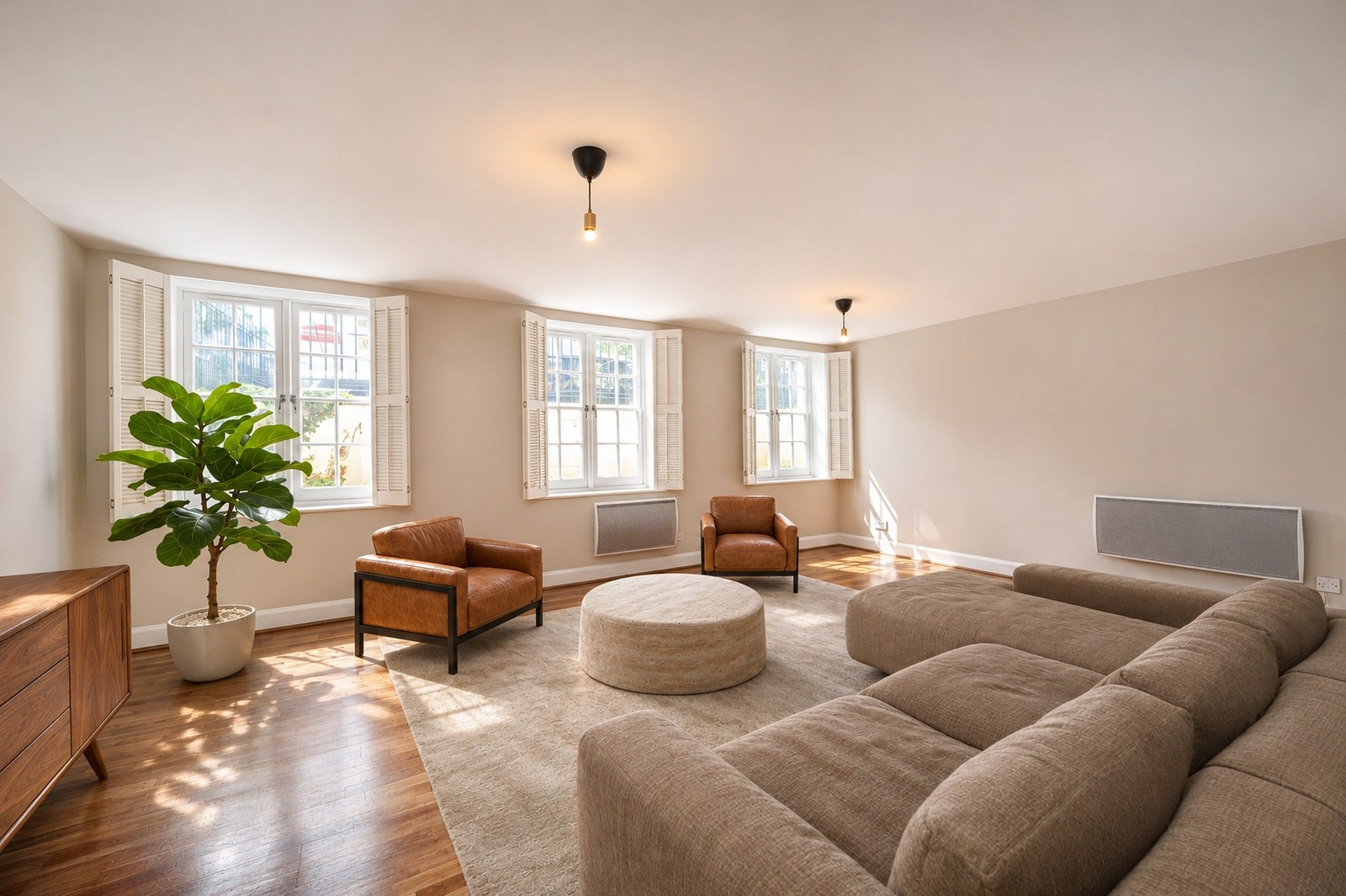
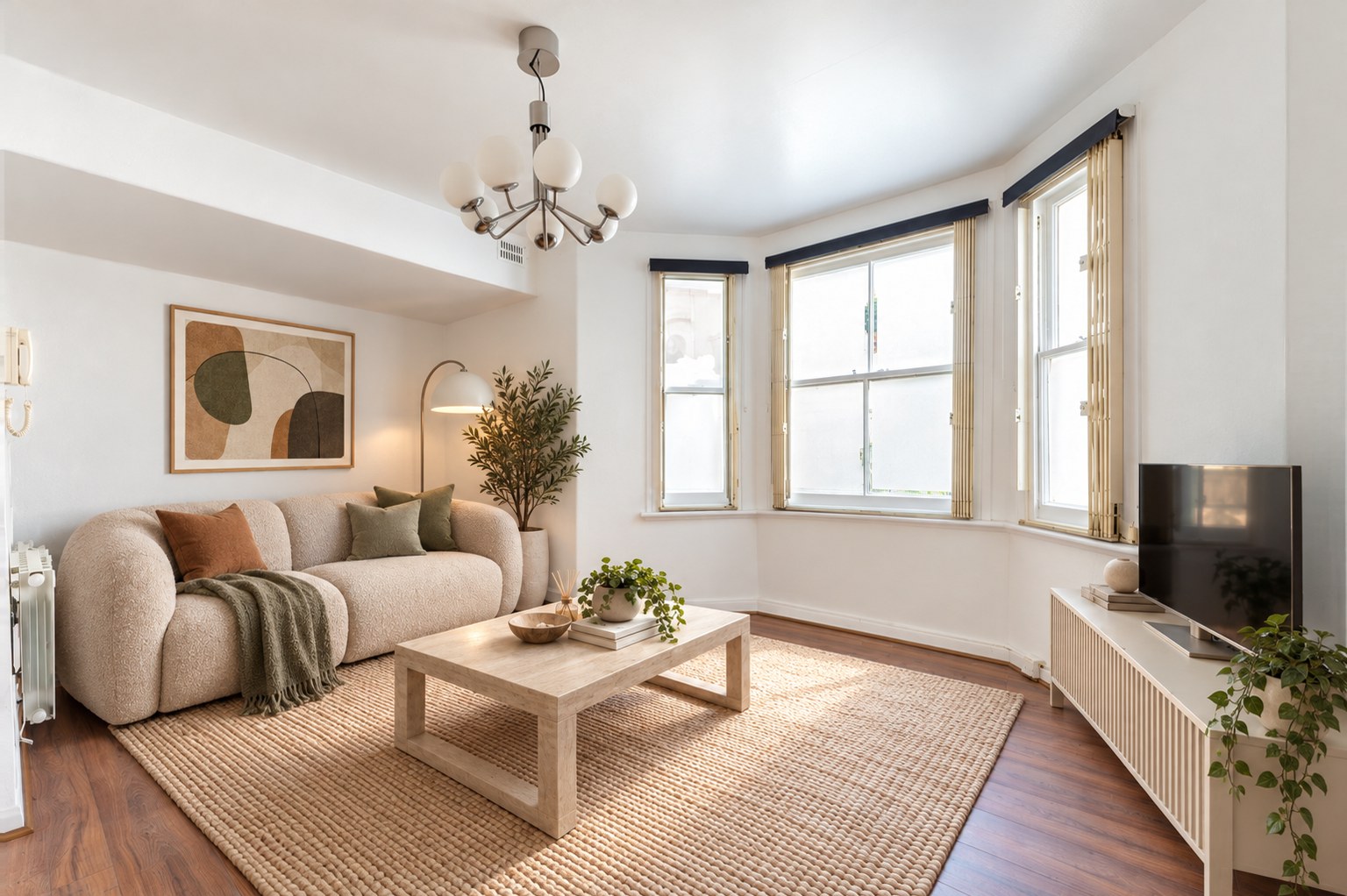
Upload a few photos of the empty room. Livium AI furnishes it once, in one 3D model with every piece at its real size, so every photo of the listing shows the same furniture in the same place.
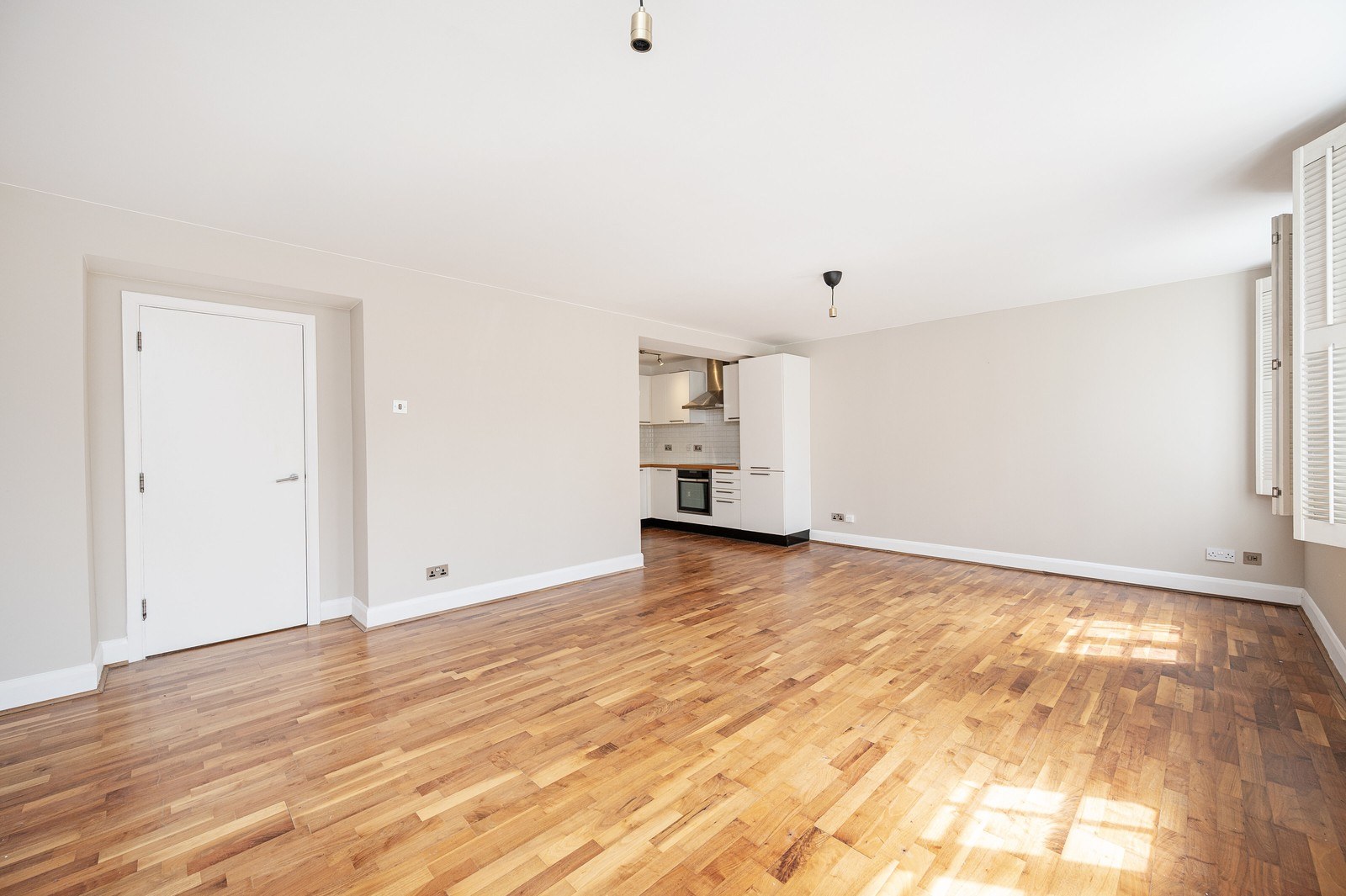
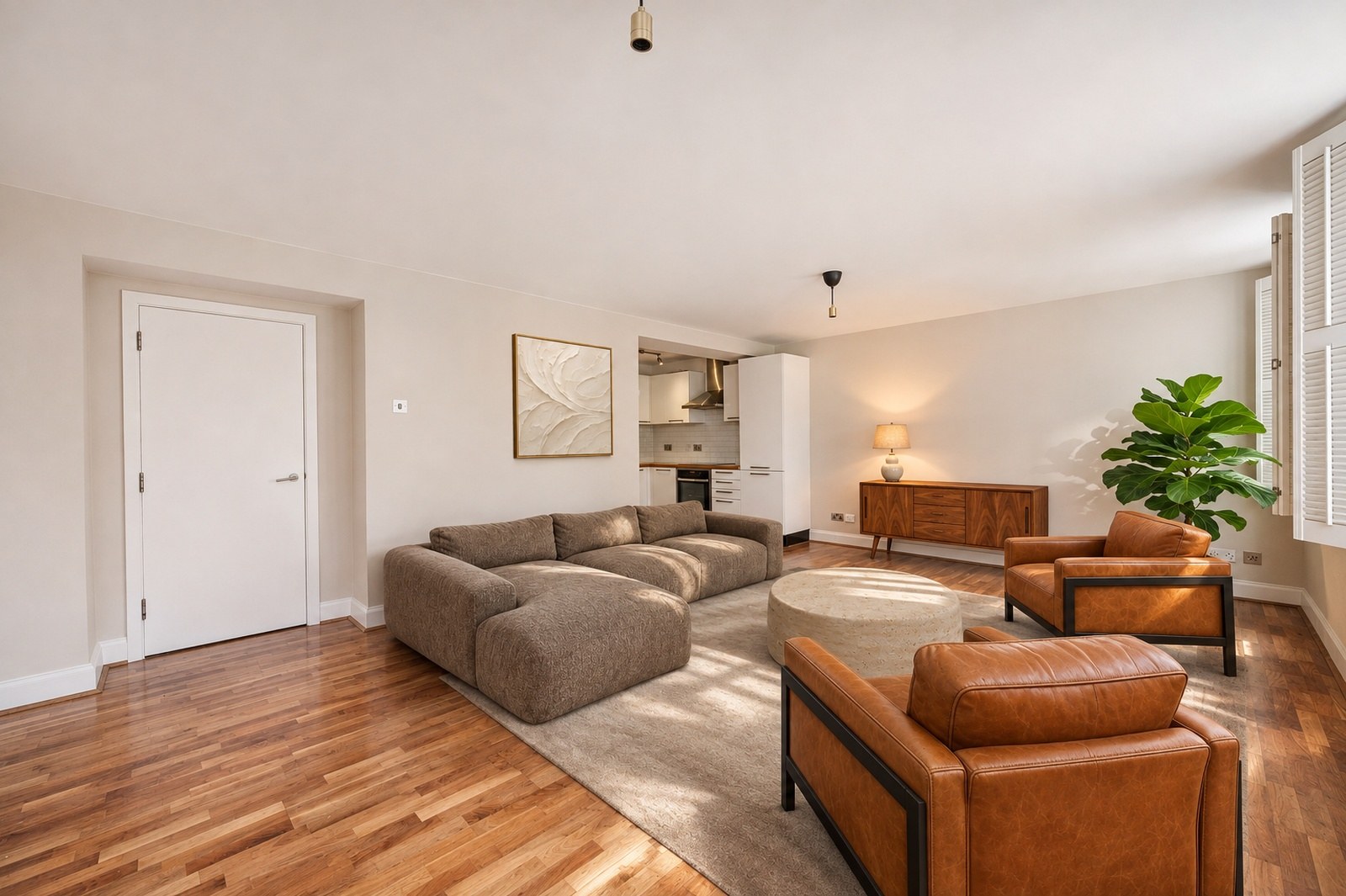 As photographedStaged by Livium AI
Sources
All links last checked on 23 November 2026.
- National Association of Realtors, Code of Ethics, Article 12 and Standard of Practice 12-10 (opens in a new tab), 2026 edition, effective 1 January 2026.
- California Legislative Information, Business and Professions Code section 10140.8 (opens in a new tab), added by Stats. 2025, Ch. 497 (AB 723), effective 1 January 2026.
- NorthstarMLS, Guidelines for Virtual Staging and AI-Enhanced Listing Photos (opens in a new tab), proposed guidelines, 10 July 2026.
Keep reading
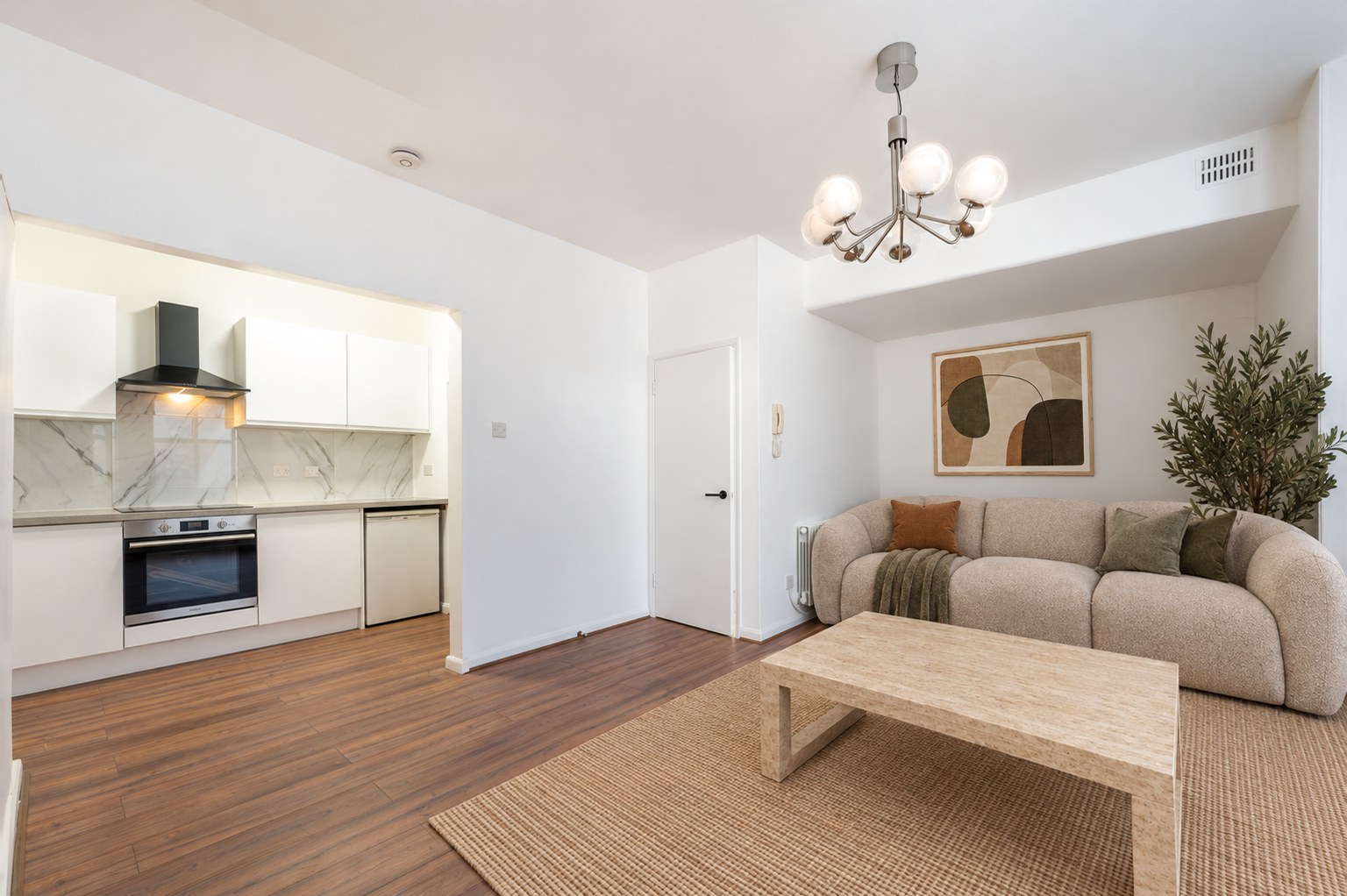
Virtual staging an open-plan room from every angle
Stage an open-plan room by deciding its zones once and showing that layout from every angle: where the seating, rug and table go, and what stays as it is.
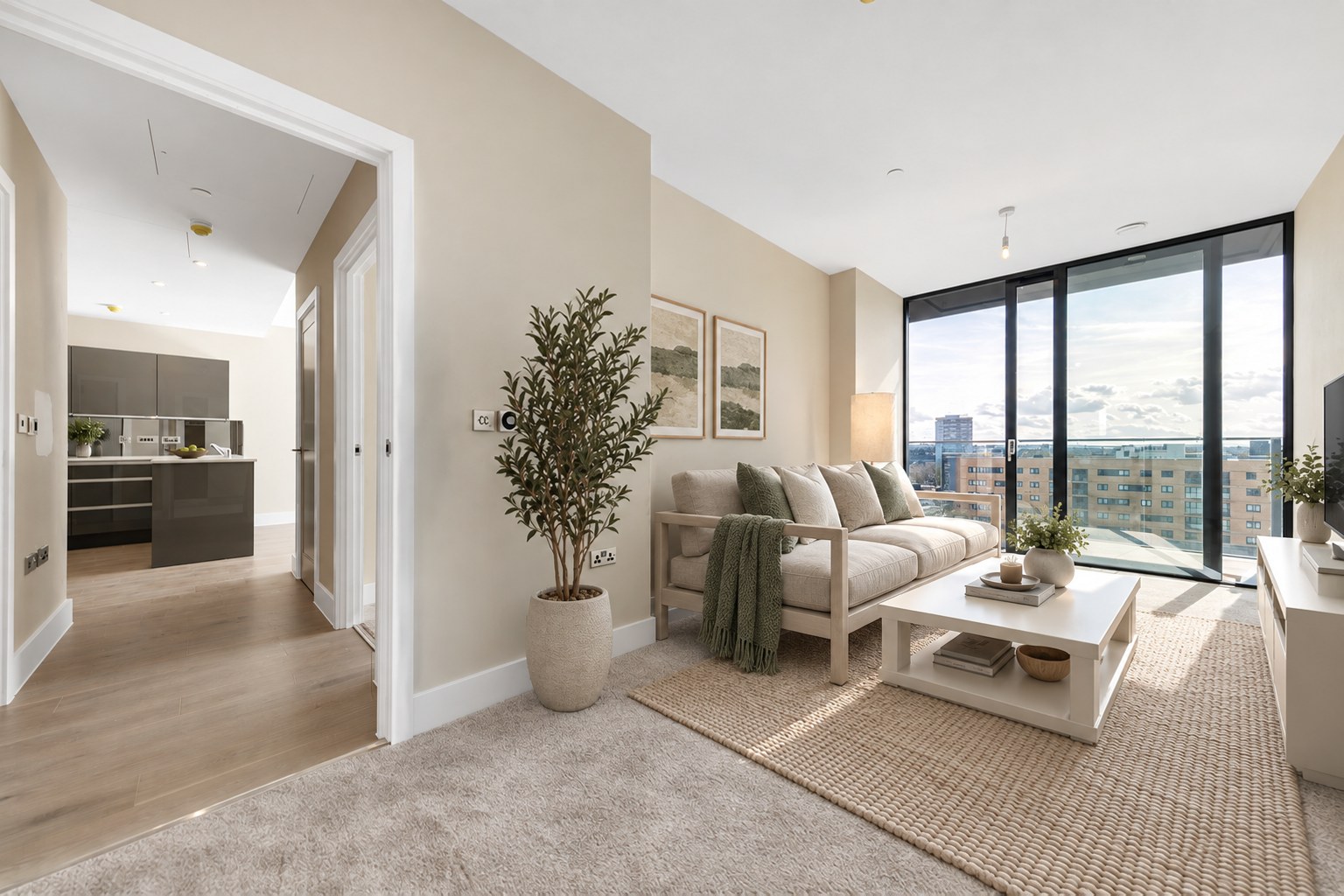
Virtual staging style: one look for the whole listing
Stage every room of a listing in one style family, and keep each room's furniture identical in every photo of it. How to choose the style, and what must match.
Can ChatGPT do virtual staging? What works, what doesn't
ChatGPT and Gemini can stage one listing photo. Where they slip on a room's other photos, furniture size and the building, and how to stage the whole room.